

WordPress security is non-negotiable. A single vulnerability can expose your website to malware infections, brute-force attacks, data breaches, and unexpected downtime. These security incidents don’t just disrupt operations; they can also harm search visibility, user trust, and overall brand credibility.
While best practices such as regular updates, strong passwords, and reliable hosting play an important role, they are not sufficient on their own.
Implementing a dedicated security plugin adds a crucial layer of protection by actively monitoring threats, blocking malicious activity, and reinforcing your site’s defenses.
In this article, we explore the best WordPress site security plugins to help you safeguard your website effectively.
TL;DR: Best WordPress Security Plugins & Practices
- Why Security Matters: It protects against hacks, malware, data loss, and SEO penalties.
- Vulnerabilities: Open-source code, outdated plugins/themes, and weak passwords.
- Professional Help: Experts complement plugins for high-traffic or business-critical sites.
- Top Plugins: SolidWP, Wordfence, Jetpack, Patchstack, Sucuri, AIOS, Defender, Shield, SecuPress, and Security Ninja.
- Free vs Premium: Free security plugin offers basic protection; premium security plugin adds advanced features, scans, and proactive defense.
- Best Practices: This includes regular updates, strong credentials, backups, monitoring, and combined plugin + professional approach.
Importance of WordPress Website Security
Since WordPress websites rely on multiple components working together, even a minor security gap can expose the entire site to serious threats.
Understanding why WordPress sites are vulnerable, the consequences of security breaches, and the essential features of a reliable security plugin helps website owners take proactive action rather than reacting after damage occurs.
Why WordPress Sites Are Vulnerable?
WordPress websites face unique security challenges due to their structure and widespread use. Here are some of the reasons for WordPress site vulnerabilities:
- Open-Source Nature: Being open-source, WordPress makes its code publicly accessible. This transparency encourages innovation and community contributions, but also allows attackers to study the code for weaknesses and exploit vulnerabilities.
- Third-Party Themes and Plugins: Plugins and themes add functionality and flexibility, yet poorly coded, outdated, or abandoned third-party tools often create security gaps. Hackers frequently target these weak points to gain unauthorized access.
- Outdated Software: Websites that fail to update the WordPress core, plugins, or themes remain exposed to known security flaws. Cybercriminals actively scan for outdated versions to exploit.
- Weak Login Credentials: Simple or reused passwords make it easier for attackers to perform brute-force login attempts. Without additional safeguards such as two-factor authentication or login limits, login pages can become a major vulnerability.
Addressing these factors is crucial for maintaining a secure WordPress website.
Hiring a Professional for WordPress Website Security
While security plugins provide an essential layer of protection, they cannot address every potential threat on their own. For high-traffic websites, eCommerce stores, or business-critical platforms, hiring a professional WordPress security expert ensures comprehensive protection and peace of mind.

Professionals can identify vulnerabilities, implement advanced security measures, and respond quickly if an issue arises, complementing the automated safeguards offered by plugins.
When Plugins Alone Aren’t Enough
Security plugins are effective for routine monitoring and basic threat prevention, but complex attacks often require human expertise.
Websites handling sensitive data, online transactions, or large amounts of traffic are particularly vulnerable. In these cases, relying solely on plugins may leave gaps that hackers can exploit.
Benefits of Hiring a WordPress Security Expert
A professional can configure firewalls, optimize server-level security, and implement advanced monitoring that goes beyond standard plugin capabilities.
They can perform malware removal, recover compromised data, and ensure compliance with security standards. Additionally, experts provide proactive strategies to prevent future attacks, rather than just reacting after a breach occurs.
Plugin + Professional = Best Protection
The most effective security approach combines automated tools with professional oversight. Plugins handle routine tasks like malware scanning, login protection, and file monitoring, while experts provide tailored solutions, strategic guidance, and real-time intervention.
This combination minimizes risks and ensures your website remains fast, secure, and reliable for users and search engines alike.
Expert WordPress Security Made Simple
Combine the power of top security plugins with professional monitoring to safeguard your site 24/7. Prevent attacks, secure sensitive data, and maintain your website’s performance with trusted expertise.
Best WordPress Security Plugins Compared
The plugins listed below were carefully selected based on four key criteria: ease of use, feature set, performance impact, and value, weighing the benefits of free versus premium options. These considerations ensure that your website receives reliable, effective, and user-friendly protection.
SolidWP (formerly iThemes Security)
SolidWP is a versatile WordPress security plugin designed to offer comprehensive protection without overwhelming users.
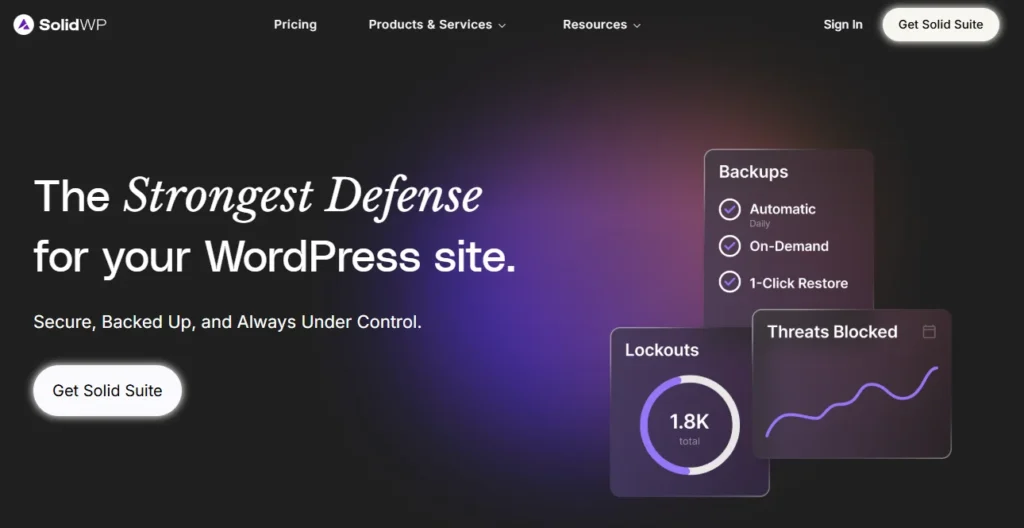
Known for its user-friendly interface, it helps website owners strengthen their site against common threats while providing detailed insights into security status.
Key Features:
- Brute-Force Protection: Blocks repeated login attempts to prevent unauthorized access.
- Two-Factor Authentication (2FA): Adds an extra layer of login security for all users.
- File Change Detection: Monitors critical files for unauthorized modifications.
- Vulnerability Scanning: Identifies potential weaknesses in plugins, themes, and WordPress core.
- Free vs Premium: The free version offers basic protection like brute-force prevention and file monitoring, while the premium version adds malware scanning, two-factor authentication, and advanced site hardening features.
Best For: Small to mid-sized businesses seeking reliable, all-in-one security that’s easy to configure. SolidWP balances robust protection with performance, making it a solid choice for site owners who want proactive defense without technical complexity.
Wordfence Security
Wordfence Security is one of the most popular WordPress security plugins due to its robust protection, real-time monitoring, and ease of use.
Trusted by millions of websites, it offers comprehensive defenses against malware, brute-force attacks, and other common threats.
Key Features:
- Web Application Firewall (WAF): Blocks malicious traffic before it reaches your site.
- Malware Scanner: Detects and removes malware, backdoors, and other suspicious code.
- Live Traffic Monitoring: Tracks visits, login attempts, and potential attacks in real-time.
- Free vs Premium: The free version offers essential protection, while the premium version includes real-time firewall rules, scheduled scans, and country blocking.
Best For: Websites of all sizes, especially high-traffic sites and eCommerce stores seeking reliable, comprehensive security.
Jetpack Security
Jetpack Security offers a suite of security-focused modules designed to protect WordPress websites with minimal configuration, making it an excellent choice for beginners.
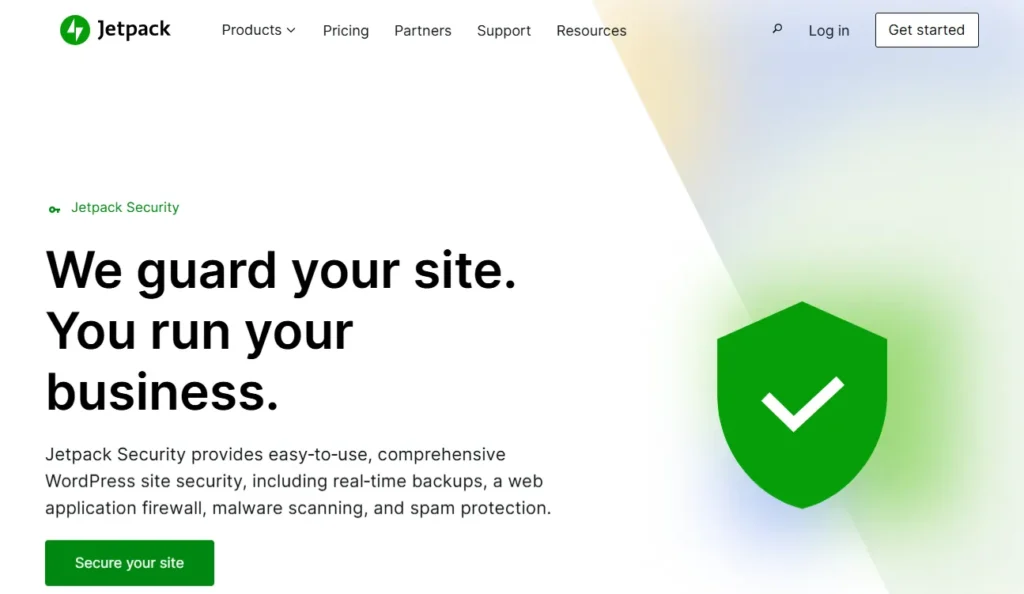
By combining essential security features with backup and performance tools, Jetpack simplifies website protection for non-technical users.
Key Features:
- Automated Backups: Schedule regular backups to secure your website data.
- Malware Scanning: Detects malicious code and alerts you to potential threats.
- Downtime Monitoring: Notifies you immediately if your website goes offline.
- Integration with Other Jetpack Features: Combines security with performance, analytics, and site management tools.
- Free vs Premium: Jetpack’s free modules include downtime monitoring and basic backups, while premium plans offer automated malware scanning, full site backups, and priority support.
Best For: Beginners or small website owners who want an all-in-one plugin that is easy to use and requires minimal setup. It provides reliable protection without technical complexity.
Patchstack
Patchstack is a security plugin focused on detecting and preventing vulnerabilities in WordPress plugins, themes, and the core system.

Unlike traditional security plugins, Patchstack emphasizes proactive protection by identifying potential weaknesses before they can be exploited, making it an essential tool for developers and agency-managed websites.
Key Features:
- Vulnerability Detection: Scans plugins, themes, and core files for known security issues.
- Virtual Patching: Applies temporary security patches to protect against vulnerabilities without waiting for official updates.
- Real-Time Monitoring: Alerts administrators immediately when a risk is detected.
- Free vs Premium: The free version monitors vulnerabilities for standard plugins and themes, while premium adds real-time alerts, virtual patching, and developer-focused reporting for proactive protection.
Best For: Developers, agencies, and site owners who prioritize proactive security measures and want to stay ahead of potential exploits in plugins or themes.
Watch this WPLegends episode to learn more about WordPress security challenges and strategies directly from Oliver Sild, Founder & CEO of Patchstack.
Sucuri Security
Sucuri Security is a cloud-based WordPress security solution known for its comprehensive protection and robust monitoring capabilities.
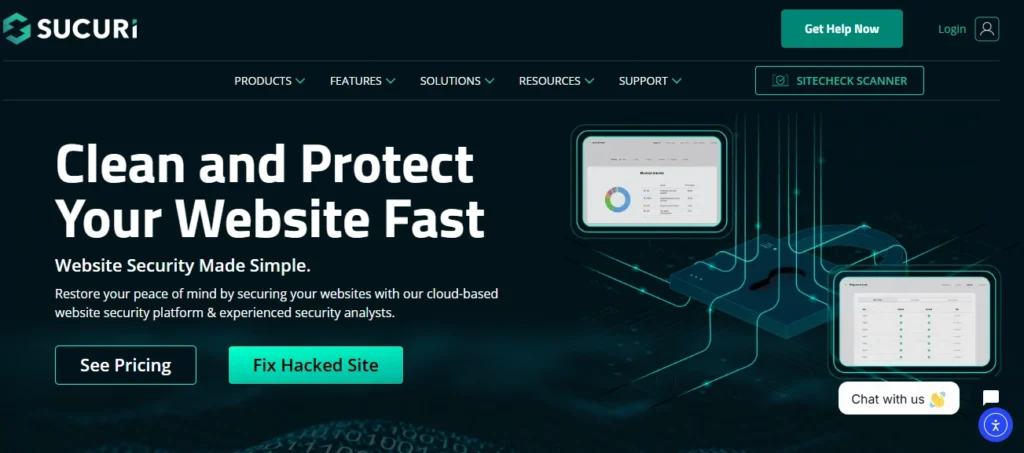
It provides both preventive measures and post-hack support, making it a reliable choice for websites that require strong, all-around security.
Key Features:
- Website Firewall: Blocks malicious traffic before it reaches your site, preventing attacks.
- Malware Scanning: Regularly scans your website for malware, viruses, and suspicious code.
- Security Activity Auditing: Tracks all user activity to detect potential security breaches.
- Post-Hack Support: Assists in malware removal and website recovery after an attack.
- Free vs Premium: Free features include security activity auditing and malware scanning, while premium adds cloud-based firewall protection, CDN benefits, and post-hack support for complete website defense.
Best For: Websites of all sizes, particularly high-traffic sites, eCommerce stores, and businesses seeking proactive protection combined with professional support in case of a security breach.
Defender Security
Defender Security, developed by WPMU DEV, offers a combination of security hardening and monitoring tools designed to protect WordPress websites efficiently. Its dashboard makes complex security tasks accessible even for non-experts.
Key Features:
- Security Hardening: Applies recommended measures to secure your site.
- Two-Factor Authentication (2FA): Adds an extra login protection layer.
- Malware Scanning: Detects malicious code and vulnerabilities.
- Activity Logging: Monitors user actions to detect suspicious behavior.
- Free vs Premium: Free features include basic hardening and login protection. Premium unlocks scheduled scans, two-factor authentication, automatic malware cleanup, and enhanced security recommendations.
Best For: Multisite networks, agencies, and business websites seeking an easy-to-manage, professional-grade security plugin with proactive protection.
All-In-One Security (AIOS)
All-In-One Security (AIOS) is a beginner-friendly WordPress security plugin that offers a comprehensive set of features with an intuitive interface.
It uses a visual grading system to help users understand their website’s security status and take action accordingly.
Key Features:
- Login Security: Limits login attempts and enforces strong passwords.
- File Permissions Monitoring: Ensures critical files are protected from unauthorized changes.
- Database Security: Provides database backups and safeguards.
- Firewall Protection: Blocks suspicious traffic to prevent attacks.
- Free vs Premium: The free version offers login protection and file monitoring, while premium adds advanced firewall, malware scanning, and enhanced reporting for stronger, automated security.
Best For: Non-technical users, small businesses, and bloggers who want an easy-to-use plugin that delivers strong, all-in-one website security without complex configuration.
Shield Security
Shield Security is designed to provide automated, hands-off protection with minimal alerts, making it ideal for users who want strong security without constant management.
Key Features:
- Anti-Bot Protection: Blocks brute-force and spam attacks automatically.
- Plugin/Theme Vulnerability Detection: Scans for weak or outdated components.
- Login Security: Enforces strong passwords and optional two-factor authentication.
- Activity Logging: Tracks suspicious activity quietly in the background.
- Free vs Premium: The free version provides automated anti-bot protection and basic vulnerability detection. Premium adds advanced reporting, two-factor authentication, and real-time alerts for comprehensive protection.
Best For: Website owners who prefer minimal intervention, small to medium sites, and those looking for reliable protection without overwhelming notifications.
SecuPress
SecuPress is a user-friendly WordPress security plugin that emphasizes one-click security hardening. It combines malware scanning, firewall protection, and anti-spam features in a single, intuitive interface.
Key Features:
- One-Click Hardening: Secures core files, database, and login areas effortlessly.
- Malware Scanning: Detects infections and security vulnerabilities.
- Blocked IP Management: Prevents repeated malicious access attempts.
- User Security Checks: Ensures strong passwords and safe user roles.
- Free vs Premium: Free features include one-click hardening and malware scanning. Premium adds scheduled scans, blocked IP management, advanced firewall, and priority support for full-site security.
Best For: Freelancers, bloggers, and small businesses seeking a simple yet effective plugin that secures websites with minimal setup.
Security Ninja
Security Ninja is a developer-focused security plugin that emphasizes in-depth testing and diagnostics. It helps users identify and fix vulnerabilities before they are exploited.
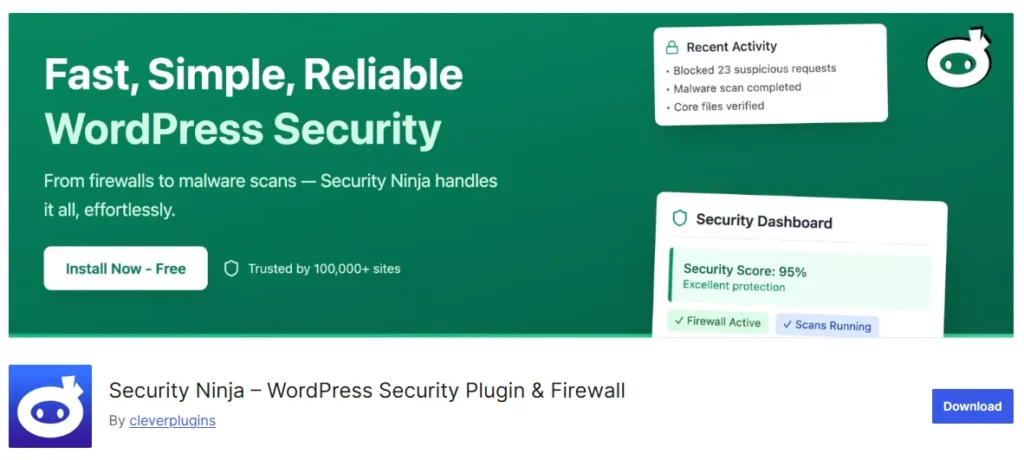
Key Features:
- Malware Scanner: Detects harmful code or suspicious files.
- Scheduled Scans: Automates regular security testing.
- 50+ Security Tests: Checks for common vulnerabilities and misconfigurations.
- Actionable Reports: Provides detailed recommendations for resolving issues.
- Free vs Premium: Free offers 50+ security tests and basic malware detection. Premium adds scheduled scans, actionable reports, extended testing, and automated issue fixing for advanced security management.
Best For: Developers, advanced users, and agencies who need detailed insights and testing tools to maintain secure, high-performance WordPress sites.
To Sum Up
WordPress security is essential for protecting your website, user data, and online reputation. While plugins provide automated protection, no single solution guarantees complete safety, making proactive measures and professional oversight important.
Choosing the right security plugin depends on your site’s size, complexity, and specific needs, whether it’s monitoring vulnerabilities, blocking malicious traffic, or performing regular scans.
Combining reliable plugins with best practices such as regular updates, strong passwords, and backups ensures a robust defense against threats.
So, take action today to secure your WordPress website, prevent attacks, and maintain a safe, fast, and trustworthy online presence.
FAQs About WordPress Security
What is the best security plugin for a WordPress website?
The best security plugin depends on your needs. However, top WordPress security plugins offer features like login lockdown, file integrity monitoring, and automated attacks prevention to keep your site safe.
Can I use multiple security plugins at once?
Using multiple security plugins can cause conflicts and consume server resources, so it’s better to choose one comprehensive solution with endpoint firewall and exploit detection.
How do I protect my WordPress user accounts?
Implement strong passwords, two-factor authentication, a custom login URL, and monitor failed login attempts to protect each WordPress user effectively.
Are there free WordPress security plugins available?
Yes, free plugins provide basic protections like login lockdown, comment spam prevention, and free SSL certificate integration, though premium options offer bulletproof security and one-click malware removal.
How can I secure my core WordPress files?
Disabling file editing, enabling file integrity checks, and using server-level protections safeguard core WordPress files against unauthorized changes or cross site scripting attacks.
Is security different for multiple sites?
Yes, multiple sites require centralized management, consistent plugin versions, and integrity monitoring to ensure every WP website remains secure.
What features make a WordPress site truly safe?
Key features include anti malware security, file integrity monitoring, endpoint firewall, automated attacks detection, exploit detection, and a user-friendly interface for easy management.


