
The best eCommerce platforms for SEO in 2026 include WooCommerce for full SEO control, SureCart and FluentCart for lightweight WordPress-based stores, Shopify for ease of use, Wix eCommerce for beginners, and Big Cartel for simple online shops.
WooCommerce stands out for its flexibility in URL structure, schema markup, and technical SEO. Shopify offers solid built-in SEO with some limitations, while platforms like SureCart and FluentCart provide simpler setups for digital or small-scale stores. This guide compares the top platforms across key SEO factors like URL control, site speed, mobile performance, and overall optimization capabilities.
TL;DR: Best Cost-Free E-Commerce Platforms
- E-commerce platforms help you launch an online store with minimal cost and low risk.
- They work best for beginners, small sellers, and testing new business ideas.
- Most free plans come with limits on features, branding, payments, or performance.
- Platforms like WooCommerce, FluentCart, and SureCart suit different use cases.
- Security is usually covered at a basic level, but control and flexibility are limited.
- Moving to a paid plan becomes necessary as traffic, sales, and feature needs grow.
What is a Free eCommerce Platform?
An e-commerce platform lets you build an online store without paying for the core software. You can add products, accept payments, and manage orders through a digital storefront that works out of the box.
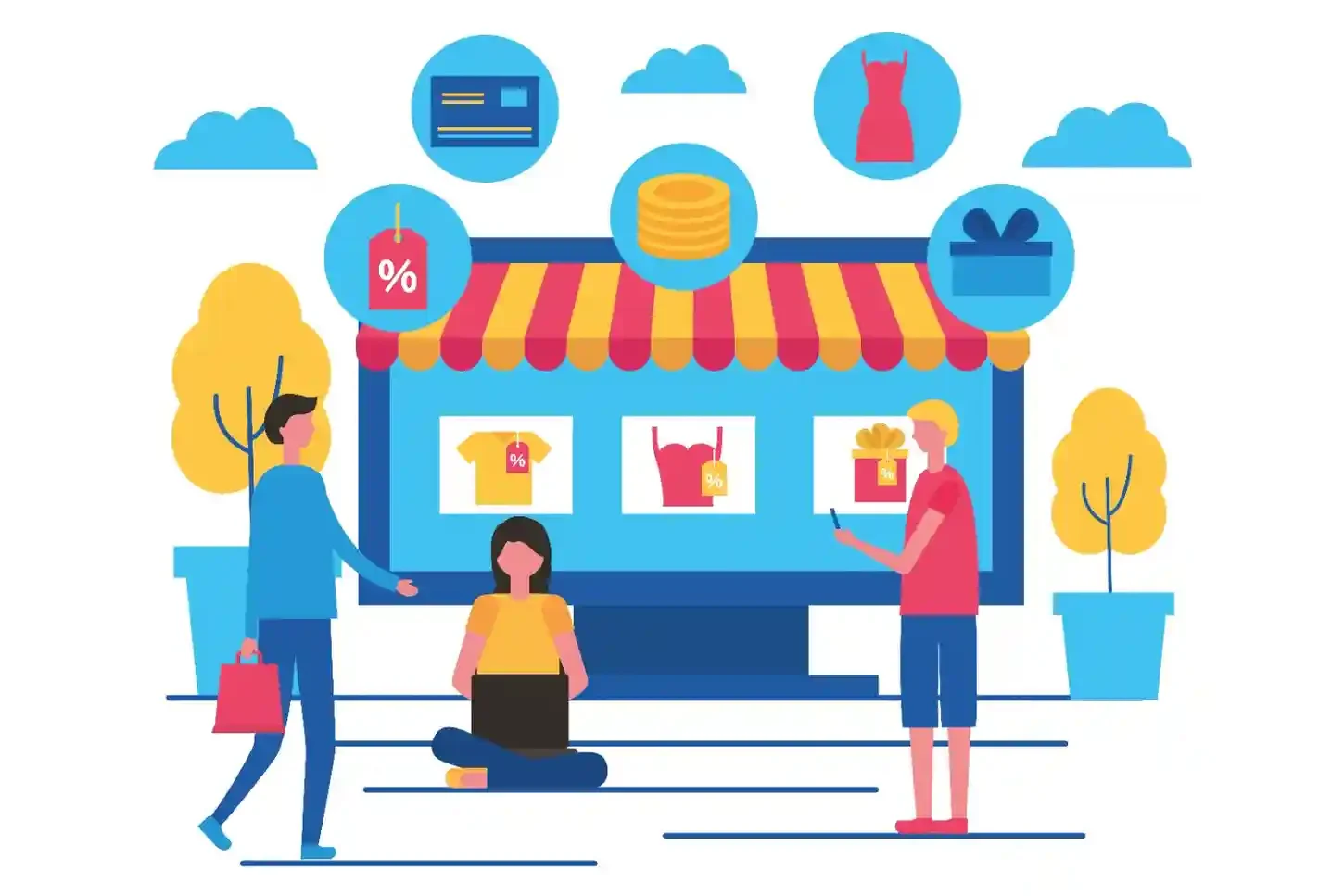
There are two main types. Some platforms offer free plans with limits, usually hosted for you. Others are open-source tools that are free to use but require your own hosting and setup. Both options help you start selling products online without upfront platform costs.
Free does not mean unlimited. Most eCommerce platforms restrict features like advanced payment processing, custom design options, or scaling tools. As your store grows, you may need to upgrade to remove transaction limits, unlock features, or improve performance.
Choose Your Platform. We Build the Store.
From setup to customization, our experts create scalable, secure, and conversion-focused eCommerce stores tailored to your business goals.
How to Choose the Best No-Cost E-Commerce Platform?
Choosing the right platform comes down to a few practical checks. These points help you pick a solution that works now and still makes sense as your store grows.
- Product Type: Physical items, digital products, and services all have different requirements. Confirm the platform supports what you plan to sell without extra plugins or manual work.
- Payment Options: Review the available payment gateways and transaction fees. Some free platforms charge per sale, which can affect margins as orders increase.
- Hosting and Performance: Hosted platforms handle security and speed for you but limit customization. Open-source platforms give more control but require you to manage hosting and updates yourself.
- Growth Flexibility: Make sure there is a clear upgrade path. When traffic and sales increase, you should be able to add features and scale without moving to a new platform.
A careful choice at the start helps your eCommerce solutions support steady growth instead of holding your store back.
Best Free eCommerce Platforms (Detailed Comparison)
Below is a clear, honest breakdown of the most trusted entry-level eCommerce platforms. Each option works best for a specific type of seller, so this section focuses on how they actually perform, what you control, and where the limits show up.
FluentCart (Free Version for Simple WordPress Stores)
FluentCart offers a free WordPress plugin designed for lightweight eCommerce needs. It lets you sell products, manage orders, and handle customers directly in WordPress without adding significant complexity.
You stay in control of hosting, performance, and security. FluentCart keeps things lightweight, so your site stays fast and responsive. This works well if you sell digital products, services, or a small number of physical items.
The free version covers the basics you need to start selling. It supports essential payment options and simple store features. While it does not include advanced marketing tools, it works well if you want a clean, no-cost setup that is easy to manage.
SureCart (Free Plan for Digital Products)
SureCart offers a free plan that lets you sell digital products without setting up a traditional online store. You can create products, accept payments, and deliver digital files using Stripe, all without monthly fees.

The free plan works well for creators selling downloads, courses, or subscriptions. Checkout pages are hosted, setup stays simple, and you don’t need to manage carts, themes, or complex store settings.
However, SureCart is not built for physical products or large catalogs. Advanced features like upsells, advanced subscriptions, and deeper customization require a paid plan. It works best for simple digital selling, not full-scale ecommerce stores.
WooCommerce
WooCommerce is a free, open-source eCommerce plugin made for WordPress. You can sell unlimited products, manage orders, and customize every part of your store without platform restrictions.
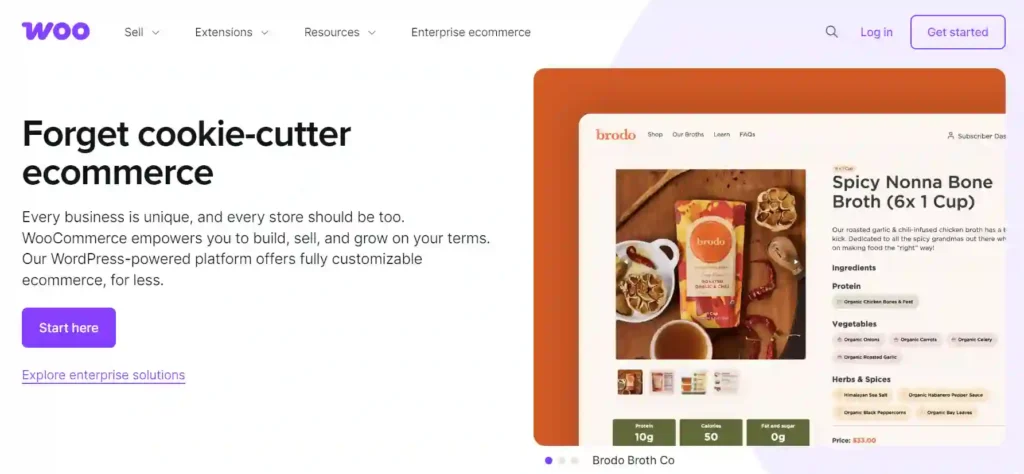
You handle hosting, performance, security, and updates. That means more responsibility, but also full control. This works well for blogs, content-heavy sites, and businesses that want flexibility as traffic and product catalogs grow.
WooCommerce supports most payment gateways, shipping rules, tax setups, and extensions. While the core plugin is free, costs come from hosting, themes, and optional plugins.
WooCommerce Development That Scales Your Store
We offer custom-built, secure, and performance-driven WooCommerce solutions designed to increase conversions, streamline operations, and support long-term business growth.
Shopify Starter / Free Trial Option
Shopify does not offer a permanent free plan, but it provides a free trial and a low-cost starter option. You can sell products through social media, direct links, and messaging apps without building a full storefront.

This setup suits sellers who want to test ideas quickly or sell a small number of products. Setup stays simple, and Shopify handles hosting, security, and performance.
Customization stays limited, and transaction fees apply. To build a full online store with product pages and checkout, you need to move to a paid plan.
Wix eCommerce
Wix offers an easy drag-and-drop builder that makes store design simple. You can create product pages, manage inventory, and design layouts without technical skills.

The free plan lets you build an online store but does not allow you to accept payments. To start selling, you must upgrade to a paid eCommerce plan.
Wix works best for small stores, side projects, and users who want visual control without managing hosting or updates.
Big Cartel
Big Cartel is designed for artists, makers, and creators who sell a limited number of products. The free plan allows a small product catalog with basic store features.

You get simple product pages, order management, and a clean checkout experience. There are no complex settings or advanced tools to manage.
This platform fits creators who want to sell quickly without dealing with technical setup. Scaling beyond the product limit requires moving to a paid plan.
Free vs Paid eCommerce Platforms
Starter eCommerce solutions work well when you are starting out. They help you launch an online store, test products, and accept payments without upfront costs. This option suits small catalogs, low traffic, and simple store setups.
As your store grows, paid platforms start to make more sense. You get better performance, more design control, advanced features, and fewer limits on products or sales. Paid plans also reduce transaction fees and offer stronger support.
If growth is the goal, paid plans provide stability. They handle higher traffic, support marketing tools, and scale with your business without forcing a platform switch later.
Common Limitations of Cost-Free Shopping Cart Platforms
E-commerce platforms help you launch a store with minimal cost, but they are not built for long-term growth. These limits often show up once traffic, products, or sales start increasing.
- Branding Restrictions: Most platforms show their own branding on your store. You often get a subdomain, limited theme choices, and basic design control. Over time, this makes it harder to build a strong and recognizable brand.
- Limited Payment Gateways: Free plans usually support only a few payment options. Some platforms restrict popular gateways or charge higher transaction fees. This reduces checkout flexibility and can hurt trust and conversions.
- Performance Constraints: Free platforms place limits on storage, bandwidth, or product listings. As your store grows, pages can load slower. Traffic spikes may also cause performance drops or temporary downtime.
- Support Limitations: Support on free plans is limited and not urgent. Most help comes from documentation or community forums. When technical issues affect sales, slow support can lead to lost revenue.
Are Starter eCommerce Software Secure?
Free platforms usually include basic security features like SSL certificates to encrypt customer data during checkout. This helps protect login details and payment information from common threats and keeps transactions safe at a surface level.
Payment security often depends on third-party gateways rather than the platform itself. Most free platforms rely on trusted processors to handle card details, which reduces risk. However, advanced fraud protection, custom security rules, and deeper monitoring are often locked behind paid plans.
Data ownership is another area to watch. On hosted free platforms, your store data lives on their servers and is subject to their policies. You may face limits on data access, exports, or long-term control if you later move platforms.
Best E-Commerce Platforms by Use Case
Every eCommerce platform fits a different type of seller. Your choice should match how you plan to sell, how fast you want to launch, and how much control you need early on.
- For Beginners: Platforms like Wix eCommerce make it easy to start without technical skills. You get hosting, templates, and basic store tools in one place, which helps you launch quickly and manage products with confidence.
- For WordPress Users: WooCommerce works best when your site already runs on WordPress. It turns your existing website into a full online store and gives you control over design, content, and SEO through themes and plugins.
- For Artists and Creators: Big Cartel fits creators who sell a limited number of products. It focuses on clean product pages, simple checkout, and minimal setup, which works well for art, handmade goods, and digital items.
- For Local Businesses: Square Online supports local selling by linking online orders with in-person payments. It helps manage inventory, pickup options, and basic ecommerce needs from one system.
- For Testing a Business Idea: Shopify’s free trial allows you to build a real store and test products before upgrading. It gives you access to core features so you can validate demand without committing to a paid plan.
When to Move From Free to Paid eCommerce?
An online store platform works well at the start. However, certain signs show when it is time to upgrade to a paid plan to avoid growth limits.
- Traffic Growth Signs: When your store starts getting steady visitors or traffic spikes, free plans often struggle. Slow load times, checkout issues, or platform limits can affect sales and user experience.
- Feature Requirements: As your store grows, you may need advanced features like multiple payment gateways, custom checkout, marketing tools, or better inventory control. These features usually sit behind paid plans.
- Revenue Thresholds: Once sales become consistent, transaction fees and platform restrictions can cost more than a paid plan. Upgrading often gives you better margins, more control, and room to scale without friction.
Conclusion
No-cost eCommerce platforms are a smart starting point when you want to sell online without upfront investment. They let you test products, understand customer demand, and learn how online selling works. However, free does not mean unlimited. Branding limits, transaction fees, and feature restrictions can slow growth over time.
The key is choosing a platform that fits your current needs and offers a smooth upgrade path. Start free, grow with confidence, and move to a paid plan when your store demands more speed, control, and flexibility.
FAQs About eCommerce Platforms
What is the best online platform?
There is no single best option. WooCommerce works well for WordPress users, Square Online suits local businesses, and Big Cartel fits creators and artists.
Are e-commerce platforms really free?
Most are free to start but may charge transaction fees, payment processing fees, or require paid upgrades for advanced features.
Can I run a serious business on a no-cost eCommerce platform?
You can start and validate your idea on a free platform, but long-term growth usually requires moving to a paid plan.
Do unpaid eCommerce platforms include SSL and security?
Most hosted platforms include SSL and basic security. Open-source platforms depend on your hosting setup and maintenance.
Will free eCommerce platforms affect my site speed?
Yes, many free plans limit performance and server resources, which can slow down your store as traffic grows.
When should I upgrade from a no cost eCommerce platform?
Upgrade when traffic increases, sales become consistent, or you need features like custom checkout, better payments, or stronger branding control.


