
Choosing the right CMS can make or break your website. In the debate of WordPress vs other CMS platforms, the real question is which one gives you the best mix of flexibility, control, and growth.
Some platforms focus on simplicity, while others prioritize design or ecommerce. But not all can scale with your needs. Whether you are building a blog, business site, or online store, understanding the key differences helps you make a smarter decision from day one.
TL;DR: What You Need to Know to Select the Best CMS for Your Website
- WordPress offers unmatched flexibility for blogs, business sites, and ecommerce.
- Many platforms are easier to get started with, but limit control as you grow.
- SEO, customization, and scalability are where WordPress stands out.
- The right choice depends on your goals, budget, and technical needs.
How to Choose the Right CMS Platform for Your Project?
Choosing the right CMS is one of the most important decisions for your website. The ideal platform depends on your goals, technical comfort, and long-term vision.
While many platforms offer unique advantages, WordPress stands out for its balance of flexibility, scalability, and ease of use across different use cases.
Here are key factors to consider when selecting a CMS:
- Purpose of Your Website: If you are building a blog, business website, portfolio, or ecommerce store, your CMS should align with that goal.
- Ease of Use: Some platforms are designed for beginners, while others are designed for developers.
- Customization and Flexibility: If you want complete creative control, WordPress offers unmatched flexibility through themes, plugins, and custom development.
- SEO Capabilities: Search visibility is crucial. WordPress is widely recognized for its SEO friendly structure, customizable URLs, and powerful optimization tools.
- Budget and Cost: Some CMS platforms come with ongoing subscription fees. WordPress, being open source, gives you control over costs with flexible hosting and feature choices.
- Scalability: As your website grows, your CMS should grow with it. WordPress supports everything from small blogs to enterprise-level websites.
- Ownership and Control: With WordPress, you fully own your website and data, making it a reliable long-term solution.
Ready to Migrate to WordPress Without Hassle?
Move from any CMS to WordPress with zero downtime, preserved SEO, and expert support starting at just $499.
WordPress vs Other CMS: Key Comparison Factors
Compare WordPress with other CMS platforms on essential factors such as ease of use, customization, SEO, scalability, and overall flexibility to find the best fit for your needs.
WordPress vs Blogger
Owned by Google, Blogger is a free blogging service, similar to WordPress, that provides an easy-to-use platform for individuals who want to start a blog without any hassle.

It is Ideal for beginners due to its simplicity and straightforward setup. In the battle of WordPress vs others, Blogger is a potent competitor. If you have already started a blog on it, there are ways to migrate sites from Blogger to WordPress.
Best Features of Blogger
- Ease of Use: Create a unique and beautiful blog easily.
- Templates: Choose from a selection of easy-to-use templates with flexible layouts and hundreds of background images.
- Custom Domain: Get a Blogspot domain or buy a custom domain with just a few clicks.
- Monetization: Google AdSense integration for earning income.
- Analytics: Built-in analytics to understand your audience.
Key Differences with WordPress:
| Feature | Blogger | WordPress |
| Ease of Use | User-friendly, simple setup, ideal for beginners. | WordPress.com is easy; WordPress.org requires technical skills. |
| Customization | Hosted by Google, with limited control over content. | Extensive themes and plugins for customization. |
| Control and Ownership | Hosted by Google, limited control over content. | Self-hosted, full control over website and content. |
| Cost | Free with Blogspot subdomain; custom domains available. | Free software; costs for hosting, domain, and premium features. |
| Security and Maintenance | Google-managed security and backups. | Users handle security, updates, and backups. |
| Monetization | Google AdSense integration. | Multiple monetization options via plugins and services. |
Also Read: Blogger vs WordPress
WordPress vs Drupal
Drupal and WordPress are two leading content management systems (CMS) that cater to a wide range of users, from individuals to large organizations.

Drupal is an open-source CMS that builds customized websites and web applications. Released in 2001, it is written in PHP. Large enterprises with high traffic choose Drupal for complex web development. Users with Drupal sites have an easy way to switch to WordPress for more features.
Best Features of Drupal
- Robust CMS: Full CMS capabilities with flexible content architecture.
- Customization: Extensive modules and highly customizable themes.
- Security: Strong security features and regular updates.
- Performance: High performance and scalability for large sites.
- Multilingual: Built-in multilingual support for global reach.
Know more: How to Migrate from Drupal to WordPress
Key Differences with WordPress:
| Users handle security, updates, and backups; numerous plugins are available for enhanced security. | Drupal | WordPress |
| Ease of Use | Steeper learning curve, designed for developers and advanced users. | User-friendly with a simple setup, ideal for beginners. |
| Customization | Highly customizable with extensive modules and flexible content architecture. | Extensive themes and plugins for easy customization. |
| Control and Ownership | Self-hosted, offering complete control over website and content. | Self-hosted, full control over website and content. |
| Cost | Free software; costs for hosting, domain, and premium modules. | Free software; costs for hosting, domain, and premium features. |
| Security and Maintenance | Strong security features with regular updates, requires manual handling. | Users handle security, updates, and backups; numerous plugins available for enhanced security. |
| Scalability | Highly scalable, suitable for large and complex websites. | Users handle security, updates, and backups; numerous plugins are available for enhanced security. |
Keep Comparing: Drupal vs WordPress
WordPress vs Superblog
WordPress gives you full control and flexibility, while Superblog focuses on speed, simplicity, and effortless publishing. Both work well for different types of creators, but the right choice depends on your workflow.
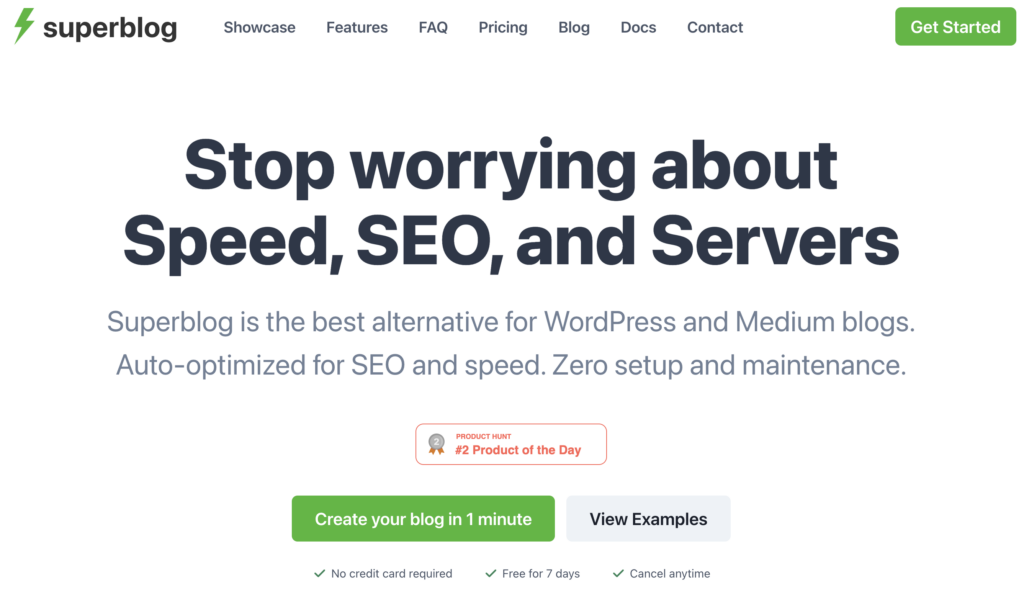
Superblog is built for users who want a fast, clean blogging setup without plugins, updates, or technical tasks. It removes the usual work that comes with WordPress and keeps everything running automatically.
Best Features of Superblog
- Auto-optimized: Automatically optimized for SEO and speed.
- Ease of Use: Zero setup and maintenance required.
- Beautiful Design: Elegant design with easy layout and brand color selection.
- AI Helper: Generate blog post outlines from keywords in seconds.
- Privacy-Friendly: Includes privacy-friendly analytics and free SSL & CDN.
Key Differences with WordPress:
| Users handle security, updates, and backups; numerous plugins are available for enhanced security. | Superblog | WordPress |
| Ease of Use | Auto-optimized for SEO and speed, zero setup required. | User-friendly with a simple setup, ideal for beginners. |
| Customization | Beautiful design, fonts, text spacing, easy layout selection. | Extensive themes and plugins for easy customization. |
| Control and Ownership | No server maintenance, includes privacy-friendly analytics. | Self-hosted, full control over website and content. |
| Security and Maintenance | Free SSL & CDN, 99.99% uptime, no server maintenance. | Users handle security, updates, and backups; numerous plugins available for enhanced security. |
| Scalability | Always fast with auto image optimization and auto SEO. | Users handle security, updates, and backups; numerous plugins are available for enhanced security. |
More on Superblog: Triple Take: WordPress vs Notion vs Superblog for Website Building
WordPress vs Contentful
Launched in 2013, Contentful is a headless CMS designed for flexibility and scalability. It separates the content layer from the presentation layer, enabling content delivery across multiple devices via API.
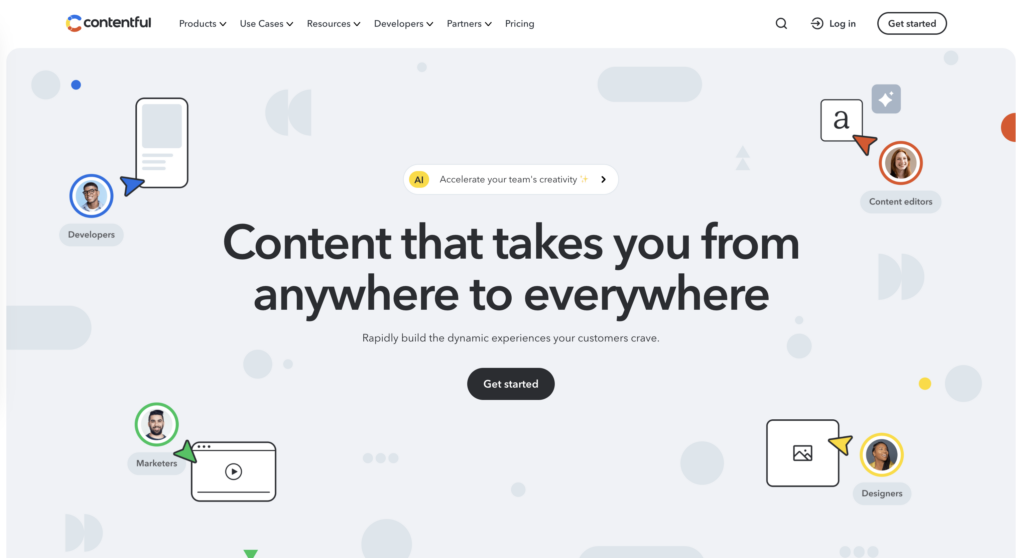
WordPress is known for its easy setup and theme-based design, while Contentful focuses on structured content and flexible delivery for websites, apps, and digital products. They serve very different needs, so choosing the right one depends on how you plan to build and manage your content.
Best Features of Contentful
- Headless CMS: Separates content from presentation, enabling multichannel delivery.
- Flexibility: Integrates easily with other services via API.
- Scalability: Handles large amounts of content and traffic with built-in caching and CDN support.
- Developer-Friendly: Designed for technical users with robust API capabilities.
- Centralized Content Management: Manage and store content in a centralized hub/repository.
Key Differences with WordPress:
| Extensive SEO plugins like All in One SEO Pack. | Contentful | WordPress |
| Ease of Use | Developer-friendly, requires some technical knowledge. | User-friendly, easy setup with WYSIWYG editor and drag-and-drop interface. |
| Customization | Highly flexible, allows integration with other services via API. | Extensive themes and plugins for easy customization. |
| Control and Ownership | API-first architecture for centralized content management. | Self-hosted, full control over website and content. |
| Security and Maintenance | API-based security with token-based authentication, industry-standard encryption. | Regular updates, secure authentication, and active community support. |
| SEO | SEO-friendly features like customizable URLs and metadata fields. | Extensive SEO plugins like and All in One SEO Pack. |
Read More: WordPress vs Contentful
WordPress vs Duda
Duda is a professional website builder designed for agencies and SaaS platforms.
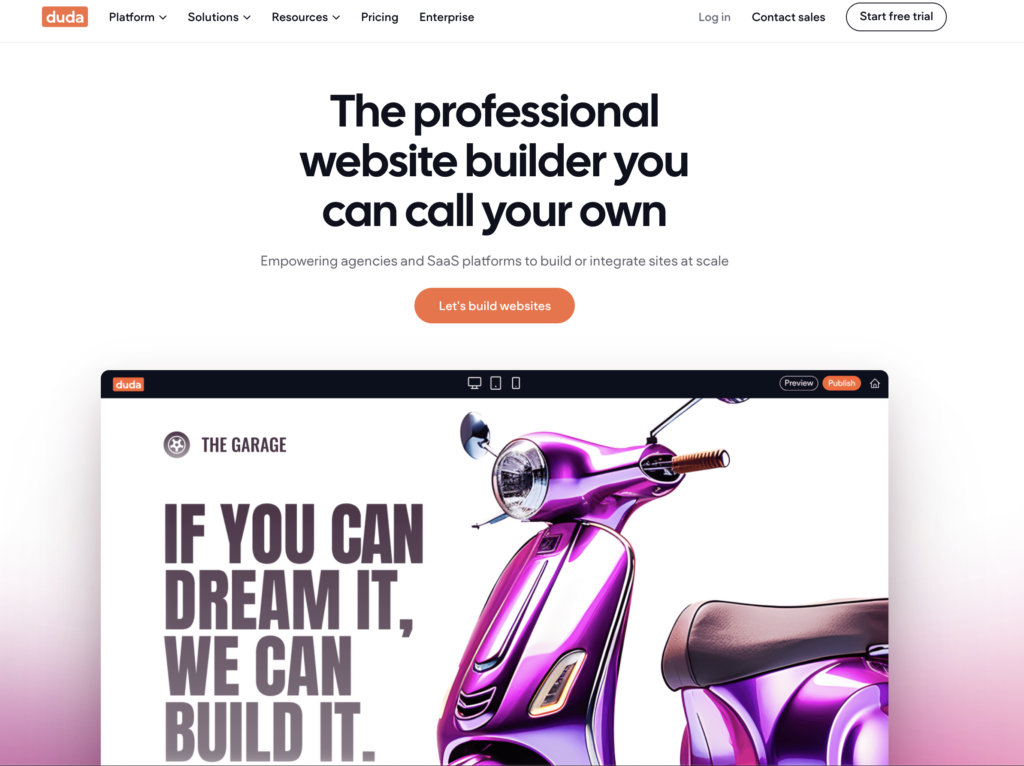
It empowers users to build or integrate sites at scale with a fully white-label platform and focuses on speed, managed SEO, and AI-powered content creation.
Best Features of Duda
- White Label Platform: Fully customizable client experience.
- SEO Optimization: Build SEO-optimized websites that rank higher and load faster.
- AI-Powered Tools: Utilize AI for content creation, SEO, and eCommerce.
- Speed and Scale: Automations, built-in communication tools, and reusable assets for rapid site development.
- Built-In Hosting: Secure, reliable hosting on AWS with free SSL and CDN.
Key Differences with WordPress:
| Feature | Duda | WordPress |
| Ease of Use | Browser-based, drag-and-drop interface; minimal setup required. | User-friendly, but requires setup and configuration; Gutenberg block editor for non-coders. |
| Customization | Pre-made templates with some coding access for tweaks. | Extensive themes and plugins; full code customization. |
| Control and Ownership | Fully white-label platform with built-in hosting on AWS. | Self-hosted, full control over website and content. |
| Scalability | Fast performance with built-in tools for scale. | Scalable with premium caching plugins, CDNs, and cloud hosting. |
| SEO | SEO-optimized websites with AI-powered content tools. | Extensive SEO plugins like Yoast SEO and All in One SEO Pack. |
More on Duda: WordPress vs Duda
WordPress vs Showit
WordPress gives you full control of themes, plugins, and custom layouts, while Showit focuses on creative freedom with a drag-and-drop editor built for visual design. Both are strong options, but they serve very different types of website owners.
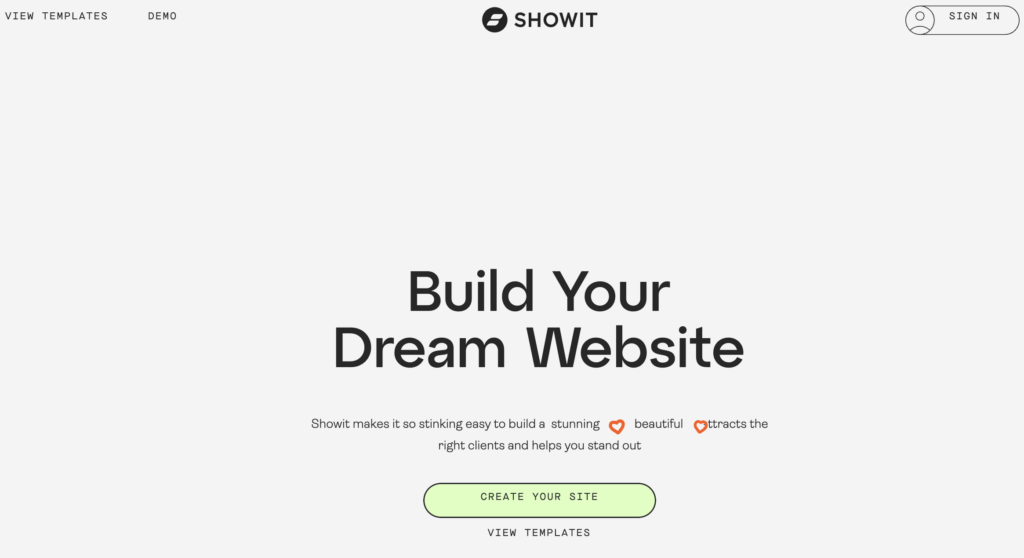
Showit is best for design flexibility without coding, while WordPress is best for plugins, structure, and more advanced features.
Best Features of Showit
- Ease of Use: Simple drag-and-drop visual editor.
- Design Focus: Ideal for creative professionals who prefer a design-centric platform.
- Integration: Uses WordPress for blogging functionality.
- Managed Hosting: Includes hosting, SSL, and site security.
- Support: Offers live chat support and how-to articles for easy onboarding.
Key Differences with WordPress:
| Basic SEO tools included; allows custom JavaScript, CSS, and HTML. | WordPress | Showit |
| Ease of Use | Requires setup and configuration; has a learning curve. | Visual drag-and-drop builder; minimal setup required. |
| Customization | Extensive themes and plugins for full code customization. | Limited customization focused on design; visual builder for easy design adjustments. |
| Control and Ownership | Self-hosted, full control over website and content. | Managed hosting and SSL; limited to Showit’s platform capabilities. |
| SEO | Extensive SEO plugins like All in One SEO Pack. | Basic SEO tools included; allows custom Javascript, CSS, and HTML. |
| Publishing Tools | Powerful publishing tools with Gutenberg and Classic Editor options. | Uses WordPress for blog functionality; simple visual editor for pages. |
| E-commerce | Supports WooCommerce and other eCommerce plugins for extensive online store capabilities. | Limited eCommerce capabilities; relies on third-party solutions or WordPress integration for WooCommerce. |
Also Read: WordPress vs Showit
WordPress vs Squarespace
Squarespace is a user-friendly website builder with pre-built components, ideal for users with no coding experience.
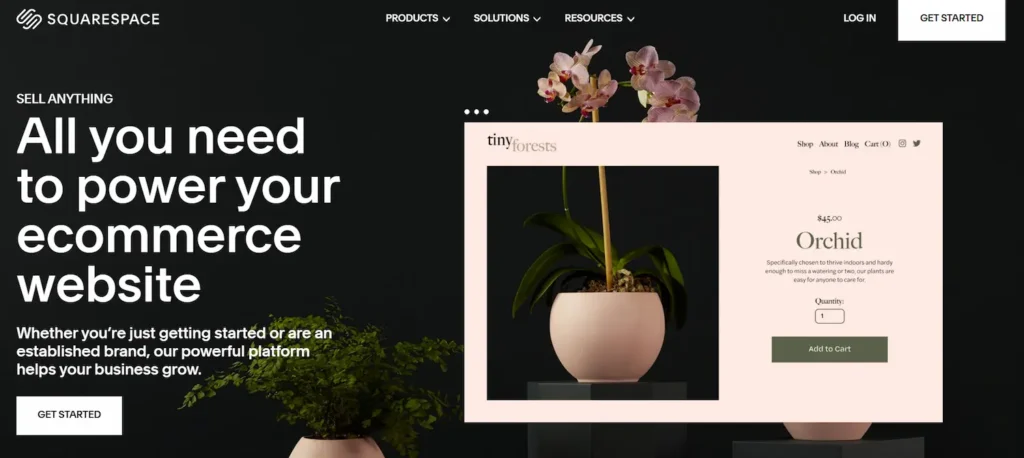
It provides hosting and domain services within its platform and is known for its intuitive design and ease of use.
Best Features of Squarespace
- Ease of Use: Visual, drag-and-drop editor with guided setup.
- Design Focus: Pre-built templates and intuitive design tools.
- Managed Services: Includes hosting, SSL, and site security.
- Support: 24/7 customer support with detailed tutorials and guides.
- Integrated Analytics: Built-in tools for tracking site performance and user data.
Key Differences with WordPress:
| Feature | WordPress | Squarespace |
| Ease of Use | Requires setup and configuration; has a learning curve. | Visual, drag-and-drop editor; guided setup process with tutorial bot. |
| Customization | Extensive themes and plugins for full code customization. | Limited customization focused on design; pre-built templates with no code access. |
| SEO | Extensive SEO plugins like All in One SEO Pack. | Basic SEO tools included; limited advanced SEO capabilities. |
| eCommerce Features | Supports WooCommerce and other plugins for extensive online store capabilities. | Built-in eCommerce tools; requires upgrades for advanced features. |
| Blog Features | Intuitive block editor; highly customizable through coding and plugins. | Basic blogging features; limited customization without code. |
| Themes and Templates | Thousands of themes and plugins; highly customizable. | Over 100 professionally designed themes; limited customization options. |
Keep Reading: Squarespace vs WordPress
WordPress vs Wix
Wix is a beginner-friendly website builder made for people with no coding skills. Its biggest strength is how easy it is to use, letting you create a clean, professional site with simple drag-and-drop tools.

It’s a great way to test your website idea without technical work, and if you ever outgrow it, you can move from Wix to WordPress for more flexibility.
Best Features of Wix
- Ease of Use: Simple drag-and-drop visual editor.
- Design Focus: Pre-built templates and intuitive design tools.
- Managed Services: Includes hosting, SSL, and site security.
- Support: 24/7 customer support with detailed tutorials and guides.
- Integrated Analytics: Built-in tools for tracking site performance and user data.
Key Differences with WordPress:
| Feature | WordPress | Wix |
| Ease of Use | Requires setup and configuration; has a learning curve. | Visual, drag-and-drop editor; guided setup process. |
| Control and Ownership | Self-hosted, full control over website and content. | Managed hosting, SSL, and site security; limited to platform capabilities. |
| SEO | Extensive SEO plugins like All in One SEO Pack. | Basic SEO tools included; limited advanced SEO capabilities. |
| eCommerce Features | Supports WooCommerce and other plugins for extensive online store capabilities. | Built-in eCommerce tools; requires upgrades for advanced features. |
| Blog Features | Intuitive block editor; highly customizable through coding and plugins. | Basic blogging features; limited customization without code. |
| Support | Community-based support; extensive online resources. | 24/7 customer support available with plans. |
Read More: Wix vs WordPress
WordPress vs Shopify
Shopify is a popular ecommerce platform designed to help businesses quickly set up and manage online stores. It offers a fully hosted solution with built-in tools for payments, inventory, and order management.

Shopify is ideal for users who want a streamlined ecommerce setup without the technical setup. However, when comparing WordPress vs other CMS platforms, WordPress offers broader flexibility beyond ecommerce, especially with WooCommerce integration.
Best Features of Shopify
- Ecommerce Focus: Built specifically for online stores with ready-to-use tools.
- Ease of Setup: Quick store setup with minimal technical effort.
- Secure Hosting: Fully hosted platform with built-in security.
- Payment Integration: Supports multiple payment gateways.
- App Ecosystem: A wide range of apps for extending functionality.
Key Differences with WordPress:
| Feature | Shopify | WordPress |
|---|---|---|
| Ease of Use | Simple setup for ecommerce stores. | User-friendly with flexible setup for all website types. |
| Customization | Customization through themes and apps. | Extensive themes and plugins for full customization. |
| Control and Ownership | Hosted platform with managed environment. | Self-hosted, full control over website and data. |
| Cost | Monthly subscription with additional app costs. | Free software with flexible hosting and feature costs. |
| SEO Capabilities | Built-in SEO features for products. | Advanced SEO control with plugins and customization. |
| Scalability | Scales well for ecommerce businesses. | Scales for blogs, business sites, and ecommerce alike. |
Also Read: Shopify vs WordPress
WordPress vs Joomla
Joomla is another open source CMS known for its flexibility and strong content management capabilities. It is often used for complex websites and applications that require structured content.
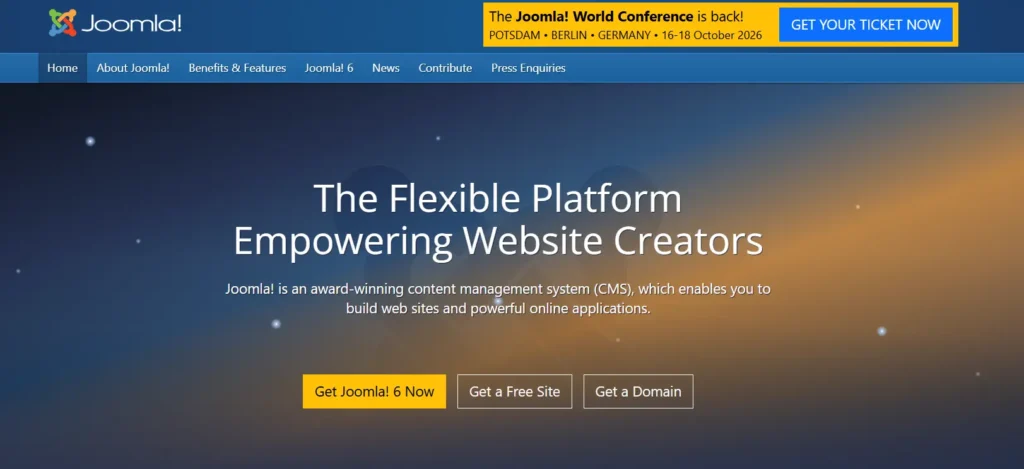
While Joomla provides powerful features, WordPress is widely preferred for its ease of use and larger ecosystem.
Best Features of Joomla
- Flexible CMS: Suitable for complex content structures.
- Multilingual Support: Built-in language management.
- User Management: Advanced user access controls.
- Extensions: A wide range of extensions for added functionality.
- Strong Community: Active developer community.
Key Differences with WordPress:
| Self-hosted with full control. | Joomla | WordPress |
|---|---|---|
| Ease of Use | Moderate learning curve. | Beginner friendly with intuitive interface. |
| Customization | Flexible with extensions and templates. | Extensive themes and plugins for easy customization. |
| Control and Ownership | Self hosted with full control. | Self hosted with full control and flexibility. |
| Cost | Free software with hosting and extension costs. | Free software with flexible cost options. |
| SEO Capabilities | Strong SEO features with extensions. | Highly SEO friendly with advanced tools. |
| Community Support | Active but smaller community. | Massive global community and support ecosystem. |
Learn More: How to Migrate from Joomla to WordPress
WordPress vs Webflow
Webflow is a modern website builder that combines design and development in a visual interface. It is popular among designers who want to create custom layouts without writing code.
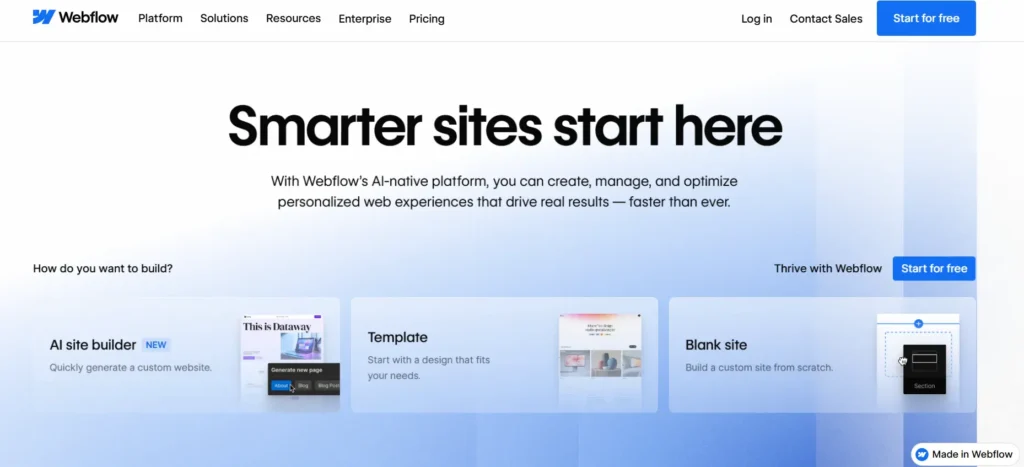
While Webflow focuses on design precision, WordPress provides a more versatile platform for content, scalability, and integrations.
Best Features of Webflow
- Visual Design: Drag and drop interface with design control.
- Hosting Included: Fully hosted solution.
- Responsive Design: Built in responsive capabilities.
- CMS Functionality: Structured content management.
- Clean Code Output: Generates production-ready code.
Key Differences with WordPress:
| Ideal for design-focused sites. | Webflow | WordPress |
|---|---|---|
| Ease of Use | Visual builder with design focused workflow. | User friendly with flexible editing options. |
| Customization | Strong design control within platform limits. | Unlimited customization with themes and plugins. |
| Control and Ownership | Hosted platform with managed hosting. | Full ownership with self hosting options. |
| Cost | Subscription based pricing. | Flexible pricing depending on hosting and features. |
| SEO Capabilities | Built in SEO tools. | Advanced SEO customization and plugin support. |
| Scalability | Ideal for design focused sites. | Scales across blogs, business, and enterprise sites. |
WordPress vs Magento
Magento is a powerful ecommerce platform designed for large-scale online stores with complex requirements. It is widely used by enterprises that need advanced ecommerce functionality.
WordPress, when combined with WooCommerce, offers a flexible and scalable ecommerce solution that is accessible to a wider range of users.
Best Features of Magento
- Advanced Ecommerce: Rich features for large online stores.
- Customization: Highly customizable for complex needs.
- Scalability: Built for enterprise-level ecommerce.
- Performance: Handles large product catalogs efficiently.
- Integrations: Supports various third-party integrations.
Key Differences with WordPress:
| Flexible and cost-effective options. | Magento | WordPress |
|---|---|---|
| Ease of Use | Designed for developers and advanced users. | Beginner friendly with scalable capabilities. |
| Customization | Highly customizable for ecommerce. | Extensive customization for all website types. |
| Control and Ownership | Self hosted with full control. | Self hosted with complete flexibility and ownership. |
| Cost | Higher development and maintenance costs. | Flexible and cost effective options. |
| SEO Capabilities | Strong ecommerce SEO features. | Advanced SEO tools and plugins. |
| Scalability | Ideal for large ecommerce stores. | Scales from small stores to large ecommerce sites. |
WordPress vs Ghost
Ghost is a modern publishing platform focused on blogging and content creation. It offers a clean writing experience and built-in tools for memberships and subscriptions.
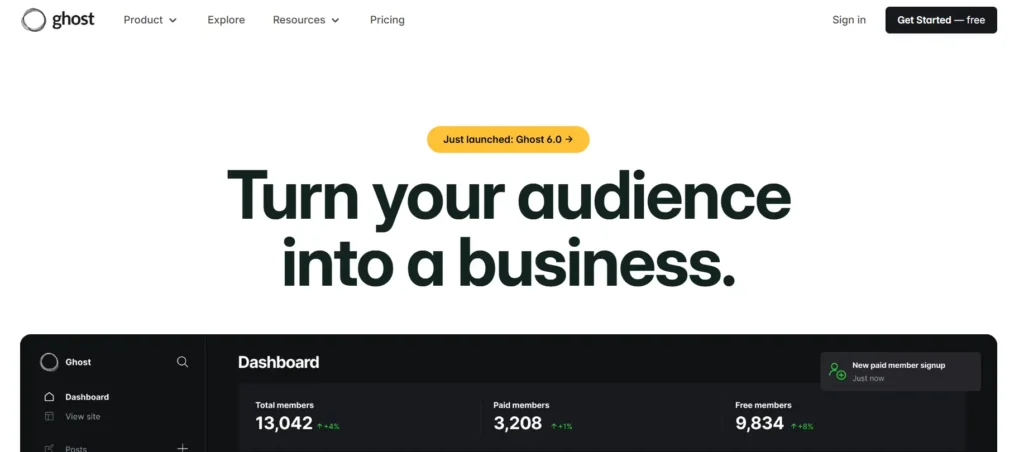
While Ghost is optimized for publishing, WordPress offers a broader ecosystem that supports a wider range of websites beyond blogging.
Best Features of Ghost
- Clean Interface: Minimal and distraction-free writing experience.
- Built-in Memberships: Native subscription and membership features.
- Performance: Fast and lightweight platform.
- SEO Ready: Optimized for content publishing.
- Modern Tech Stack: Built with modern technologies.
Key Differences with WordPress:
| Ideal for content-focused sites. | Ghost | WordPress |
|---|---|---|
| Ease of Use | Simple and focused on publishing. | User friendly for blogs and beyond. |
| Customization | Limited themes and integrations. | Extensive themes and plugins for full customization. |
| Control and Ownership | Hosted and self hosted options available. | Strongly built-in SEO features. |
| Cost | Subscription based or hosting costs. | Flexible cost structure based on needs. |
| SEO Capabilities | Strong built in SEO features. | Advanced SEO optimization with plugins. |
| Scalability | Ideal for content focused sites. | Scales across blogs, ecommerce, and enterprise websites. |
Conclusion
WordPress offers the most flexibility and control, making it the strongest long-term choice for most websites. But every alternative has its own strength. Some are easier to use, some are faster to set up, and others offer a cleaner design or better scalability.
If you want full customization and complete ownership, WordPress is the clear winner. If you prefer a simpler, managed experience, another CMS platform may better fit your workflow. The best choice depends on the kind of website you want to build and how hands-on you want to be.
FAQs on WordPress vs Other CMS Platforms
Which CMS is best for beginners and businesses?
WordPress is one of the most user-friendly content management systems available. Its simple interface, intuitive menu, and flexible page builders, such as Elementor, help non-technical people create websites without coding. Many businesses prefer WordPress because it balances ease of use with powerful functionality.
How does WordPress compare to Drupal and Joomla?
Drupal and Joomla are strong CMS systems often used by developers for complex projects. However, WordPress stands out due to its vast ecosystem, plugin library, and large developer community. It offers a smoother user experience while still supporting advanced customization when needed.
Is WordPress good for ecommerce websites?
Yes, WordPress works exceptionally well for ecommerce stores using WooCommerce. It supports product listings, payment gateways, and SEO features that help drive traffic. Compared to platforms like Shopify, WordPress gives more flexibility and control over your ecommerce site.
What makes WordPress better for SEO and performance?
WordPress follows SEO best practices and offers powerful plugins to optimize page and site speed, as well as content strategies. This helps websites rank better on search engines and handle growing traffic volumes efficiently.
Is WordPress secure and scalable for long-term use?
WordPress benefits from regular security patches, a strong community, and reliable hosting provider options. With the right setup, it scales easily from small business websites to large enterprises, making it a future-ready CMS solution.


