
Modern websites demand speed, flexibility, and scale, and headless WordPress development delivers all three.
By separating the WordPress backend from the presentation layer, teams unlock new performance possibilities without abandoning a powerful content management system.
This guide covers how headless architecture works, the APIs and frameworks that power it, and what it takes to build and maintain a successful decoupled WordPress setup.
TL;DR: What You Need to Know Before Going Headless
- WordPress acts as the content backend, while a JavaScript framework handles the frontend presentation layer
- The WordPress REST API or WPGraphQL connects both layers and delivers structured content to any front-end
- Decoupled setups offer major gains in speed, security, scalability, and multi-channel delivery
- This approach adds project complexity and works best for teams with strong technical capabilities
What is Headless WordPress Development and How Does it Work?
In a traditional WordPress setup, the CMS handles both content management and front-end rendering.
PHP templates generate HTML pages directly from the WordPress database. The result is a tightly coupled system where the backend and frontend are essentially one unit.
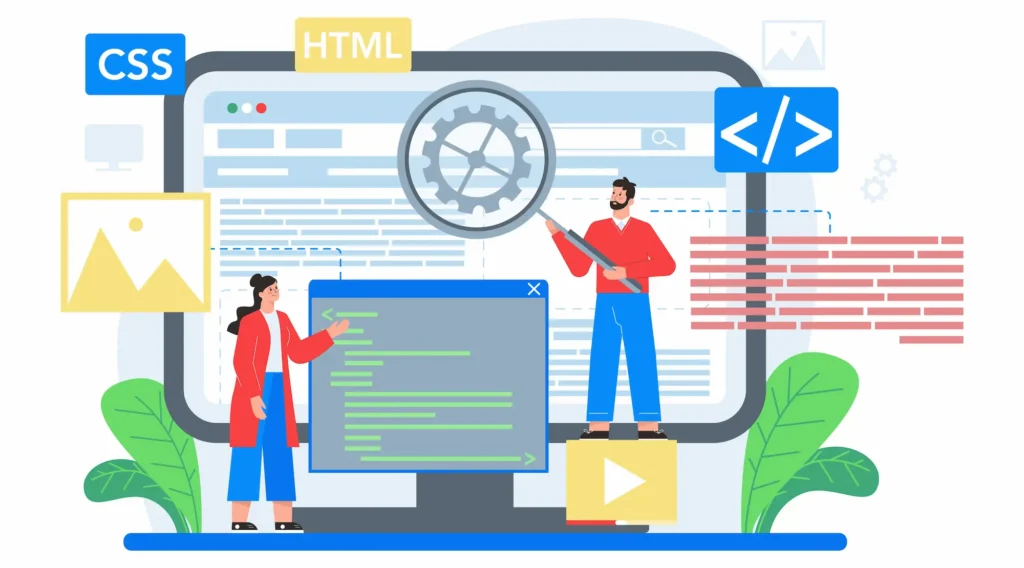
Headless WordPress breaks that model. WordPress still stores and manages content, but it no longer renders the front end.
Instead, a separate application built with a modern JavaScript framework consumes content via an API and handles all rendering independently.
This is the foundation of headless WordPress development: the “head” (the visible front end) is removed from the “body” (the WordPress backend).
Each layer can be developed, hosted, and scaled independently. This is also what defines the decoupled WordPress architecture: two independent layers connected by an API.
How Headless WordPress Uses APIs for Content Delivery?
The WordPress REST API is the primary bridge between the WordPress backend and the headless frontend. It exposes content through structured API endpoints.
Any external application can send HTTP requests to these endpoints and receive WordPress data in JSON format.
For example, a request to /wp-json/wp/v2/posts returns a list of blog posts with titles, content, metadata, and more.
Developers can then fetch data from those endpoints and use it inside a React app, a mobile application, or any other frontend. Understanding WordPress REST API development is essential for building reliable headless solutions.
The WordPress REST API also supports custom post types and custom fields, making it powerful for complex content models.
Teams can extend the default endpoints or build entirely new ones to match specific project requirements.
Build a Scalable Headless CMS Experience
Launch faster, flexible digital platforms with expert headless CMS development tailored to your business needs.
Key Components of a Headless WordPress Stack
A well-built headless WordPress setup includes several core components working together:
- WordPress backend: The CMS that stores content, manages users, and exposes data through the API
- API layer: Either the WordPress REST API or WPGraphQL, which transfers content as structured data
- Frontend presentation layer: Built with a JavaScript framework such as React, Next.js, or Vue
- Hosting infrastructure: The WordPress backend and frontend are deployed separately on platforms like Vercel, Netlify, or AWS
The WordPress core handles publishing workflows and content management. Editors continue using the familiar WordPress interface they already know.
The development team, meanwhile, builds the frontend independently using modern tools and their preferred tech stack.
Headless WordPress Architecture Workflow and System Overview
The workflow in a headless architecture follows a clear flow. A content editor publishes or updates content in the WordPress dashboard. That content is stored in the WordPress database.
When a user visits the site, the frontend application sends an API request to WordPress, retrieves the content, and renders it on screen.
This parallel development model is one of the greatest strengths of headless WordPress development.
Frontend developers work in their preferred JavaScript environment while the content team works in the familiar WordPress interface. Neither team blocks the other. The single backend serves as the authoritative source for all editorial content.
Teams looking for a practical starting point can explore how to set up and build a headless WordPress step by step using modern methods.
Key Benefits of Headless WordPress Development for Modern Websites
The reasons for going headless extend well beyond novelty. Each benefit addresses a real limitation of the traditional setup.
Here is what makes headless WordPress development the preferred choice for high-performance and enterprise-grade projects.
Improved Website Performance and Core Web Vitals Optimization
One of the most immediate gains from headless WordPress development is speed. Traditional WordPress renders pages server-side using PHP and theme templates. This process adds overhead to every single request.

In a headless setup, the frontend can use static site generation to pre-build pages at deploy time. The result is a static site that loads almost instantly.
Even for dynamic content, modern frameworks handle rendering far more efficiently than PHP templates.
This directly improves Core Web Vitals optimization, Google’s set of user experience metrics tied to search rankings. Faster load times mean lower bounce rates, better engagement, and stronger SEO performance.
Flexibility with Modern Frontend Frameworks in Headless WordPress
Traditional WordPress locks frontend developers into themes and PHP. With headless WordPress development, the frontend presentation layer is completely open. Developers can use React, Vue, Next.js, Gatsby, or any modern stack they prefer.
This design freedom is especially valuable for teams that want React components and modern tooling without having to work around WordPress themes.
There are no PHP templates to customize or work around. The headless frontend is built entirely in JavaScript, giving developers complete control over the user interface.
Scalability for Enterprise and High Traffic Websites
Headless WordPress sites scale more effectively than traditional setups. Because the frontend is separate from the WordPress backend, each layer can be scaled independently.
The frontend can be served via a CDN, handling millions of requests without overloading the WordPress server.
This matters most for global brands and high-traffic platforms. Enterprise headless WordPress development is increasingly the standard for large organizations that need consistent performance under significant load.
You can also track progress with WordPress enterprise web development KPIs to measure the real-world impact of your decoupled architecture over time.
Omnichannel Content Delivery Across Devices and Platforms
A headless CMS excels at multi-channel delivery. The single backend stores and manages content. The WordPress API then delivers that content to any frontend, website, mobile app, kiosk, digital signage, smartwatch, or voice interface.
This omnichannel content delivery eliminates the need to duplicate content across channels. The content team publishes once.
The API automatically handles distribution across multiple channels. It is a meaningful advantage for brands operating across multiple touchpoints simultaneously.
For teams building mobile-first experiences, proven mobile UX improvements for headless CMS offer actionable guidance on delivering fast, responsive content to mobile users.
Enhanced Security in Decoupled WordPress Architecture
Improved security is a key benefit of the decoupled WordPress architecture. In a traditional WordPress setup, the public-facing site is directly connected to the CMS. Attackers can target login pages, theme files, and plugin vulnerabilities through the live site.
In headless WordPress development, the WordPress backend runs on a private server or subdomain. It is not publicly accessible in the way a traditional WordPress site is. The frontend is a static or server-rendered application with no direct database connection.
This significantly reduces the attack surface. For a deeper look at securing your installation, the WordPress security guide covers proven protective practices in detail.
SEO Advantages with Static Site Generation and Server Side Rendering
SEO performance in headless WordPress sites depends on how the frontend renders content. Client-side rendering alone can hurt performance for search engine crawlers. Static site generation and server-side rendering (SSR) solve this cleanly.
With Next.js and other modern frameworks, pages can be pre-rendered as fully formed HTML. Search engines crawl them without needing to execute JavaScript.
When combined with proper metadata management via the API, headless sites can achieve strong search visibility for competitive queries.
Essential APIs in Headless WordPress Development
Two APIs dominate the headless WordPress development landscape.
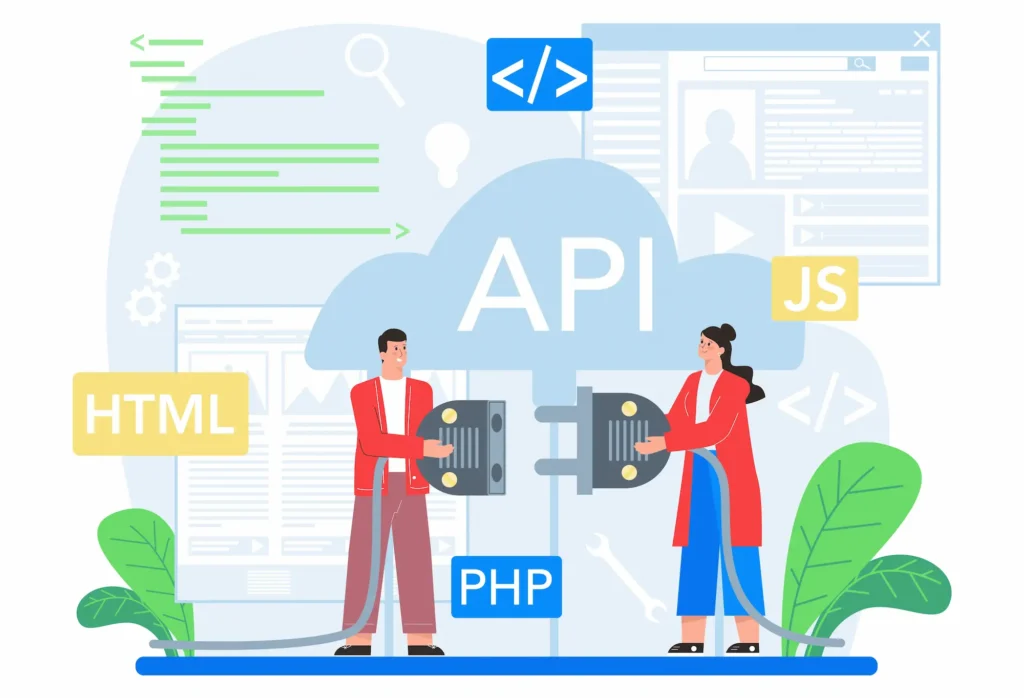
The WordPress REST API is built into WordPress core and available on every WordPress installation. It exposes content through standard HTTP API endpoints.
It is widely supported, well-documented, and compatible with any programming language or framework. Developers use it to fetch data, including blog posts, pages, taxonomies, and custom post types.
WPGraphQL is a plugin that adds a GraphQL layer to WordPress. Unlike the REST API, which returns fixed data structures, GraphQL allows the frontend to request exactly the fields it needs.
This reduces data over-fetching and improves performance on complex queries. The full benefits of WordPress GraphQL development are particularly valuable for content-heavy enterprise projects.
Both APIs support authentication, custom queries, and plugin integrations. The right choice for any headless WordPress development project depends on project complexity, team preference, and performance requirements.
Many teams use both the REST API for simple integrations and GraphQL for data-intensive frontend components.
Top Frontend Frameworks for Headless WordPress Development
Choosing the right JavaScript framework shapes the entire headless WordPress development experience. Here are the most widely adopted options.
- Next.js is the most popular choice for headless WordPress projects. It supports both static site generation and server-side rendering. The WordPress with Next.js guide walks through connecting a Next.js application to a WordPress backend using the REST API or WPGraphQL. Its strong community and ecosystem make it ideal for technical teams of any size.
- Gatsby is a static site generator built for performance. It uses GraphQL natively to pull WordPress data during the build process. The result is a blazing-fast static site ideal for content-heavy headless WordPress sites with relatively stable content.
- React is the foundation for both Next.js and Gatsby. Teams that want complete control over architecture can build React components from scratch and connect them directly to the WordPress REST API. React Vue comparisons show each framework has strengths, and the choice often comes down to the existing tech stack and team familiarity.
- Faust.js is a React-based framework built specifically for headless WordPress development. It streamlines authentication, preview mode, and routing for teams building on WPGraphQL. It is an excellent starting point for headless WordPress sites that need a production-ready foundation quickly.
- Vue and Nuxt.js offer an alternative for teams that prefer Vue’s syntax and ecosystem. Nuxt.js brings server-side rendering and static generation to Vue, making it a capable option for headless WordPress projects that favor a Vue-based tech stack.
Best Tools and Plugins for Headless WordPress Development
Several tools and plugins significantly simplify headless WordPress development.
- WPGraphQL adds a powerful GraphQL API to WordPress. Combined with WPGraphQL for ACF, it exposes custom fields and custom post types directly through the GraphQL schema.
- Advanced Custom Fields (ACF) is essential for content modeling. It allows the content team to create and manage custom post types and custom fields beyond WordPress defaults. These fields become accessible through the API for the headless frontend to display content.
- Rank Math both exposes SEO metadata through the WordPress REST API and WPGraphQL, enabling headless setups to manage all metadata from a single backend.
- WP2Static generates a fully static version of a WordPress site. It is useful for teams that want a purely static site without maintaining a live server.
- JWT Authentication plugins secure the API by requiring token-based access. This protects WordPress data from unauthorized access, especially critical when WordPress content is exposed to multiple client applications.
For WooCommerce-powered businesses, building a headless WooCommerce store enables the creation of custom storefronts with full control over the purchasing experience.
The WooCommerce REST API and WPGraphQL for WooCommerce both support this pattern for scalable e-commerce builds.
To understand what a professional headless WordPress development engagement typically includes, reviewing core headless WordPress services provides a structured breakdown of the architecture, API setup, frontend engineering, and deployment.
Challenges and Limitations of Headless WordPress Development
Headless WordPress development is not without tradeoffs.
Understanding these limitations helps teams make better architectural decisions before committing to a decoupled approach.
- Plugin compatibility is a significant challenge. Many popular WordPress themes and plugins are designed for traditional front-end rendering. They don’t function in a headless context because the frontend is no longer controlled by WordPress.
- Editorial workflows can become more complex. Features like live preview, draft editing, and page builders rely on the WordPress frontend. In headless WordPress development, replicating these editorial workflows requires additional tooling and configuration effort.
- Publishing workflows also need adjustment. Content editors may notice that changes don’t appear instantly on the live site when static site generation is enabled. A build process must run before new content becomes visible to users.
- Cache strategies require careful planning. Static sites cached on a CDN need to be invalidated and rebuilt when content changes. Getting cache strategies right is essential for keeping content fresh without sacrificing performance.
- Project complexity increases significantly. Instead of a single WordPress installation, teams now manage two separate environments: the WordPress backend and the headless frontend. This requires a more capable development team and a higher upfront investment.
Best Practices for Headless WordPress Development
Following proven practices helps teams avoid common pitfalls in headless WordPress development.
- Define your content model first. Before writing a single line of code, map out your custom post types, taxonomies, and custom fields. Clear content modeling prevents costly API redesigns later in the project.
- Choose your API early. Decide between the WordPress REST API and WPGraphQL at the start of the project. Switching APIs mid-project disrupts both the WordPress backend and the frontend presentation layer simultaneously.
- Plan your build process. For static site generation, establish a clear deployment pipeline. Set up automated builds whenever editorial content is published or updated in WordPress to keep the live site up to date.
- Use smart cache strategies. Implement incremental static regeneration (ISR) in Next.js or similar mechanisms to refresh pages without rebuilding the entire site. Smart cache strategies are the difference between a fast site and a stale one.
- Secure your API endpoints. Restrict public access to sensitive API endpoints. Use JWT or OAuth authentication for protected routes. A solid WordPress security checklist covers the most important protections for both traditional and headless setups. You can also adopt comprehensive WordPress security features to reduce exposure across both layers of the stack.
- Prioritize performance from day one. Don’t treat performance as a final checklist item. Working with performance-focused WordPress development services ensures speed is validated at every stage, from architecture design through to pre-launch testing.
- Keep the content team informed. Editors should understand the headless WordPress development workflow and how it affects publishing workflows. Transparent communication among the marketing, content, and technical teams prevents friction and delays.
- Test on a staging environment. Never test API integration changes directly on the live site. A dedicated staging environment enables parallel development and safe testing before deployment.
Conclusion
Headless WordPress development combines performance, flexibility, and scalability, making it ideal for complex digital experiences such as mobile apps, custom storefronts, enterprise portals, and multi-channel platforms.
It works best when projects require modern frontend technologies, multi-channel content delivery, or higher performance than traditional setups can provide at scale.
However, it is not suitable for every use case. This approach introduces added complexity, demands skilled technical teams, and requires careful planning around publishing workflows, caching, and API integrations.
For businesses focused on speed, scalability, and design flexibility, adopting a headless approach is a strong choice. With mature tools, evolving APIs, and a growing ecosystem, it stands out as a powerful solution for delivering content efficiently across platforms.
Headless WordPress Development FAQs
What is a headless CMS, and how does it work?
A headless CMS separates the backend content source from the frontend. It stores and manages content, while the headless frontend uses APIs to fetch and display it across websites, apps, and other platforms.
When should you consider going headless?
Going headless makes sense when you need design freedom, faster performance, or multi-channel delivery. This guide to headless helps teams decide whether their project needs a flexible headless setup or a traditional system.
How does headless implementation impact a marketing team?
A marketing team can manage content independently from developers. However, they may need support for preview features, publishing workflows, and API integration to ensure smooth content updates.
What are the benefits of headless sites?
Headless sites offer better scalability, faster load times, and flexibility. They support modern frameworks and allow businesses to build decoupled solutions tailored to different platforms.
What challenges come with headless setups?
Headless setups require strong API integration, technical expertise, and proper planning. Teams must manage how they fetch data, handle security, and maintain consistency across multiple frontends.


