
WordPress support vs maintenance are two different services that solve two different problems on your WordPress site. Most site owners use these terms interchangeably, and according to a WP Engine 2024 survey, 64% of respondents confuse the two when seeking help.
Getting this wrong means either paying for the wrong service or leaving your site exposed. This guide breaks down what each one covers, where they overlap, and which one your site actually needs.
TL;DR
- WP support and maintenance are two distinct services that address distinct problems.
- Support is reactive. It covers bug fixes, emergency repairs, and troubleshooting when something breaks.
- Maintenance is proactive. It covers updates, backups, security scans, and performance checks on a fixed schedule.
- Most providers bundle both, but many site owners pay for one, assuming it covers the other.
- Active business sites, eCommerce stores, and agencies managing client sites need both to avoid coverage gaps.
- A combined plan is the most cost-effective option for sites where downtime or security issues directly affect revenue.
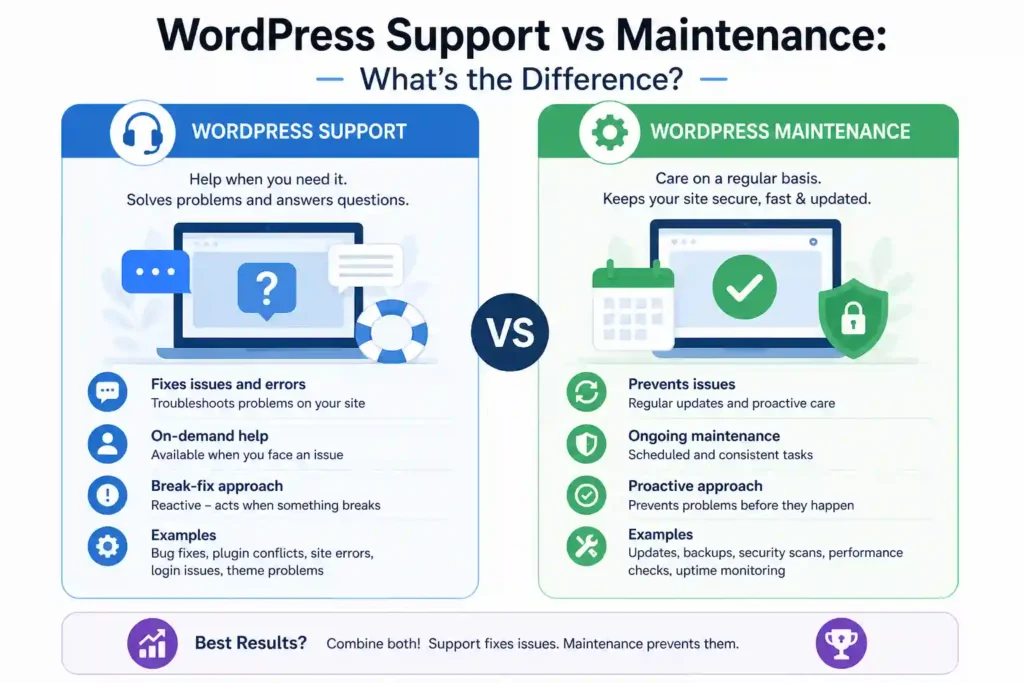
WordPress support is reactive. It covers troubleshooting, bug fixes, and emergency repairs when something on your site goes wrong. WordPress maintenance is proactive. It covers scheduled updates, backups, security scans, and performance checks to prevent problems before they happen.
Knowing the difference helps you choose the right service level and avoid paying for coverage your site does not actually have.
What is WordPress Support?
WordPress site support is reactive technical assistance for problems that have already occurred.
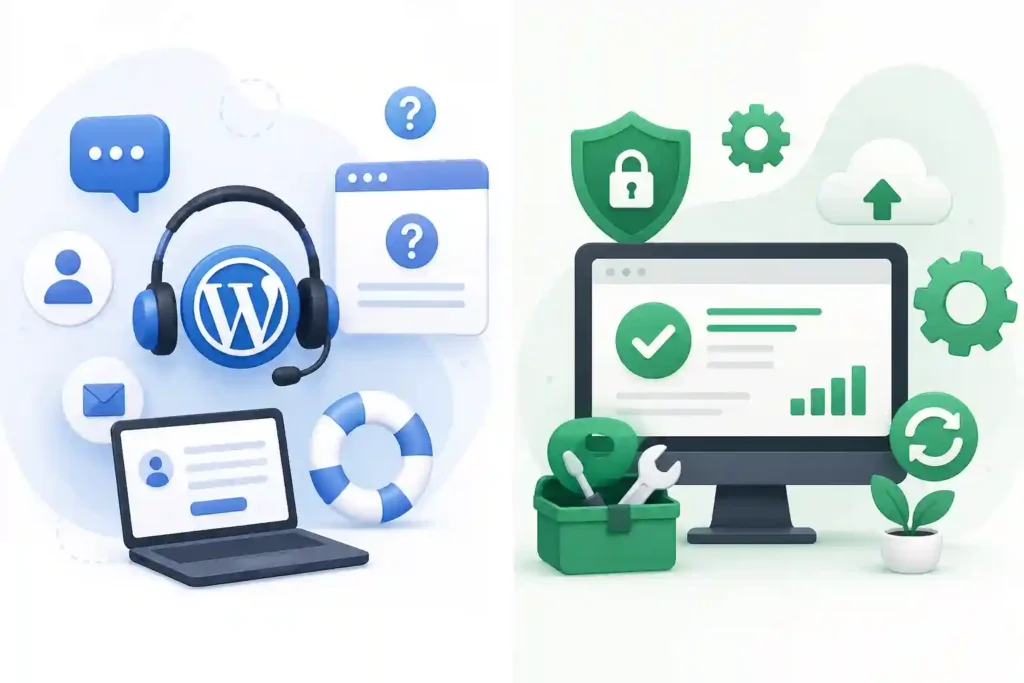
When your site goes down, a plugin breaks, or something stops working, you call support. It is on-demand by nature, with response time, SLA commitments, and ticket-based workflows varying by provider. For sites that experience occasional issues with no recurring pattern, emergency support on an as-needed basis is often enough to cover downtime without a monthly commitment.
What WordPress Support Covers?
WordPress support kicks in when something on your site breaks or stops working. The sections below cover the most common support scenarios and what resolving each one involves.
Troubleshooting and Bug Fixes
Troubleshooting means identifying what broke, why it broke, and fixing it without creating new problems elsewhere. This covers everything from a broken button to a site-wide issue caused by a recent change.
Bug fixes range from simple CSS errors to complex PHP conflicts. A good support provider documents what was found and what was changed so the same issue does not recur.
Emergency Repairs and Site Crashes
Emergency repairs cover situations where the site is completely down and needs immediate attention. This includes white screen errors, database failures, and anything that takes the site offline during business hours.
A reliable support provider has a defined response time for emergencies and can recover from a clean backup if needed. For business sites handling live traffic, having emergency cover before something breaks is always cheaper than sourcing help after.
Plugin and Theme Conflict Resolution
Conflicts occur when two or more components interact in ways their developers did not anticipate, causing layout breaks, failed features, or site errors. They are one of the most common causes of broken functionality on WordPress sites.
Resolving them requires isolating the cause in a staging environment and applying a proper fix. A WordPress-specific support provider diagnoses these significantly faster than a generalist developer.
Technical Consultation and One-Off Fixes
Technical consultation covers expert advice on specific decisions rather than ongoing service. This includes plugin selection, hosting migrations, performance improvements, or architecture decisions.
One-off fixes suit sites that rarely need attention but occasionally have a specific problem to solve. This is the most cost-effective option for stable sites that do not need a monthly plan.
If your site is stable and you only need someone available when something goes wrong, support only is a reasonable starting point.
Need the Right Help for Your WordPress Website?
Whether your site needs quick fixes, regular updates, or ongoing care, expert WordPress help can keep it secure, stable, and ready to grow.
What is WordPress Maintenance?
WordPress maintenance is scheduled, recurring work that keeps a WordPress site secure, up to date, and performing well.
Unlike support, maintenance runs in the background on a fixed schedule. Whether through a WordPress care plan, a managed WordPress retainer, a hosted maintenance service, or scheduled in-house audits, the goal is the same. Prevent problems before they happen rather than react to them after the fact.
What WordPress Maintenance Covers?
WordPress maintenance runs in the background on a fixed schedule to keep your site secure, updated, and performing well. The sections below cover what a professional maintenance plan handles on an ongoing basis.
Core, Plugin, and Theme Updates
Keeping core, plugins, and themes up to date is the most important maintenance task for site security. According to Patchstack’s 2026 WordPress Security Report, 91% of WordPress vulnerabilities come from plugins. Outdated components are the fastest route to a known attack.
Updates should always be tested in staging before going live. A professional plan includes compatibility checks after each update to catch conflicts before they reach real visitors.
Offsite Backups
Offsite backups are copies of the full site stored separately from the hosting server. If the server goes down or is compromised, an off-site backup is the only reliable way to quickly restore the site.
Backup frequency should match how often the site changes. Backups should also be tested regularly. A backup that has never been restored has never been verified.
Security Scans and Monitoring
Regular scans detect malware, suspicious file changes, and known vulnerabilities before they cause damage. Most professional plans run scans daily or weekly, depending on the tier.
Monitoring covers real-time alerts for failed login spikes, unexpected admin accounts, or core file changes. Catching these signals early is what separates a minor incident from a full site compromise.
Uptime Monitoring and Performance Checks
Uptime monitoring tracks whether the site is online at all times and sends an immediate alert when it goes down. For sites running lead generation or eCommerce, every minute of undetected downtime has a direct cost.
Monthly performance checks track page speed and Core Web Vitals. Regular checks catch regression early and keep the site within the thresholds that affect both user experience and search rankings.
If your site is stable and simply needs consistent upkeep, a maintenance plan without on-demand support is a practical starting point.
Confused Between Support and Maintenance?
Get reliable website care to keep your WordPress site secure, updated, and running smoothly without the guesswork.
WordPress Support vs Maintenance: Quick Summary
Short on time? Here is a quick summary of the difference between WordPress support and maintenance, and when each one is the right fit.
| Bug fixes, emergency repairs, and troubleshooting | WordPress Support | WordPress Maintenance |
|---|---|---|
| What it is | Reactive technical assistance | Proactive scheduled upkeep |
| When it runs | When something breaks | On a fixed schedule |
| What it covers | Bug fixes, emergency repairs, troubleshooting | Updates, backups, security scans, monitoring |
| Who handles it | On-demand developer or support team | Ongoing maintenance provider or care plan |
| Pricing model | Per issue, hourly, or on-demand retainer | Fixed monthly subscription |
| Best for | Sites with occasional one-off issues | Sites needing consistent ongoing upkeep |
| Need both? | Yes, if your site runs leads, eCommerce, or client data | Bug fixes, emergency repairs, and troubleshooting |
If your site is currently broken, start with support. If your site is stable but unmonitored, start with maintenance. If your site handles live traffic, leads, or transactions, you need both.
Understanding the Difference Between Support and Maintenance
The simplest way to separate them: support fixes, maintenance prevents. Here is how they differ across every factor that matters when choosing a service.
Reactive vs Proactive
WP support only comes into play when something has already gone wrong. A site crash, a broken plugin, or a failed update triggers a support request, and the work begins from there. Without a support plan in place, most site owners end up scrambling for help at the worst possible time.
WordPress maintenance runs on a fixed schedule regardless of whether anything is broken. Updates go out weekly, backups run daily, and security scans happen on a recurring basis, whether or not there is a visible problem. The value is in what never happens, not in what gets fixed.
Triggers and Timing
Support is triggered by a problem. Something breaks, someone notices, a ticket gets raised, and the fix begins. There is no support work running in the background when the site is running fine, so gaps in coverage go unnoticed until something goes wrong.
Maintenance is triggered by a calendar. The work is planned in advance, scheduled, and carried out consistently, regardless of whether the site looks healthy. That consistency is what makes it preventive rather than reactive, and it is what separates a well-maintained site from one that is one bad update away from an outage.
Frequency and Regularity
Support is used as needed. Some sites need it once a month, others once a quarter. The frequency depends entirely on how often problems occur, which itself depends on how well the site is maintained in the first place. Sites without a maintenance plan tend to require more support.
Maintenance runs continuously. Weekly plugin updates, daily or weekly backups, monthly performance audits, and quarterly compliance reviews. The schedule does not pause because the site is running well. In fact, a site running well is usually evidence that the maintenance schedule is working.
Scope of Coverage
Support covers troubleshooting, bug fixes, emergency repairs, plugin and theme conflicts, and technical consultation. It is focused entirely on resolving problems that have already surfaced and getting the site back to a working state as quickly as possible.
Maintenance covers core and plugin updates, offsite backups, security monitoring, uptime tracking, and performance checks. It is focused entirely on keeping problems from surfacing in the first place. A good maintenance plan also includes regular reporting so site owners have visibility into what is being done and when.
Ideal Use Case
Support is only needed for sites with occasional one-off issues, and no ongoing oversight is required. A site that rarely changes, has a small audience, and has no active lead generation or eCommerce can often get away with on-demand support alone without paying for a full monthly plan.
Maintenance is only suitable for stable sites that need consistent upkeep but have no active problems to fix. A well-built site with minimal custom development and a predictable update cycle is a good candidate for maintenance without a full support plan attached. That said, most business sites outgrow this setup quickly once traffic and complexity increase.
Pricing Structure
Support is typically priced per issue, per hour, or as an on-demand retainer billed only when work is done. One-off fixes generally range from $50 to $200 per hour, depending on complexity. For sites with unpredictable issues, this model can quickly become expensive.
Maintenance runs on a fixed monthly subscription with predictable costs regardless of how much work is done that month. Basic plans start around $50 to $150 per month. Mid-tier plans with security monitoring and performance checks run $200 to $500 per month. Enterprise plans with SLA guarantees range from $500 to $2,000 per month.
Response Time and SLA
Support plans usually come with defined SLA commitments, guaranteed response times, and escalation paths for emergencies. Knowing how fast your provider responds during downtime is one of the most important factors when comparing support providers, particularly for sites that generate revenue or capture leads around the clock.
Maintenance plans are scheduled in advance and typically do not include emergency response guarantees unless explicitly stated. Some providers offer a hybrid arrangement where maintenance is bundled with a minimum response time guarantee for urgent issues. If your site needs both scheduled upkeep and emergency cover, a combined plan is the only way to get both under one SLA without paying separately for each.
What is Included in Both?
Support and maintenance are separate services, but they overlap more than most people expect. Most providers bundle both into a combined plan or WordPress care plan precisely because the line between the two blurs in practice.
- Plugin Updates and Conflict Fixes: Updating plugins is a maintenance task, but when an update breaks something, fixing it falls under support. Both happen as part of the same workflow.
- Security Monitoring and Malware Removal: Threat monitoring is a maintenance task. When a threat is detected and needs to be removed, that is support. One cannot work effectively without the other.
- Performance Checks and Speed Fixes: Running performance audits is maintenance. When an audit flags a problem that needs fixing, that crosses into support territory.
When comparing support and WordPress maintenance care plan options, most reputable providers will include elements of both rather than selling them as completely separate services.
This is why most growing sites need both, not one or the other.
Common WordPress Issues That Need Support vs Maintenance
Understanding which service handles which problem saves time and money. Here is a breakdown of the most common WordPress issues and which service covers them.
- White Screen of Death: A critical error that takes the site completely offline. This is a support issue. It requires immediate diagnosis, usually due to a plugin conflict, a memory limit, or a failed update.
- Broken Site After an Update: Updating a plugin or theme without testing can break layouts, forms, or functionality. Preventing it is maintenance. Fixing it after it happens is support.
- Slow Page Load Times: Identifying the cause through performance audits is maintenance. Fixing a specific bottleneck, like a bloated plugin or an unoptimized database query, falls under support.
- Malware or Hacked Site: Security monitoring that catches threats early is maintenance. Removing malware, cleaning infected files, and hardening the site after a breach are supported.
- Failed Backups: Setting up and running regular backups is maintenance. Recovering a site from a backup after data loss or a server failure is supported.
- Plugin Conflicts: Keeping plugins up to date and compatible is maintenance. Diagnosing and resolving a conflict between two plugins that break site functionality is supported.
How to Decide Which One You Need?
The right service depends on where your site stands right now. Use these four points to work out what your site actually needs before committing to a plan.
- Site Currently Broken or Underperforming: Start with support, get it fixed first, then look at maintenance once the site is stable.
- Site Stable but Unmonitored: Your site is running fine, but lacks backups, updates, or security scans. Start with a maintenance plan.
- Running eCommerce, Membership, or Active Lead Gen: If you are still asking, “Do I need WordPress support or maintenance?” the answer is both. These sites cannot afford gaps in either.
- Agency Managing Multiple Client Sites: A combined plan is the only option that scales without creating coverage gaps across your client portfolio.
When Do You Need Both WordPress Services?
Sites with both proactive maintenance and reactive support experience 91% fewer critical incidents. For most business sites, running one without the other leaves a gap that will show up at the worst possible time.
- Active Business Sites: Sites handling live leads, CRM connections, and client data require a managed WordPress plan with scheduled maintenance and a defined SLA for emergencies.
- eCommerce Stores: Downtime costs revenue directly. A WordPress care plan that covers both maintenance and support is the only way to protect against outages and broken checkout flows.
- Agencies Managing Client Sites: Running support and maintenance separately across multiple client sites creates inconsistency. A combined workflow under a single plan makes it scalable.
Sites running WooCommerce, membership plugins, or CRM integrations carry additional risk. A single failed update to any of these components can break core functionality silently
Support Only vs Maintenance Only vs Combined Plan
Choosing between the three comes down to how your site operates and what level of risk you can absorb. Here is how each plan type stacks up across the factors that matter most.
| Support Only | Maintenance Only | Combined Plan | |
| Best For | One-off fixes and occasional issues | Stable sites needing consistent upkeep | Active business sites, eCommerce, agencies |
| Proactive Work | No | Yes | Yes |
| Reactive Cover | Yes | No | Yes |
| Typical Cost | Per issue or hourly | Fixed monthly fee | Fixed monthly retainer |
| Recommended for Agencies | No | No | Yes |
How Support and Maintenance Fit Into a Broader WordPress Service?
Support and maintenance cover the ongoing health of your site. But most growing sites eventually need more than that. Here is what the full service stack looks like.
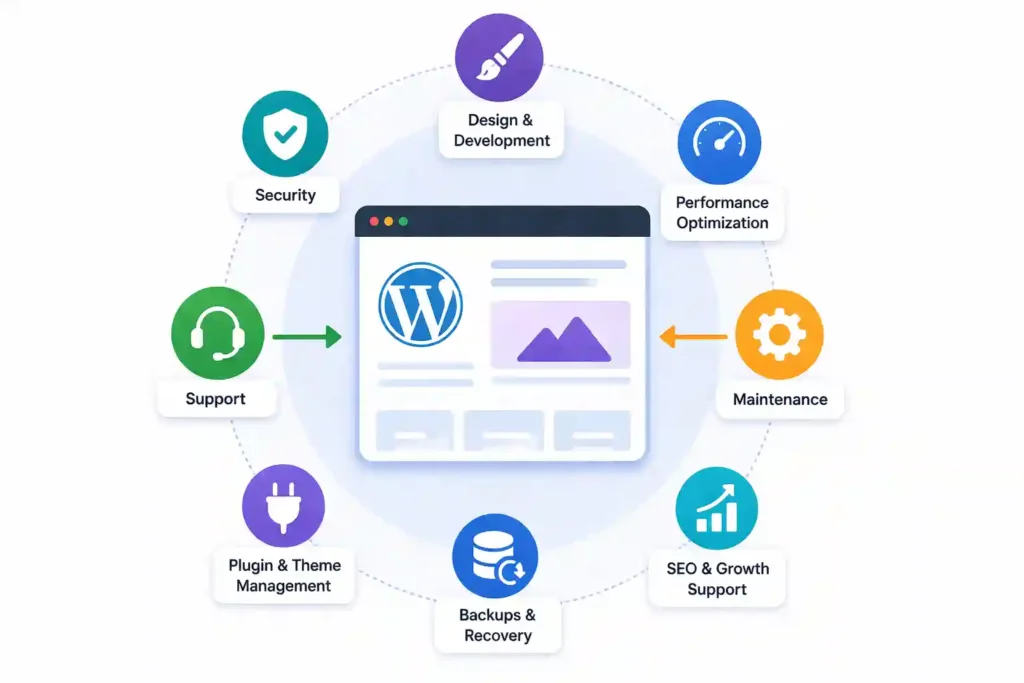
- WordPress Development: Building new features, custom integrations, or rebuilding parts of the site. This is project-based work, scoped and priced separately. A maintenance or support plan does not cover new development work.
- WordPress Management: A service that combines maintenance, support, and strategic oversight under one engagement. It suits sites where someone needs to take full ownership of performance and direction, not just run scheduled tasks or fix issues when they arise.
- WordPress Consultancy: Expert advice on architecture, performance, SEO, or technology decisions. A consultant is brought in when a business needs guidance on how to build or scale a site, not someone to maintain or fix it day to day.
Knowing where support and maintenance end helps you buy the right service at the right time, without expecting a single plan to cover everything.
Tools Used for WordPress Support and Maintenance
The tools used for each service are different because the work is different. Here is what providers typically use for each.
Maintenance Tools
WordPress maintenance relies on tools that run scheduled tasks, monitor site health, and flag issues before they affect users. The tools below are what most professional maintenance providers use to manage client sites consistently at scale.
MainWP
MainWP is a self-hosted dashboard that lets agencies manage multiple WordPress sites from a single location. Updates, backups, security scans, and uptime checks can all be scheduled and monitored without logging into each site individually.
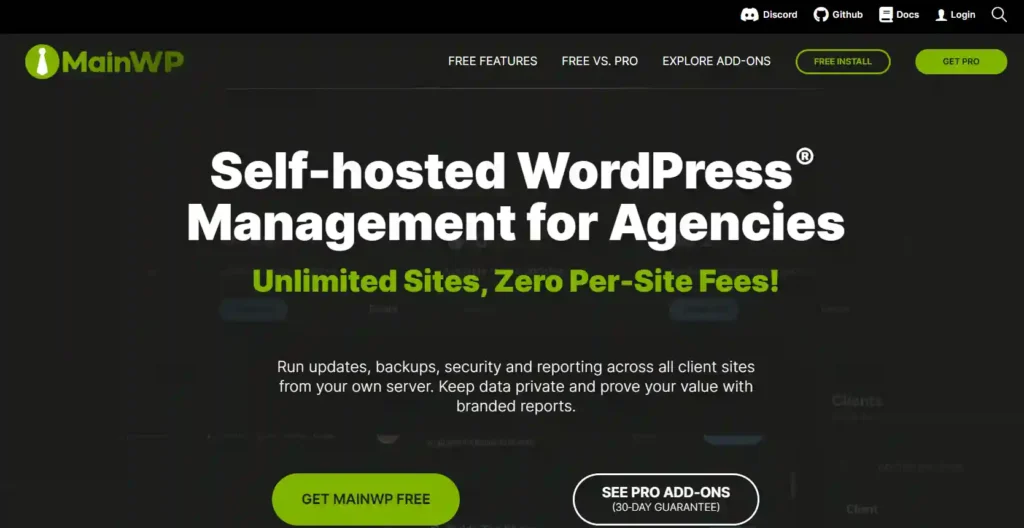
Because it is self-hosted, all site data stays on your own server. For agencies handling client sites at scale, that means full data control with no third-party platform sitting between you and your clients.
Wordfence
Wordfence is one of the most widely used WordPress security plugins for ongoing maintenance monitoring. It runs scheduled malware scans, applies firewall rules, and flags suspicious activity before it causes damage.

It runs directly on the server and gives detailed insight into login attempts, file changes, and known vulnerabilities in installed plugins. For most maintenance plans, Wordfence is the first line of defense against security threats between manual audit cycles.
Google PageSpeed Insights
Google PageSpeed Insights is the most relevant performance audit tool for understanding how Google scores a site for ranking purposes. It tracks Core Web Vitals scores, including LCP, CLS, and INP, and flags issues like render-blocking scripts, uncompressed images, and slow server response times.

For maintenance plans, running a monthly PageSpeed check on key pages gives a clear picture of whether performance is improving or degrading over time. Because the data comes directly from Google, it is the most authoritative source for tracking ranking-related performance signals.
UptimeRobot
UptimeRobot monitors site availability around the clock and sends alerts within minutes of a site going offline. It checks sites at regular intervals and logs downtime history so providers can report on availability over time.
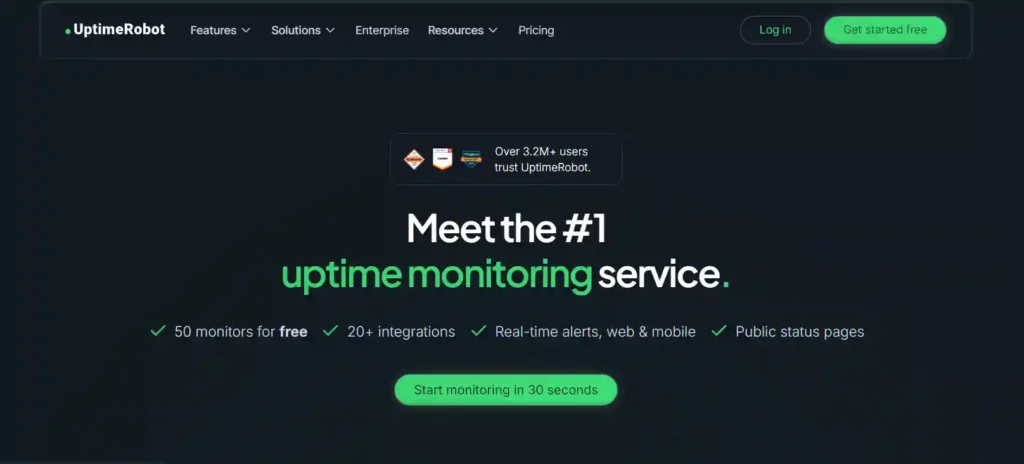
The free plan covers basic monitoring for up to 50 sites, making it a practical choice for agencies running entry-level maintenance plans. Paid plans add faster check intervals, SMS alerts, and status pages for clients who want visibility into their site uptime.
Support Tools
WordPress support relies on tools that help developers diagnose problems quickly, access sites directly, and apply fixes without causing further damage. The tools below are what most professional support teams use when something goes wrong and needs to be resolved fast.
New Relic
New Relic is an application performance monitoring tool used by support teams to identify server-side bottlenecks, slow transactions, and error rates in real time. It gives deep visibility into what is happening at the infrastructure level when a site is underperforming or behaving unexpectedly.
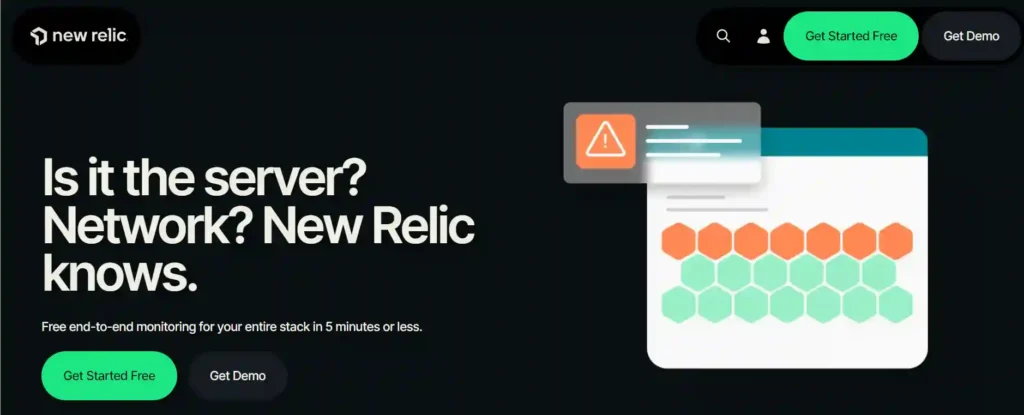
For WordPress support, New Relic is particularly useful for diagnosing issues that do not show up in standard plugin-level tools. It surfaces PHP errors, database query performance, and external API response times that directly affect site stability and speed.
Freshdesk
Freshdesk handles ticket creation, SLA tracking, response time monitoring, and client communication in one place. It gives agencies a structured system for receiving, prioritizing, and resolving support requests, so nothing falls through the cracks.
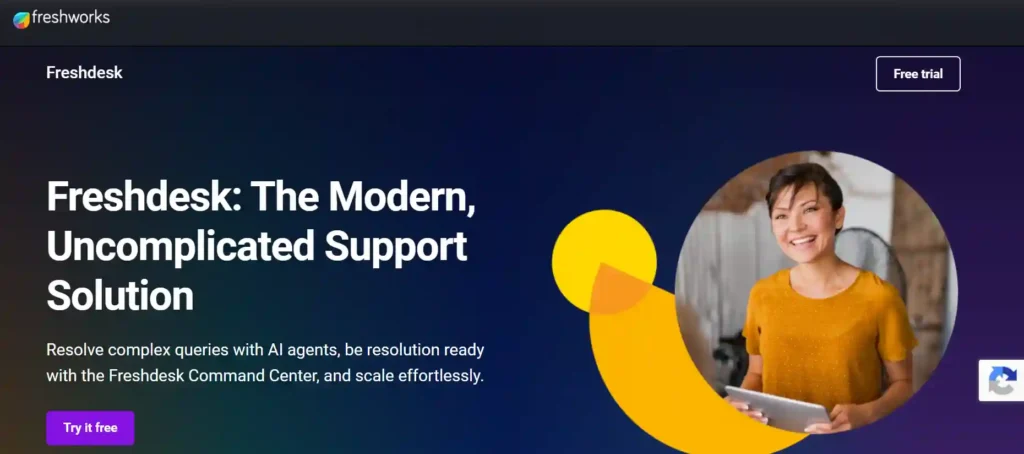
For client-facing support operations, Freshdesk provides the audit trail and SLA reporting that professional support plans require. It also allows support teams to set priority levels on incoming requests so urgent issues are escalated and resolved before lower-priority ones.
Chrome DevTools
Chrome DevTools is the built-in browser debugging tool used by support developers to diagnose front-end issues, including layout breaks, JavaScript errors, failed network requests, and rendering problems. It is available in every Chrome browser and requires no installation.
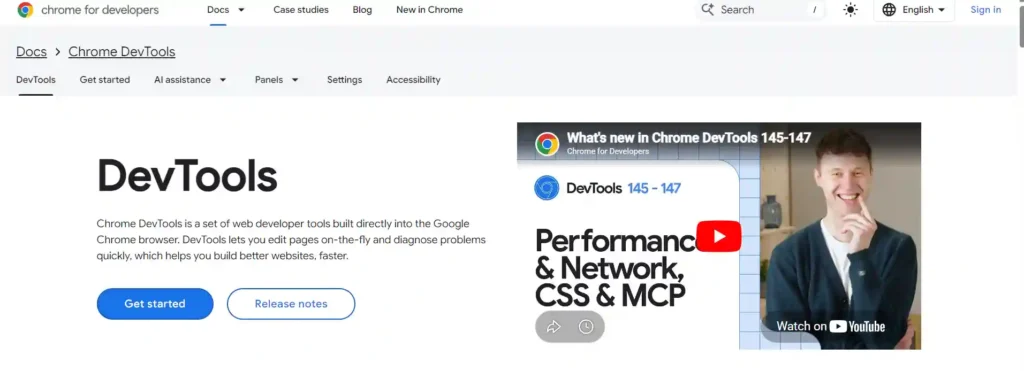
For WordPress support, DevTools is most useful for diagnosing issues that appear only in the browser, rather than on the server, such as broken layouts after a theme update, slow-loading assets, or third-party script conflicts. It is one of the fastest ways to identify a front-end problem without needing server access.
Conclusion
Most site owners only think about support and maintenance after something goes wrong. By that point, the cost of fixing the problem is almost always higher than the cost of preventing it.
The distinction is straightforward. Support is there when things break. Maintenance is what reduces how often they break. Running both together under one plan keeps a business site stable, secure, and performing consistently, without reactive scrambling every time something goes wrong.
FAQs
What is the difference between support and maintenance for WordPress?
Support is reactive. It kicks in when something breaks. Maintenance is proactive. It runs on a schedule to prevent things from breaking. Support fixes problems. Maintenance prevents them. Most business sites need both to run together under one plan.
Are support and maintenance the same service?
No. Maintenance covers scheduled tasks like updates, backups, and security scans. Support covers on-demand fixes like bug resolution, emergency repairs, and plugin conflicts. They are two distinct services with different triggers, pricing models, and coverage scopes.
Which one does my site actually need?
If something is broken right now, start with support. If your site is stable but unmonitored, start with maintenance. If you run an eCommerce store, a membership site, or an active lead-gen page, you need both. Gaps in either service create risk that surfaces at the worst possible time.
What does a WordPress care plan include?
A care plan typically bundles both services into a single monthly subscription. It covers plugin updates, offsite backups, security monitoring, uptime tracking, performance checks, and a defined number of support hours or bug fixes. Always check what is and is not included before signing up.
Can I have maintenance without a support plan?
Yes, but it is not recommended for active business sites. Maintenance reduces the likelihood of problems but does not eliminate them. When something breaks on a maintenance-only plan, there is no support cover in place, and help will need to be sourced separately, usually at a higher cost.
How much do WordPress services cost?
Basic maintenance plans start around $50 to $150 per month. Mid-tier plans with security monitoring and performance checks run $200 to $500 per month. Combined plans for business sites range from $500 to $2,000 per month, depending on SLA commitments and site complexity.


