
Your website never sleeps. But sometimes, it needs a pause. Maintenance mode plugins let you update, redesign, or fix issues without exposing a broken page to visitors.
Instead of losing traffic and trust, you show a polished message that keeps users informed and engaged.
Whether you are launching a brand-new site or updating to the latest WordPress version, the right plugin protects your reputation while you work behind the scenes.
TL;DR: Choose the Right Maintenance Setup for Your Website
- Keep visitors informed during updates without hurting SEO rankings or user trust.
- Use customizable templates, countdown timers, and subscription forms to capture leads.
- Pick features based on your needs, such as eCommerce support, multisite access, or simple blog updates.
- Free and premium options are available for every budget, but advanced tools offer greater flexibility and marketing support.
Best Plugin Features to Look for Based on Business-Specific Needs
When choosing the right WordPress maintenance mode plugin, businesses should consider their unique needs.
Whether you’re running a WooCommerce store, managing multiple client sites as an agency, or just need something simple for your blog, selecting a plugin that matches your business requirements can save you time and improve your site’s performance, even during downtime.
For eCommerce Sites: WooCommerce Integration and Product Page Redirects
If you’re running an eCommerce website, downtime could mean lost sales. That’s why it’s essential to use a maintenance mode plugin that integrates with WooCommerce.
These plugins can redirect customers to specific product pages, ensuring your top products remain visible while other parts of your site undergo updates.
You can also keep your shopping cart active or display limited-time offers to keep potential buyers engaged.
For Digital Agencies: Multi-Site Support, Analytics, and Lead Capture
Agencies managing multiple client websites need more than just a simple “coming soon” message.
Look for plugins with multisite support, detailed analytics to track visitor traffic during downtime, and lead-capture forms to collect email addresses or inquiries.
These features enable you to deliver a seamless experience for both clients and their audiences, while also tracking visitor data.
For Personal Bloggers: Easy Customization and SEO-Safe Updates
Bloggers typically don’t need the advanced features of eCommerce stores or agencies, but they do need simplicity and the ability to maintain their SEO.
A simple plugin that’s easy to configure, offers a few customization options for maintenance messaging, and ensures your site doesn’t lose ranking on search engines is ideal.
Keep Your WordPress Site Secure and Running
Focus on growing your business while Seahawk’s SeaCare team handles your WordPress maintenance, performance optimization, and updates.
Top Free and Premium WordPress Maintenance Mode Plugins
When your website requires maintenance, it’s essential to keep visitors informed without compromising your SEO rankings.
WordPress Maintenance mode plugins let you display custom messages, capture leads, and even showcase countdown timers, keeping your site engaging even when offline.
Below are the top WordPress maintenance mode plugins, categorized into free and premium options to suit every website type.
SeedProd
SeedProd is a powerful, all-in-one plugin designed for creating high-converting landing pages, including coming-soon and maintenance-mode pages.

Its drag-and-drop editor makes it accessible for both beginners and advanced users.
Key Features:
- Drag-and-drop editor for easy customization
- Countdown timers and email opt-ins
- WooCommerce integration for eCommerce sites
- SEO-friendly with social media and Google Analytics integration
Pricing: Free version available with limited features. Premium starts at $79/year for full functionality.
Elementor Maintenance Mode
Included in Elementor Pro, the maintenance mode feature allows you to use Elementor’s drag-and-drop editor to create professional maintenance pages.

The plugin automatically notifies search engines not to index your site during maintenance, protecting your SEO rankings.
Key Features:
- Customizable templates using Elementor’s page builder
- Countdown timers and subscription forms
- SEO-safe (HTTP 503 status)
- Custom widgets and design modules
Pricing: Requires Elementor Pro, which starts at $49/year.
LightStart by Themeisle
LightStart stands out for its quick setup and user-friendly interface. With fully customizable templates, it allows you to manage maintenance mode with ease.

You can control access based on user roles, set up URL redirects, and handle SEO with automatic HTTP 503 responses.
Key Features:
- Customizable templates with a built-in page editor
- URL redirects and role-based access control
- Google Analytics integration
- Automatic SEO-friendly HTTP 503 code
Pricing: Free
Coming Soon & Maintenance Mode by Colorlib
Coming Soon & Maintenance Mode plugin is known for its quick and easy setup. It offers 15 well-designed templates, and customization is simple with a user-friendly editor.

With features like Google Analytics integration and social media buttons, this plugin ensures you can engage with your audience even during site downtime.
Key Features:
- 15 customizable templates
- MailChimp integration and social media buttons
- CSS-friendly for further customization
- Countdown timer and subscription forms
Pricing: Free
Maintenance Mode by Supsystic
Maintenance Mode by Supsystic offers all the essential features, including templates, drag-and-drop customization, and Google Analytics integration.

While the editing experience can feel limited, it’s a reliable plugin for basic maintenance needs with both free and premium templates.
Key Features:
- Free and premium templates
- Drag-and-drop page editor
- Subscription forms and countdown timers
- Google Analytics integration
Pricing: Free version available with limited templates. Premium plugin starts at $39/year.
Under Construction Page by WebFactory
Under Construction is a popular plugin with over 400 templates, making it one of the most customizable options available.
It’s easy to use, offering features like IP whitelisting and Google Analytics tracking, perfect for those looking to track visitor data during site maintenance.
Key Features:
- 400+ pre-built templates
- Toggle maintenance mode on/off
- Google Analytics integration
- IP whitelisting and role-based access
Pricing: Free version available with basic features. Premium plugin costs $69 with lifetime access.
Minimal Coming Soon & Maintenance Mode
Minimal Coming Soon is a simple yet powerful plugin that offers customizable templates with drag-and-drop functionality.
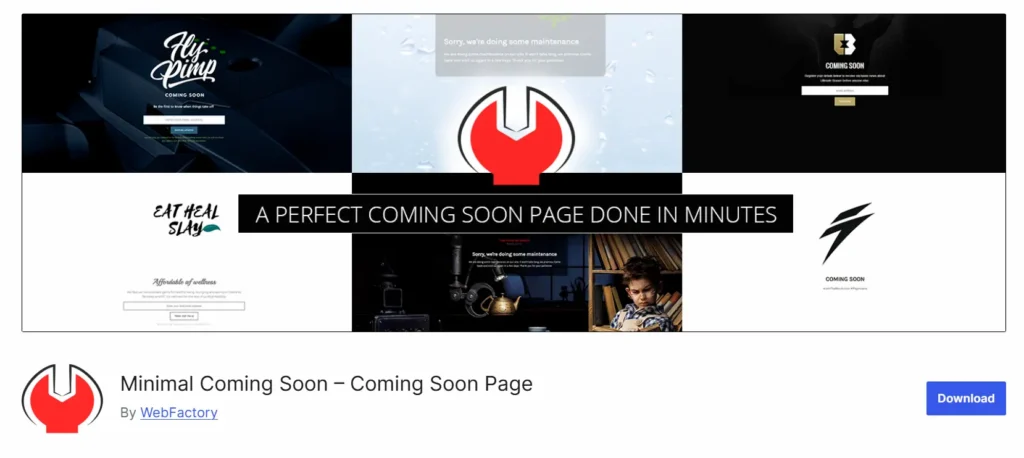
It’s perfect for users who prefer a minimalist design with full control over custom elements like backgrounds and fonts.
Key Features:
- Custom drag-and-drop page editor
- Subscriber engagement with forms
- Integrates with MailChimp
- Custom CSS/HTML for advanced users
Pricing: Free version available with basic features. Premium, lifetime plan starts at $79.
Maintenance by WebFactory
The Maintenance plugin allows you to customize everything from logos to backgrounds and even includes access control for certain user roles.
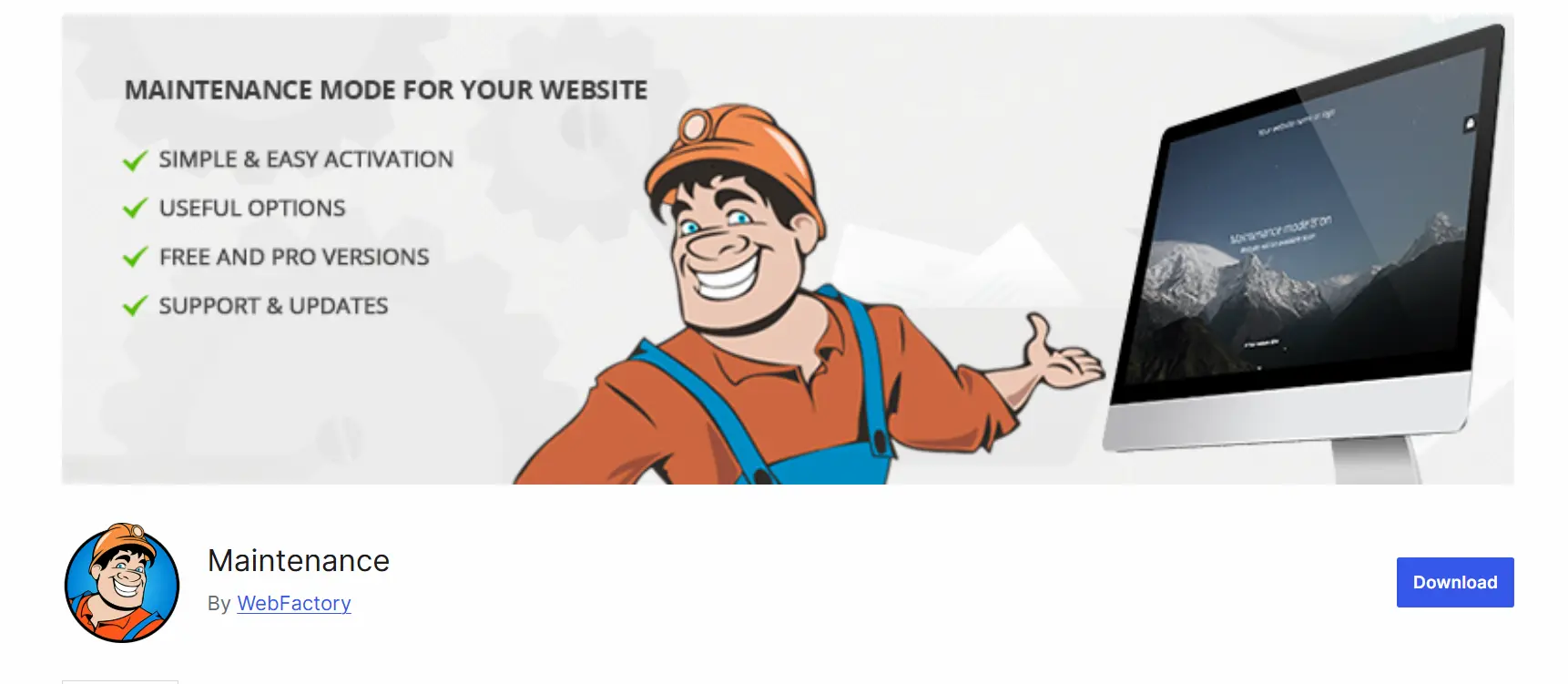
The pro version adds dynamic features like background videos, making it a great choice for businesses looking to engage visitors creatively during downtime.
Key Features:
- Retina-ready visuals with custom branding
- Password protection and secret access links (Pro)
- Google Analytics integration
- Custom backgrounds and logos
Pricing: Free version available with basic features. Premium, lifetime subscription starts at $59.
WP Maintenance Mode
WP Maintenance Mode is a versatile plugin offering countdown timers, subscription forms, and even a messenger bot to engage visitors.

It’s GDPR compliant and provides SEO-friendly options like HTTP 503 status to keep search engines informed during maintenance.
Key Features:
- Customizable templates with countdown timers
- Social sharing options and email subscription forms
- Messenger bot integration
- GDPR compliance and role-based access control
Pricing: Free
Coming Soon Page & Maintenance Mode WordPress Plugin
Coming Soon Page & Maintenance Mode WordPress Plugin focuses on offering responsive WordPress designs and easy customization for maintenance mode pages.

While the interface can be frustrating due to frequent redirects to pro options, it remains a reliable choice for users who need responsive designs and subscription forms.
Key Features:
- Responsive design with Retina display support
- WYSIWYG editor for easy customization
- Countdown timer and social network integration
- SEO-friendly and HTML/CSS customization
Pricing: Free version with basic templates. Premium pro version starts at $19 for 6 months or $57 for lifetime access.
Slim Maintenance Mode
Slim Maintenance Mode offers a no-setup approach, making it ideal for users who need a fast and straightforward maintenance mode plugin.

It automatically activates once installed and deactivates when uninstalled, though it can be buggy at times.
Key Features:
- Sends an HTTP 503 response to search engines
- Automatically enables/disables maintenance mode
- Compatible with most WordPress themes
Pricing: Free
CMP: Coming Soon & Maintenance Plugin
CMP is a free, user-friendly plugin with a variety of features for designing responsive maintenance mode pages.

From custom backgrounds to CSS styling options, it’s a great choice for users on a budget looking for flexibility and customization.
Key Features:
- 100% responsive designs
- Background images and videos
- Custom branding and CSS support
- SEO-friendly and caching compatible
Pricing: Free
To Sum Up
Choosing the right WordPress maintenance mode plugin depends on your website’s specific needs, whether it’s a blog, an eCommerce site, or a large-scale agency.
From advanced features like countdown timers, subscription forms, and WooCommerce integration to more basic options like redirecting visitors and providing simple notifications, there’s a plugin for every use case.
Whether you opt for a free or premium version, the goal is to keep your audience informed, maintain engagement, and protect your SEO during downtime.
By evaluating your requirements and selecting a plugin that aligns with your goals, you can ensure that your website remains functional and professional, even during maintenance.
Whether you need something feature-packed like SeedProd or prefer the simplicity of Elementor, these plugins offer great options to keep your website running smoothly during updates and beyond.
FAQs About Maintenance Mode Plugins
What is the best WordPress maintenance mode plugin for a new site?
The best WordPress maintenance mode plugin helps you control what visitors see during updates. It lets you hide your entire website while you work on your brand new website or a fresh WordPress installation.
Many popular maintenance mode plugins offer responsive templates, landing page builder tools, and options to save email addresses to capture leads before launch.
Can I use a completely free plugin for maintenance mode?
Yes, you can start with a completely free plugin. Many best WordPress maintenance mode plugins offer solid core features at no cost.
However, premium features unlock more advanced features such as marketing tools, email marketing services integration, and design flexibility. Choose based on your WordPress website’s needs.
Does a WordPress maintenance mode plugin affect SEO?
A good WP maintenance mode plugin follows SEO best practices. It sends the correct status to search engines, keeping your rankings safe.
The best WordPress maintenance plugins support the latest WordPress version and protect your WordPress core while updates run smoothly.
Can I show maintenance mode to only registered users?
Yes. Many flexible plugin options allow access only to registered users while hiding the entire WordPress site from the public. This is useful for WordPress multisite setups or for single-site license projects.
Is a maintenance plugin different from a WordPress coming soon plugin?
Both serve similar goals, but use cases differ. A WordPress coming soon or construction plugin helps you launch a new site with a marketing-focused landing page builder.
Maintenance mode works best during updates. The best WordPress plugins combine amazing features for both use cases in one ultimate tool.


