
Atmospheric website design is reshaping how visitors connect with digital spaces. It goes beyond visuals to create immersive, emotionally resonant experiences. WordPress, as the world’s most popular CMS, gives designers a powerful canvas to bring these experiences to life.
More brands now use atmosphere-driven design to lower bounce rates and boost engagement. The right blend of motion, mood, and layout can make the difference between a visitor who leaves and one who converts.
TL;DR: The Immersive Web is Here
- Atmospheric design uses mood, motion, and depth to create memorable user experiences.
- WordPress supports advanced design trends like parallax scrolling, dark mode, and glassmorphism.
- AI-powered personalization and microinteractions are reshaping how users engage with content.
- Speed and performance remain critical, beautiful design must not compromise load times.
What is Atmospheric Website Design and Why Does it Matter for UX and SEO?
Atmospheric design blends visuals, motion, and emotion to create immersive experiences that enhance user engagement, strengthen brand identity, and support better SEO performance.
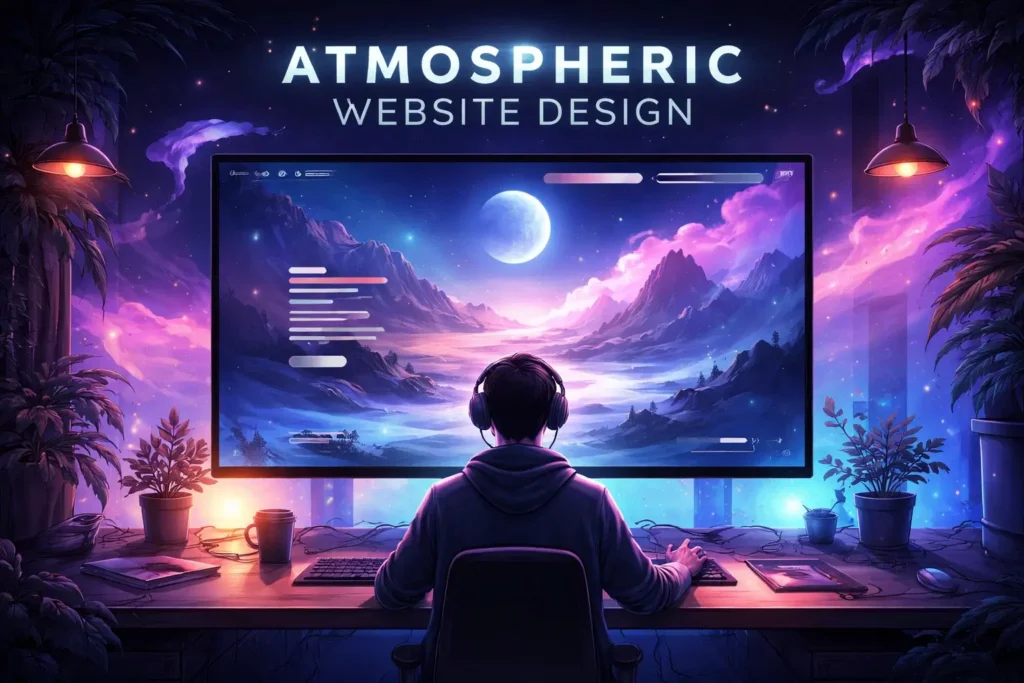
Definition of Atmospheric Website Design in WordPress
Atmospheric site design is a philosophy focused on creating an emotional environment for users. It uses visual storytelling, motion, color, texture, and space to build a sensory experience.
In WordPress, this means layering themes, page builders, and plugins to craft immersive layouts that draw visitors in.
Think of it like entering a well-designed physical space. Every element, lighting, color, sound, layout, shapes how you feel. Atmospheric design does the same thing digitally. It creates a mood before users even read a word.
Key Elements That Define Atmospheric Website Design
Several core elements work together in atmospheric web design.
- Mood-setting visuals use high-quality imagery, video backgrounds, and gradients to set the emotional tone of a page.
- Motion and animation rely on subtle transitions, parallax effects, and scroll-triggered animations to guide users through a journey.
- Spatial depth creates a three-dimensional feel through layered elements, shadows, and depth cues.
- Typography as art uses bold, expressive fonts to communicate personality and reinforce the mood.
- Color psychology applies strategic color palettes to trigger specific emotions.
- Sound and texture take advanced sites to the next level, incorporating ambient sound or tactile visual textures that heighten the full experience.
Why Atmospheric Website Design is Important for SEO and Engagement?
Good design is not just about beauty. It directly impacts your SEO performance and user engagement metrics. Google measures how users interact with a site. High bounce rates, short dwell time, and poor Core Web Vitals all hurt your rankings.
Atmospheric design solves this. When users feel emotionally engaged, they stay longer, explore more pages, and return more often. This signals quality to search engines.
Moreover, visually compelling websites are more likely to earn backlinks and social shares, both of which strengthen domain authority over time.
Addressing bad UX is no longer optional for brands that care about rankings and retention. Understanding what semantic search means for your content strategy also helps you build pages that align with both user intent and search engine expectations.
Transform Your Website with Atmospheric Design
Turn your outdated site into an immersive, high-converting WordPress experience with our expert redesign services.
Core Principles Behind High-Converting Atmospheric Website Design
Great atmospheric design is intentional. Every design choice should serve a clear purpose. Here are the core principles that separate effective atmospheric sites from ones that simply look good.
- Emotion first. Users make decisions based on how they feel. Design your site to trigger the right emotion at the right moment. Map your emotional goals to each page before you write a line of code.
- Context over clutter. Every element on the page should earn its place. Atmospheric design is not about adding more; it is about adding meaning. Remove anything that does not serve the user’s journey.
- Consistency builds trust. Use a consistent visual language across all pages. Fonts, colors, and motion should feel like a cohesive system. Inconsistency breaks immersion instantly.
- Performance is non-negotiable. A site that loads slowly kills the atmosphere before it begins. Optimizing assets, using placeholder images to improve WordPress speed and UX, and leveraging caching are essential disciplines.
- Accessibility matters. Atmospheric effects must not exclude users with disabilities. Following ADA-compliant website design standards ensures your site reaches everyone, regardless of ability.
- Mobile-first thinking. Over 60% of web traffic comes from mobile devices. Every atmospheric effect must work beautifully on smaller screens, including addressing responsive menu issues in WordPress that can silently break the user experience on mobile.
Top Atmospheric Website Design Trends in WordPress
Explore how atmospheric design in WordPress blends visuals, motion, and storytelling to create engaging, high-impact user experiences.
Immersive 3D Visuals and Interactive Elements in WordPress
3D design has moved from a novelty to a mainstream tool. Websites now feature rotating product models, 3D scroll effects, and interactive environments that users can explore.
WordPress users can achieve this using page builders or custom development with Three.js and WebGL.
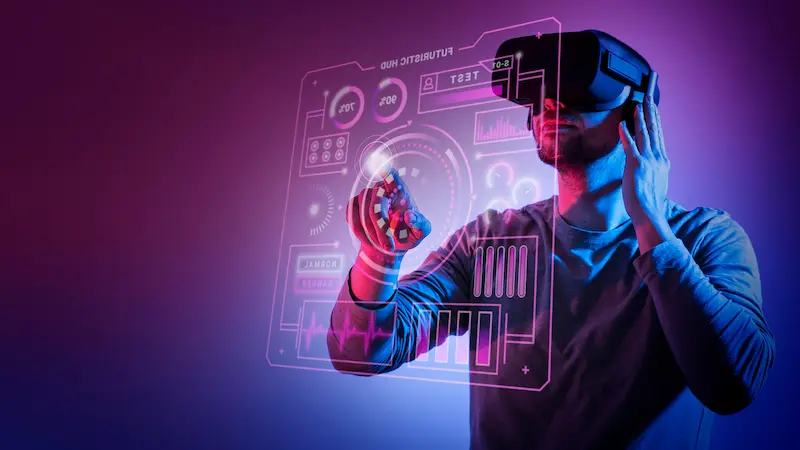
3D visuals work best for brands in tech, fashion, and luxury goods. They give visitors something genuinely surprising. Using the best AI web design templates that support advanced rendering can significantly speed up the build process while maintaining visual fidelity.
Keep 3D effects purposeful. A single, well-placed 3D element can elevate an entire page. Overdoing it creates confusion and slows the site.
Parallax Scrolling and Depth-Based Storytelling
Parallax scrolling creates the illusion of depth by moving foreground and background elements at different speeds as users scroll. It turns a simple scroll into a narrative journey.
WordPress themes and page builders like Elementor make parallax effects accessible to designers without deep coding knowledge. One-page WordPress templates often use parallax as a central design feature for storytelling and product showcases.
Used correctly, parallax keeps users scrolling. It creates curiosity and guides them from one section to the next without interruption. Used incorrectly, it causes motion sickness and disorientation, so always test with real users.
Dark Mode and Low-Light UI for Mood Enhancement
Dark mode is more than a user preference. It is a design trend that dramatically alters a site’s feel. Dark backgrounds make colors pop and create a premium, cinematic atmosphere.
WordPress supports dark mode through theme settings and custom CSS. Many modern themes offer a built-in dark and light mode toggle. This gives users control while ensuring your design looks stunning in either format.
Dark mode works particularly well for portfolios, gaming brands, and luxury products. It signals sophistication and draws the eye toward bright, high-contrast visual elements. Pair it with high-resolution imagery for maximum impact.
Glassmorphism and Soft UI Effects for Depth
Glassmorphism uses frosted-glass effects to create a sense of layered depth. Elements appear translucent, as if floating above a blurred background. This approach creates visual hierarchy without adding visual noise.
Soft UI (also known as neumorphism) complements glassmorphism by using subtle shadows and highlights to simulate real-world surfaces. Together, these effects create a tactile, inviting visual experience that feels both modern and grounded.
You can implement glassmorphism in WordPress using CSS backdrop-filter properties or specialized Elementor addons. Avoid overusing these effects. Too many frosted layers reduce readability and undermine the clarity of your layout.
AI-Powered Personalization for Dynamic Atmospheres
AI is changing how websites adapt to individual users. Personalization engines can now change hero images, text, and calls-to-action based on a visitor’s location, device, or browsing history. This makes every visit feel unique and relevant.
In WordPress, AI personalization tools integrate through plugins or third-party APIs. Using AI for the web design process has also made it faster to generate design variations and test them at scale without requiring a large team.
Dynamic atmospheres powered by AI improve relevance for each visitor. This reduces bounce rates and increases conversions, a measurable business benefit that goes well beyond aesthetics.
Microinteractions and Motion UI for Engagement
Microinteractions are small, purposeful animations triggered by user actions. A button that subtly scales on hover. A loading animation that tells a brand story. A form field that glows softly when in focus.
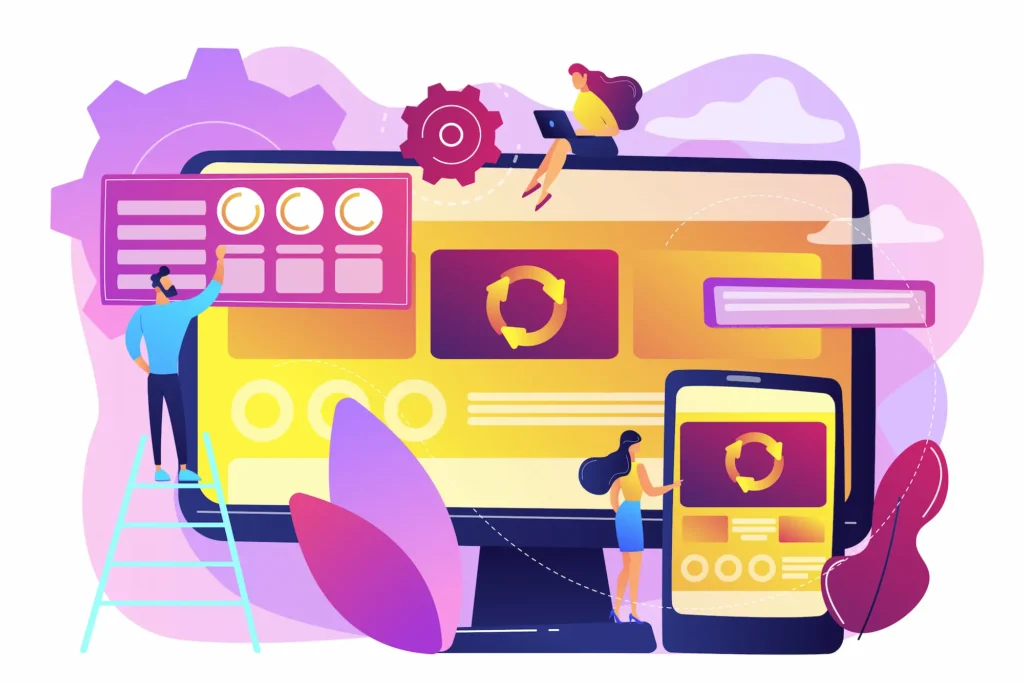
These tiny details create a sense of responsiveness and delight. They tell users that the interface is alive and responsive. Microinteractions reduce friction and make complex interfaces feel intuitive.
In WordPress, motion UI and microinteractions are implemented with custom CSS, JavaScript, or page builder modules. The key is restraint.
Every microinteraction should have a clear purpose, not just demonstrate technical capability. This philosophy aligns closely with reactive website trends that prioritize user feedback loops over flashy but purposeless effects.
Minimalist and Clean Layouts with Emotional Impact
Minimalism and atmosphere are not opposites. A minimal layout can still deliver powerful emotional impact through generous white space, a restrained color palette, and deliberate typography choices.
Minimalist atmospheric design removes everything that does not serve the user. What remains is intentional and impactful. This approach performs extremely well for professional service brands where trust and clarity are the core objectives.
Many of the best consulting website design examples lean heavily on clean layouts to communicate authority and focus.
Clean layouts also load faster, perform better on mobile, and are easier to maintain over time, a practical win alongside the aesthetic one.
Scroll-Triggered Animations and Dynamic Content Reveal
Scroll-triggered animations bring content to life as users move down the page. Elements fade in, slide up, or zoom into view at precisely the right moment. This creates a sense of progression and narrative momentum.
WordPress supports scroll animations through GSAP integrations, ScrollReveal.js, and built-in Elementor motion effects. Combining these animations with well-structured content is a proven way to increase time on page and reduce bounce rates.
Pair animations with strong, legible typography. Use line spacing adjustments in WordPress to ensure text remains readable as it animates into view, particularly on smaller screens where spacing issues become more pronounced.
Bold Typography and Visual Storytelling
Typography has become a primary design element, not just a vehicle for text. Bold, oversized headlines, expressive font pairings, and kinetic text that moves on scroll are now central tools in atmospheric web design.
Variable fonts and web-safe typefaces give WordPress designers more flexibility than ever before. Typography choices communicate brand personality before users read a single word. A well-chosen typeface can set an entire emotional tone on its own.
Visual storytelling combines type with imagery to guide users through a narrative arc. This is especially powerful for brands that need to explain complex ideas quickly.
Consider how leading SaaS landing page templates use bold type and sequential story flow to drive conversions within a single scrollable page.
Headless WordPress for High-Performance Experiences
Headless WordPress decouples the front-end from the back-end. The CMS manages content, while a modern JavaScript framework like React or Next.js handles the presentation layer. This architecture enables blazing-fast load times and full creative freedom.
For atmospheric design, headless architecture is a game-changer. Designers are no longer limited by traditional theme constraints. They can build virtually any experience they imagine without fighting the CMS.
Server-side rendering in WordPress is a key component of many headless setups, ensuring fast initial page loads without sacrificing interactivity.
Leading WordPress headless CMS support providers help brands make this technical transition smoothly and without disrupting their existing content workflows.
How to Implement Atmospheric Website Design in WordPress?
Implementing atmospheric design in WordPress follows a clear, phased approach. Here is how to do it effectively.
- Step 1: Define the emotional goal: Before choosing any tool or visual, decide how you want visitors to feel. Every design decision should trace back to this objective.
- Step 2: Choose the right theme or framework: Start with a flexible, performance-optimized WordPress theme. Consider using the Underscores WordPress theme as a starter for custom atmospheric builds, or browse free WordPress agency themes for ready-made options that support modern effects.
- Step 3: Select your page builder carefully: Elementor, Divi, and Bricks Builder each offer motion effects and animation options. If you are converting existing Adobe XD designs, you can convert them directly into Elementor, saving significant development time.
- Step 4: Layer in atmospheric effects: Add parallax, scroll animations, and dark mode support incrementally. Test each addition for performance impact using Google PageSpeed Insights or Lighthouse.
- Step 5: Optimize for speed: Compress images, use lazy loading, and leverage a CDN. The goal is an immersive experience that loads in under 3 seconds.
- Step 6: Test on all devices: Run thorough cross-browser and cross-device tests before launch. What looks stunning on a large monitor may break entirely on a smartphone.
Common Mistakes to Avoid in Atmospheric Website Design
Even skilled designers make avoidable mistakes with atmospheric design.

Here are the most common pitfalls:
- Prioritizing style over substance. An atmospheric layout still needs clear messaging. If users cannot understand what your site offers within seconds, the design fails, no matter how beautiful it looks.
- Ignoring page speed. Heavy animations, uncompressed video backgrounds, and JavaScript-heavy effects slow pages down. Slow pages kill conversions and hurt SEO directly. This becomes especially problematic when you also need AI tools for WordPress maintenance and security to keep a sluggish site constantly patched and optimized.
- Overusing effects. Too many animations, transitions, and visual layers create fatigue. Users feel overwhelmed rather than immersed. Apply the “less is more” principle ruthlessly in every section.
- Neglecting mobile design. Atmospheric effects that work beautifully on desktop often break on mobile. Always design for mobile first, then progressively enhance for larger screens.
- Skipping accessibility. Motion-heavy designs must include options to reduce or disable animations for users with vestibular disorders. Use CSS media queries like
prefers-reduced-motionto respect user preferences automatically.
- Copying trends without context. Not every atmospheric trend fits every brand. A law firm does not need the same experience as a music streaming platform. Understand your audience deeply before choosing a design direction.
Future of Atmospheric Website Design in WordPress
The future of atmospheric design points toward greater intelligence, deeper personalization, and tighter integration between physical and digital experiences.
- AI will continue to reshape how atmospheric experiences are built. Tools that generate layout variations, color palettes, and motion sequences from a simple prompt are already emerging. This will lower the barrier for smaller brands to create immersive experiences without large in-house teams.
- Web standards will also evolve to support richer experiences natively. CSS scroll-driven animations, container queries, and native view transitions are already changing what is possible in the browser without heavy JavaScript. WordPress will continue to adapt its block editor and theme ecosystem accordingly.
- Voice and gesture-based interfaces will introduce entirely new types of atmosphere. Websites will respond not just to clicks, but to voice commands and spatial gestures, especially as AR and VR interfaces become more accessible to general consumers.
- Sustainability will also become a critical design consideration. Atmospheric sites need to balance richness with energy efficiency. Lightweight animations and responsible hosting choices will become part of ethical atmospheric design practice.
- Understanding top AI search trends and building around entity-based SEO strategies will shape how atmospheric sites are structured to rank as AI-driven search becomes the new standard.
WordPress, with its massive plugin ecosystem and active global developer community, is well-positioned to remain the leading platform for atmospheric web experiences for years to come.
Conclusion
Atmospheric website design is one of the most powerful ways to differentiate your WordPress site in a crowded digital landscape. It goes far beyond good looks. It creates a feeling and builds a connection. And it drives real, measurable action from the users who experience it.
The trends covered in this guide, from 3D visuals and parallax scrolling to AI personalization and headless WordPress, are not just aesthetic experiments.
They are strategic tools that improve user engagement, reduce bounce rates, and support long-term SEO performance when applied with purpose and discipline.
As you plan your next design project, start with emotion. Know exactly how you want your visitors to feel when they land on your site.
Then choose your tools, effects, and content to consistently serve that goal. Test everything on real devices, optimize relentlessly for speed, and never stop iterating based on real user behavior.
The brands that invest in atmospheric design today are building the web experiences that will define tomorrow. WordPress gives you everything you need to get started and the freedom to build without limits.
FAQs About Atmospheric Website Design
What is an atmospheric design in WordPress?
Atmospheric website design focuses on creating a specific mood or emotion through visuals, colors, motion, and layout. In WordPress, designers use themes, animations, and media to build immersive experiences that connect with users.
How does atmospheric site design improve SEO?
It boosts user engagement, increases dwell time, and lowers bounce rates. Search engines value these signals, which can improve rankings when combined with fast loading and mobile optimization.
Which tools help create atmospheric design in WordPress?
Popular tools include the Elementor builder, Gutenberg editor, and animation plugins. These tools help add motion effects, layered visuals, and interactive elements without heavy coding.
Does atmospheric design affect website performance?
Yes, if not optimized. Heavy animations and large media files can slow your site. Use compressed images, lazy loading, and lightweight themes to maintain speed and performance.
What are common mistakes in atmospheric site design?
Avoid overusing animations, ignoring mobile responsiveness, and prioritizing visuals over usability. Keep navigation simple and ensure the design enhances, not distracts from, the user experience.


