

The best free image hosting sites in 2026 include Imgur for public sharing, ImgBB for permanent free hosting with direct links, Cloudinary for developers who need image transformation, PostImages for anonymous no-signup uploads, and Google Photos for personal storage.
Free image hosting platforms let you upload photos and generate a direct URL you can embed or share anywhere online. This guide compares the top 10 services based on storage limits, maximum file size, direct link support, privacy controls, and whether the free plan is truly unlimited.
TL;DR: Quick Guide to Uploading and Sharing Images Online
- Platform choice directly affects your site’s speed, storage, and workflow efficiency.
- Match the platform to your use case: casual sharing, photography portfolios, developer pipelines, or stock assets. Each has a clear winner.
- Always compress files, use the right format, and organize uploads systematically, regardless of which platform you choose.
- Free plans work well to start, but growing sites will eventually need premium features or CDN-backed delivery.
What Are Free Image Hosting Sites and How Do They Work?
Free image hosting sites are online platforms that store images on remote servers and provide shareable URLs for each uploaded image. You upload images to the platform, and it returns direct links or embed codes that you can place on websites, forums, blog posts, or social media.

When a visitor loads your page, their browser fetches the image directly from the hosting service’s servers rather than your own. This reduces the load on your web server and, in many cases, significantly speeds up delivery.
Most platforms support standard image formats like JPG, PNG, GIF, and WebP. They differ in maximum file size, storage limits, whether a free account is required, and the availability of features such as basic editing tools, albums, and galleries.
Want Your Images to Rank on Google and Load Faster?
We optimize image filenames, alt text, and formats so your visuals boost SEO, improve accessibility, and never slow your site down.
Why Free Image Hosting Matters for Agencies and Site Owners?
Every image you host locally on your web server consumes storage space, memory, and bandwidth. At scale, that cost adds up fast. Agencies managing dozens of client sites and site owners handling large media libraries both benefit from offloading images to a dedicated hosting service.
Using a specialized image hosting service provides several tangible advantages.
- Lower server load: Images are served directly from the hosting platform, reducing the demand on your primary web server.
- Faster load times: Purpose-built image hosting services are optimized for fast delivery, often using CDN infrastructure. Faster images directly improve website page loading time and user experience.
- Simplified workflows: You can upload photos, share images, and embed images across different platforms using a single centralized service.
- Free storage: A solid free plan eliminates storage costs for smaller projects or testing environments.
- Easier sharing: Most services generate direct image links instantly, making it easy to embed images in any context.
Image performance is one of the most important and most overlooked factors in site speed. Properly handled images can meaningfully improve Google PageSpeed Insights scores and reduce bounce rates.
Top Free Image Hosting Sites
Here are some of the most reliable platforms that let you upload, store, and share images quickly, with features like direct links, simple embeds, and secure storage.
Imgur: Anonymous Image Uploads and Quick Sharing Links
Imgur is one of the most visited image hosting platforms in the world. Its biggest draw is the ability to start uploading without creating an account.
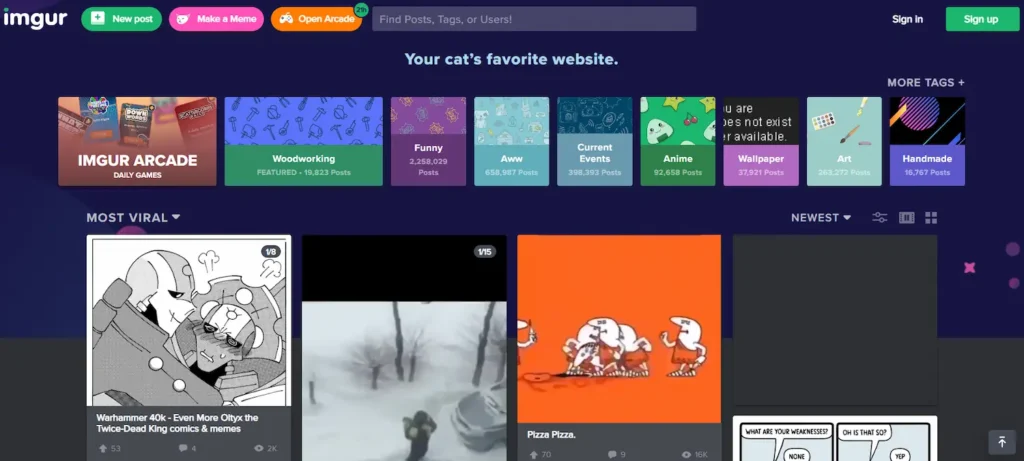
This makes it the go-to platform for Reddit, forums, chat applications, and quick social media sharing.
Key features:
- No account needed for basic anonymous uploads
- Instant direct image links after every upload
- Supports JPG, PNG, GIF, and animated files
- An active community where users can leave comments and vote on posts
- Simple upload process with no configuration required
- File size limit of 20 MB for non-animated files and 200 MB for video
Imgur excels at quick sharing. However, it is not designed for professional photographers or site owners who need organized galleries or branded albums. Content uploaded anonymously may also be deleted if it goes without views for an extended period.
Flickr: Free Photo Hosting Platform for Photographers and Portfolios
Flickr has been one of the internet’s most respected photo hosting platforms for over two decades.
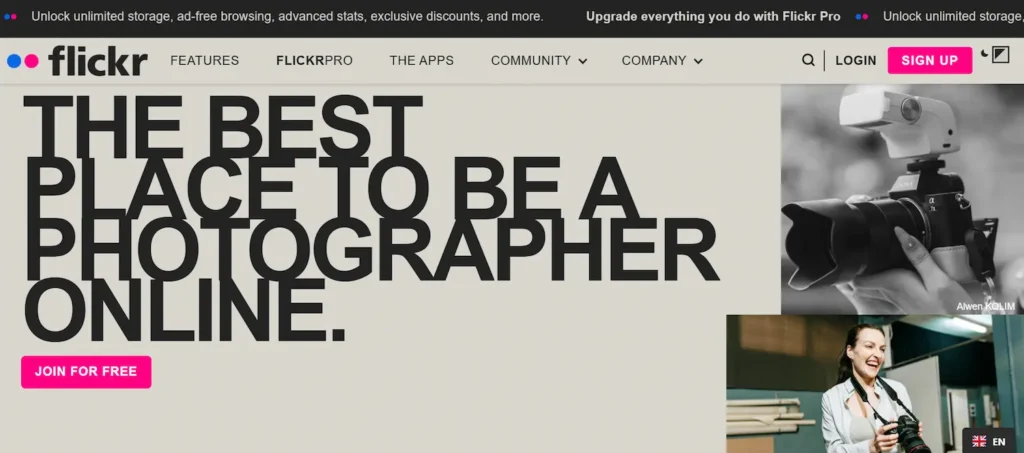
It is built around photography, with tools that allow users to showcase high-quality images in albums and galleries while engaging with a global photography community.
Key features:
- 1,000 photos of free storage on a free account
- Upload photos in original resolution without quality loss
- Organize pictures into albums, galleries, and collections
- Join groups and engage with other photographers
- Leave comments and receive feedback from the community
- Easy sharing to social media platforms and direct image links for embedding
Flickr is the platform of choice for professional photographers and serious enthusiasts who want a polished, community-driven home for their work. Those who need more than 1,000 photos can upgrade to Flickr Pro for unlimited storage and advanced features.
Google Photos: AI-Powered Image Storage and Backup Platform
Google Photos is among the most feature-rich free image hosting services available today.
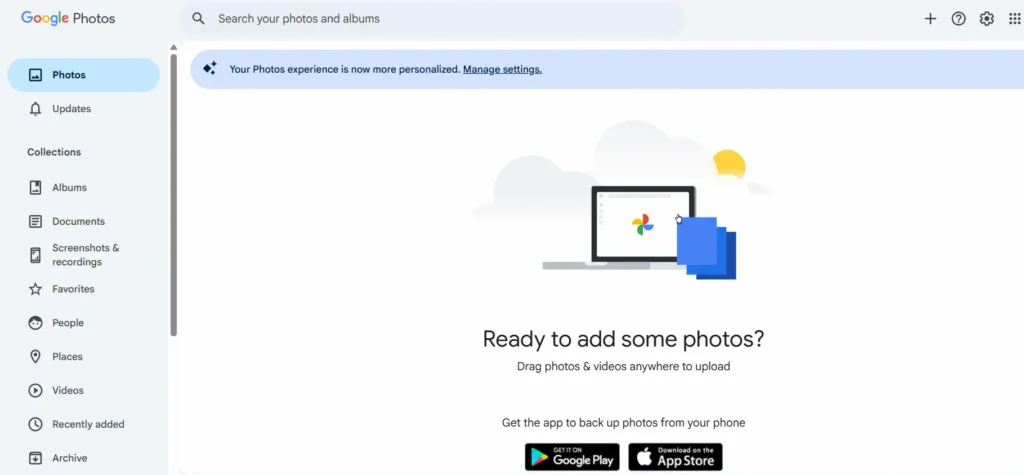
It goes beyond simple storage; it uses artificial intelligence to automatically categorize, tag, and surface your images based on people, places, and objects.
Key features:
- 15 GB of free storage space shared with Google Drive and Gmail
- AI-powered search and automatic photo organization
- Automatic backup of photos from mobile devices with no manual effort
- Access all the photos across all web apps, tablets, and devices
- Shareable albums and direct links for easy sharing
- Integration with Google Drive for broader cloud storage workflows
Google Photos is ideal for individuals and small teams who want a seamless backup solution across devices. The 15 GB free tier is generous, but heavy users will eventually need a Google One subscription to expand their storage space.
For those who prefer to offload media from their web server to a cloud solution, the approach mirrors offloading WordPress media to the cloud.
Cloudinary: Developer-Friendly Image Hosting with Optimization Tools
Cloudinary is not just an image hosting service; it is a complete media management platform built for developers and digital agencies.

It provides API-driven image transformation, auto-optimization, and global CDN delivery all in one package.
Key features:
- Free plan includes 25 credits (covering approximately 25 GB storage and 25,000 transformations)
- Automatic image optimization and format conversion on upload
- Resize, crop, and transform image files via URL parameters
- Supports both lossy compression and lossless compression modes
- CDN-backed delivery for fast global load times
- Powerful tools for building web apps with dynamic image pipelines
Cloudinary is the preferred hosting service for developers who need programmatic control over image delivery. It integrates seamlessly with WordPress and other platforms, making it an exceptional choice for agencies that manage high volumes of images at scale.
Understanding image compression fundamentals helps you get the most out of Cloudinary’s optimization settings.
Postimage: Simple Free Image Hosting for Forums and Websites
Postimage focuses on simplicity. It requires no account, loads quickly, and generates direct links and embed codes the moment your upload is complete. It is widely used across forums, community sites, and personal blogs.

Key features:
- No account needed to upload images
- Direct links and embed codes are available immediately after upload
- Supports multiple image file formats, including JPG and PNG
- Optional password-protected galleries for private sharing
- Unlimited uploads with no registration required
- Maximum file size of 24 MB per image
Postimage is one of the most straightforward image hosting services on the web. If you need a simple, fast upload process and direct, no-frills image links, Postimage delivers exactly that.
ImgBB: Easy Drag and Drop Image Upload with Direct Links
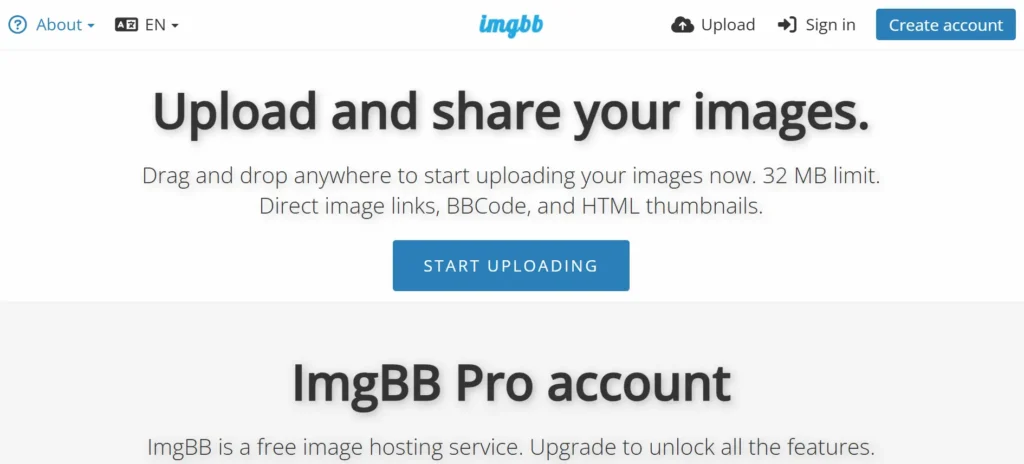
ImgBB combines ease of use with a clean, modern interface. Its drag-and-drop upload system lets you upload multiple images at once, and it automatically generates multiple embed formats.
Key features:
- Drag and drop upload support for fast multi-image uploads
- An optional free account for image management and history
- Auto-deletion settings for temporary image hosting
- Direct image links, HTML embed codes, BBCode, and Markdown formats
- Maximum file size of 32 MB per image
ImgBB is a reliable all-rounder that suits both casual users and developers who need to embed images in websites or forums quickly. The 32 MB file size limit is among the most generous available on free image hosting websites.
Imgbox: Unlimited Free Image Hosting for Quick Sharing
Imgbox differentiates itself from other platforms by offering genuinely unlimited storage space on its free tier. Users can host images in bulk without worrying about hitting monthly upload quotas or storage caps.
Key features:
- Unlimited storage space for registered free users
- Upload as many images as needed with no hard cap
- Supports gallery creation for organized image collections
- Provides both thumbnail links and full-size direct links
- Simple, fast upload process with no unnecessary configuration
Imgbox is one of the few services that offer unlimited uploads on a free plan. This makes it especially useful for site owners and developers who need a large volume of hosted images without any recurring cost.
ImageShack: Reliable Image Hosting with Trial-Based Premium Features
ImageShack is a veteran in the image hosting space with a track record of fast, reliable delivery.
While the platform has shifted primarily to a premium model, new users receive a trial period to explore all features before committing.
Key features:
- CDN-backed delivery for fast global image loading
- Support for large image files and high-resolution uploads
- Basic editing tools for quick cropping and resizing
- Unlimited uploads on paid plans
- Direct image links and embed options for easy integration
ImageShack suits users who prioritize reliability and uptime over a completely free service. Its advanced features, including image analytics and team management tools, are available at the premium tier.
Pexels: Free Image Library with High Quality Visual Assets
Pexels functions primarily as a free stock photo library, but it also serves as a hosting and community platform where photographers can contribute and share their work.

Every image in its library is free to use, including for commercial purposes.
Key features:
- Massive library of free, professionally curated, high-quality images
- All images are licensed for commercial use without attribution requirements
- A contributor upload system for photographers to share their work
- Easy sharing and direct links for web embedding
- Search by keyword, color, or orientation for targeted results
Pexels is the ideal resource for professional-grade visual assets at no cost for your website, blog posts, or marketing materials.
For WordPress users looking to maintain high-quality images across their site, pairing Pexels with solid image optimization plugins ensures both visual quality and performance.
Pixabay: Free Image Repository with Commercial Use Licensing
Pixabay offers an extensive collection of photos, illustrations, vectors, and videos, all available under its own generous license that permits commercial use without attribution.
Key features:
- Over 4 million free images, illustrations, and videos in the library
- Pixabay License covers commercial use in most contexts
- Contributor platform for uploading and sharing original work
- Available in multiple resolutions with simple download options
- Active community with a commenting and voting system
Pixabay’s licensing flexibility and sheer breadth of content make it one of the most versatile free visual resources on the internet. Its community-driven model ensures the library stays fresh with regular new contributions.
Key Features to Compare Across Free Image Hosting Websites
Not all image hosting websites deliver the same value. Before committing to a platform, compare these critical features side by side.
- Storage Space and Limits. Google Photos offers 15 GB of free storage, Imgbox provides unlimited storage space, and Flickr caps free accounts at 1,000 photos. Evaluate both your current and future needs before making a decision.
- File Size Limit. ImgBB supports up to 32 MB, Postimage allows 24 MB, and Imgur handles 20 MB for non-animated files. Photographers uploading high-resolution originals should prioritize platforms with higher limits. Understanding optimal image sizes for web use helps you calibrate uploads accordingly.
- Direct Image Links and Embed Options. Clean direct links make it easy to embed images in HTML, Markdown, and forum posts. Imgur, ImgBB, Postimage, and Imgbox all generate them automatically. Confirm the format matches your intended use before committing.
- Drag-and-Drop Upload. ImgBB, Cloudinary, and most modern platforms support drag-and-drop, which significantly speeds up bulk upload workflows.
- Basic Editing Tools. Cloudinary offers the most powerful built-in tools, while Postimage and Imgbox provide none. For pre-upload compression and resizing, dedicated image optimization plugins handle the heavy lifting efficiently.
- Commercial Use Rights. Pexels and Pixabay explicitly license their libraries for commercial use. Other hosting services provide storage only; they do not grant rights over the images themselves.
- Format Support. Most platforms support JPG, PNG, and GIF. Check WebP and animated file support if you work with modern formats. Choosing between AVIF and WebP has real performance implications worth understanding before uploading at scale.
Free Image Versus Premium Features: When to Upgrade
Free image hosting is an excellent starting point, but there are clear signals that indicate when a paid upgrade is the smarter decision.
- You are hitting storage limits regularly. Once you exhaust your free storage space, you can’t add new images until you clear space or upgrade. For active sites, this becomes disruptive quickly.
- File size restrictions are blocking your workflow. Professional photographers and designers often work with large image files. A free plan’s file size limit may be incompatible with files directly from a camera or design tool.
- You need advanced features. Premium tiers typically include image analytics, team collaboration tools, more powerful editing tools, API access, and white-label delivery options that free plans do not offer.
- Reliability and data retention matter. Free services may delete inactive images, display advertisements on your hosted content, or shut down without notice. Premium plans offer contractual guarantees around uptime and data retention.
- Speed and CDN delivery are critical. Platforms like Cloudinary offer CDN-backed delivery on premium tiers, ensuring faster global load times. Understanding how a content delivery network works helps you evaluate whether built-in CDN delivery justifies the cost of upgrading.
For agencies managing client websites where performance directly influences SEO rankings, the cost of a premium plan is almost always justified by the speed and reliability improvements it delivers.
Best Practices for Managing Images on Free Image Hosting Sites
Even on a free plan, how you manage your images significantly affects site performance and user experience. Follow these best practices to get the most from your chosen hosting service.
- Compress images before uploading. Reducing file size ensures faster delivery on any platform. Tools like ShortPixel make this straightforward. Comparing Imagify vs Smush helps you pick the right approach without sacrificing quality.
- Choose the right format. Use JPG for photos, PNG for transparent graphics, and WebP for superior compression across both. Pairing smart format choices with WordPress caching plugins gives you a faster, leaner site.
- Use descriptive file names. Rename files with keyword-rich names before uploading. Search engines read file names as relevance signals, so good naming habits directly support your SEO.
- Organize into albums and galleries. Platforms like Flickr, Imgbox, and Cloudinary support structured collections. Keeping images organized makes large libraries manageable over time.
- Monitor storage proactively. Track usage on platforms with fixed limits, such as Google Photos or Flickr. Exhausted storage can break live image links without warning.
- Pair hosting with a CDN. If your platform lacks a built-in CDN, adding one reduces latency globally. The impact of content delivery networks on image-heavy sites is well-documented.
- Audit and delete unused images. Regular cleanups free storage and keep accounts navigable, whether in a WordPress media library or an external hosting account.
- Back up critical images independently. Free platforms can change terms or go offline. WordPress backup plugins with cloud storage support keep your media protected regardless.
Conclusion
The best free image hosting site is the one that aligns with how you actually use images, whether that means quick anonymous sharing, a photographer’s organized portfolio, a developer’s programmatic image pipeline, or access to a free library of commercial-use stock photos.
Regardless of platform, follow image optimization best practices at every stage of your workflow. Compress images before uploading, choose the right format, organize files systematically, and monitor storage regularly.
For WordPress users in particular, combining your chosen image hosting service with proper image optimization and a regular WordPress site clean-up routine delivers the best balance of visual quality and load performance.
FAQs About Free Image Hosting Sites
Can I host images for free without creating an account?
Yes. Platforms like Imgur and Postimage let you upload and share images instantly without a free account. You get direct links right away. However, anonymous uploads may lack organization tools and are sometimes deleted after long periods of inactivity.
Do free image hosting services support other files besides images?
Most free image hosting services focus solely on image formats such as JPG, PNG, GIF, and WebP. Some platforms, such as Cloudinary, also support video and document uploads. Always check a platform’s supported formats before committing to it.
Which platforms let you upload an unlimited number of images for free?
Imgbox allows users to upload an unlimited number of images on its free plan. Cloudinary and Postimage also offer generous upload allowances. Google Photos provides 15 GB of shared storage, which suits most casual users well.
Can I use free image hosting to back up photos from my website?
You can use platforms like Google Photos or Flickr to back up photos as a secondary copy. However, relying solely on a free hosting service is risky. Always maintain an independent local or cloud backup to protect critical media files.
Do free plans include all the features I need to host images effectively?
Free plans cover the basics, uploading, sharing, and generating direct links. However, they rarely include all the features that premium tiers offer, such as advanced editing tools, analytics, CDN delivery, and team management. Upgrade when your site’s performance demands it.



