

WordPress cookie consent plugins help you manage user consent and comply with privacy laws before cookies and tracking scripts load on your site. In 2026, these tools are essential for meeting global privacy requirements such as GDPR, CCPA, and ePrivacy while protecting user trust and site performance.
Privacy rules continue to expand across regions. Choosing the right cookie consent plugin helps you stay compliant while keeping your site fast and easy to use. This guide helps you select the best option for your WordPress site.
TL;DR
- Cookie consent is mandatory for WordPress sites in 2026 due to global privacy laws.
- A proper cookie consent plugin blocks scripts until users give permission.
- The right setup protects compliance, site speed, analytics, and user trust.
- Free plugins cover basics, while paid options suit complex or global sites.
- A clean consent setup supports SEO, performance, and long-term growth.
What is a WordPress Cookie Consent Plugin?
A WordPress cookie consent plugin helps you ask visitors for permission before your site uses cookies. It shows a clear banner that explains what cookies do and lets users accept or manage their choices.

The plugin blocks tracking scripts until the visitor gives consent. It also records that consent, helping you stay compliant with privacy laws. Without this setup, your site may load cookies before permission, which can lead to legal risk.
Why Cookie Consent Matters for WordPress Sites?
Privacy rules now apply to websites in many countries, not just Europe. Laws like GDPR, CCPA, and ePrivacy require websites to get clear consent before tracking users.
Fines and enforcement are increasing, and regulators expect websites to follow the rules. At the same time, users care more about how their data is handled.
When you manage cookie consent properly, you build trust. Visitors see that you respect their choices. It also keeps your analytics and marketing tools working within the law, so you can track data without risking compliance issues.
Keep Your WordPress Site Compliant and Secure
From cookie compliance to ongoing updates and protection, ensure your WordPress website stays secure, optimized, and fully maintained.
Key Features to Look for in a Cookie Consent Plugin
Choosing the right cookie consent plugin means looking beyond just a simple banner. You need features that protect your site legally, maintain performance, and give users clear control over their data.

Compliance Coverage
A reliable cookie consent plugin must support major privacy regulations such as GDPR, CCPA, CPRA, LGPD, and ePrivacy. If your website attracts global traffic, you need coverage that adapts to different regions automatically.
Strong compliance support reduces legal risk and ensures your site follows the latest data protection standards.
It also saves time by handling legal updates inside the plugin instead of requiring manual adjustments every time regulations change.
Cookie Blocking and Categorization
Proper cookie blocking prevents tracking scripts from loading before users give consent. A good plugin separates cookies into clear categories such as necessary, analytics, and marketing. This allows visitors to choose what they are comfortable with.
Blocking scripts correctly protects your site from compliance issues and ensures analytics or ad tools only run after approval. Accurate categorization also builds trust by showing transparency in how user data is handled.
Consent Logging and Audit Trails
Consent logging records when and how users provide permission. These records serve as proof that your site properly collects and stores consent. In case of audits or legal checks, you can present documented evidence without confusion.
A strong audit trail also helps you review consent trends and confirm that your setup works as expected. Clear records protect your site from disputes and demonstrate responsible data handling.
Customization and UX Control
Customization options allow you to adjust banner layout, color scheme, placement, and messaging to match your website’s branding. A clean, well-designed banner feels less intrusive and improves user interaction.
Multi-language support is also important if you serve visitors from different countries. Better UX control ensures your banner looks professional while encouraging users to make informed choices without hurting the browsing experience.
Performance and Script Handling
A strong cookie consent plugin manages scripts efficiently without slowing down your website. It should delay or block non-essential scripts while keeping essential functions active.
Poor script management can affect load times and Core Web Vitals, which impacts SEO. The right plugin ensures compliance without harming speed or stability. Maintaining performance while enforcing consent rules is critical for both user experience and search visibility.
Best WordPress Cookie Consent Plugins
To compare the top options, we looked at compliance strength, ease of setup, customization, performance impact, and tools for legal record-keeping. Below are the best plugins for different site needs.
Complianz
Complianz is a robust solution that automates compliance for GDPR, CCPA, ePrivacy, and other regional laws.
It includes geo-targeting to display consent banners based on visitor location. The plugin also generates privacy and cookie policies automatically.
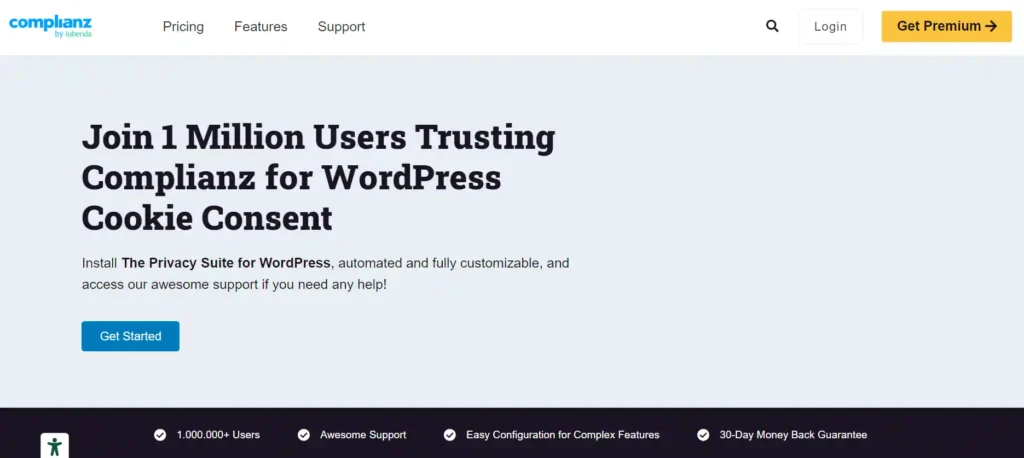
This makes Complianz ideal for larger sites and agencies managing multiple regions. It adapts banners based on country-specific regulations, which reduces manual setup.
The compliance wizard guides you step by step, making configuration easier even for non-technical users. However, some advanced features require the premium version, which can be costly for smaller sites that only need basic consent controls.
Cookie-script
Cookie-script delivers core cookie banner functionality with straightforward configuration. It handles basic consent collection, script blocking, and simple cookie categorization with minimal setup.
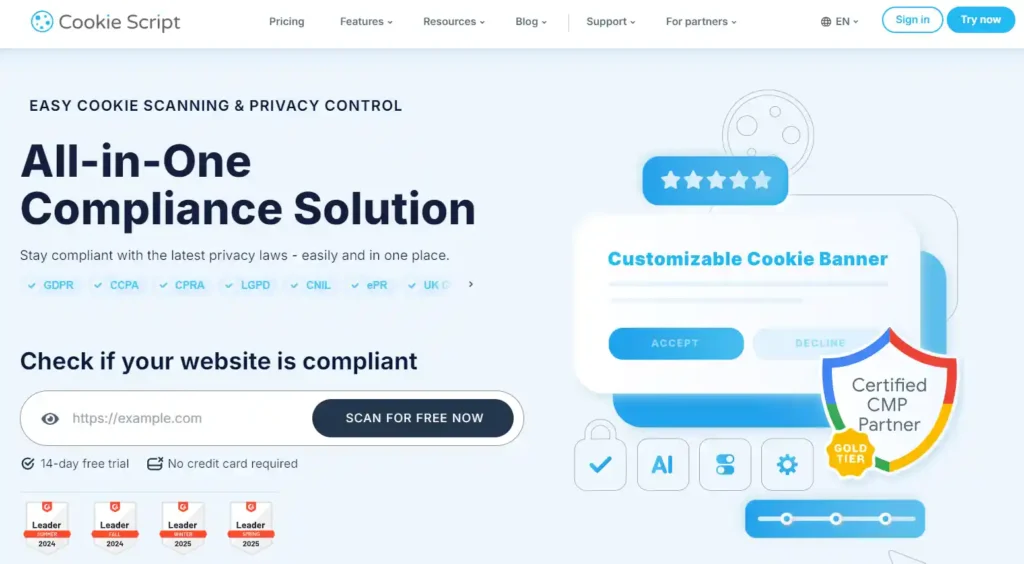
This plugin works well for small to medium sites that need a lightweight, easy tool. It loads quickly and avoids unnecessary complexity, which helps maintain performance.
Setup is fast, and you can deploy a working banner within minutes. However, it may lack deeper audit logs, automation tools, and legal documentation features that larger or international sites may require.
CookieYes
CookieYes offers an easy setup and clear consent logs for tracking user choices. It blocks non-essential cookies until consent is given and stores records to help demonstrate compliance.
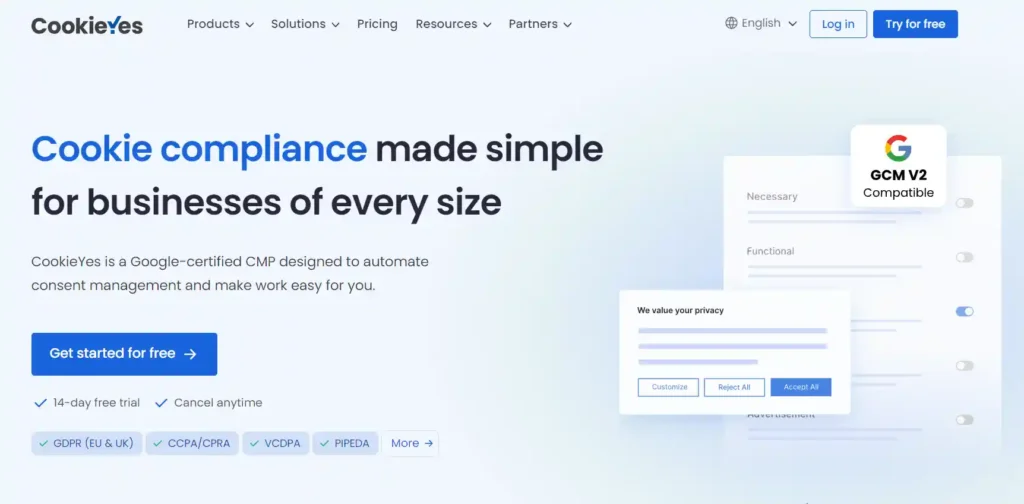
This makes it a strong choice for blogs, small businesses, or mid-size sites with moderate traffic. Its dashboard is clean and beginner-friendly, and it supports multi-language banners for global audiences.
The free version covers many basics, but premium plans unlock advanced customization, automated scanning, and detailed reporting that growing businesses may eventually need.
Cookiebot
Cookiebot stands out with advanced cookie scanning and enterprise-level support. It automatically scans your site, categorizes cookies, and produces detailed reports for compliance audits.
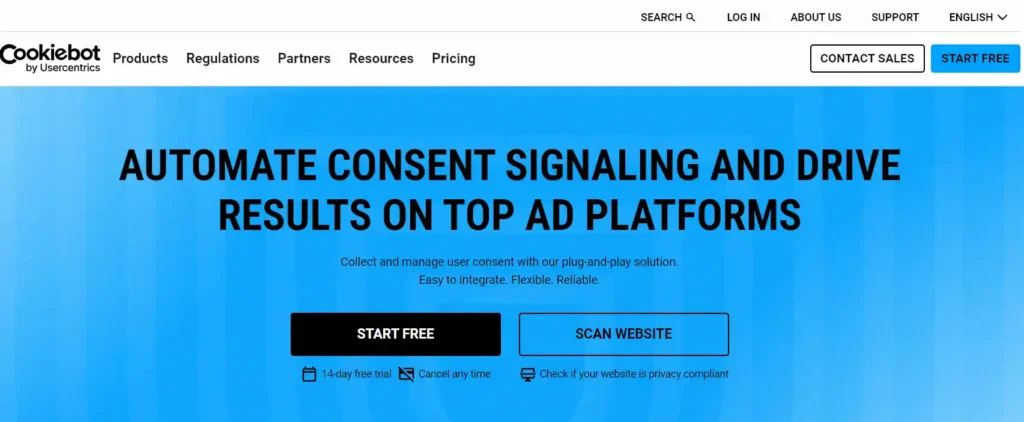
This makes Cookiebot a solid fit for larger businesses and complex sites. It provides strong documentation and audit trails, which are helpful for companies subject to strict regulatory reviews.
Its automatic scanning reduces manual oversight. However, its advanced features and reporting come with higher pricing, which may be more than needed for simple blogs or brochure-style websites.
Real Cookie Banner
Real Cookie Banner provides detailed control over cookie categories and consent behavior. You can customize banners, consent layouts, and acceptance options with high flexibility.
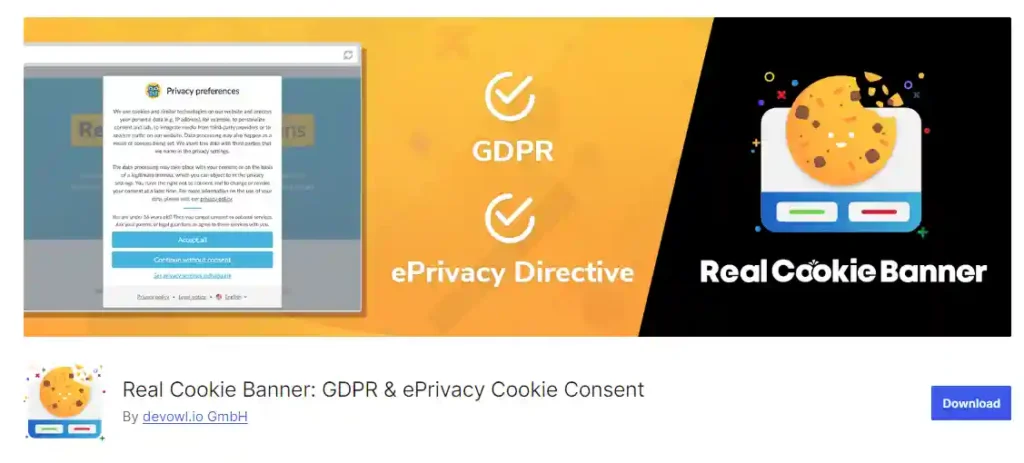
This plugin works best for sites that need strong UX and visual customization. It allows precise consent configurations, including granular cookie toggles and advanced display rules.
While the setup offers flexibility, it may require more time to configure compared to simpler tools. For agencies or design-focused websites, that extra control often justifies the effort.
Termly
Termly combines cookie consent with policy generators and other legal compliance tools. It offers an all-in-one approach, including cookie banners, consent tracking, and privacy policy creation.
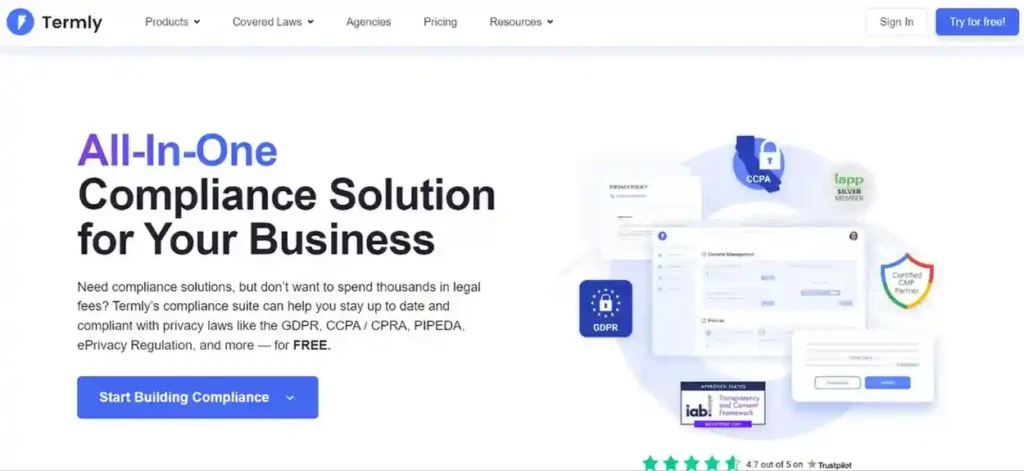
This makes Termly a good option for small businesses and site owners who want a single tool for multiple legal requirements. It reduces the need for separate compliance services and centralizes documentation.
While it simplifies legal setup, some advanced features are behind paid tiers. Review your traffic volume and regional compliance needs before choosing a plan.
Free vs Paid Cookie Consent Plugins
Free cookie plugins cover the essentials. You get a basic banner, simple cookie blocking, and standard consent storage. For small blogs or brochure websites, this is often enough to meet core privacy requirements without adding cost or complexity.
Paid plugins become important as your website grows. If you run ads, use advanced analytics, or serve visitors from different countries, you need stronger control.
Premium plans include automatic cookie scanning, geo-based rules, detailed consent logs, and better reporting. These features reduce manual work and lower compliance risk as your tracking setup becomes more complex.
Which Cookie Consent Plugin is Right for Your Website?
Choosing the right plugin depends on your site type, audience size, and compliance needs.
- Blogs and Content Sites: Simple sites with primarily informational content benefit from lightweight plugins with basic consent banners and blocking. These keep performance fast and compliance clear without overhead.
- E-commerce Stores: Online shops often use multiple tracking tools and marketing scripts. Choose a plugin with strong blocking, categorization, and consent logging to protect storefront performance and user trust.
- Agency-Managed Client Sites: Agencies supporting multiple clients need plugins with deep customization, white-label options, and reporting features. These tools help you standardize compliance across sites and deliver consistent results.
- Global Traffic Websites: If your audience spans regions with varying privacy laws, select a plugin with geo-targeting, multi-law support (GDPR, CCPA, CPRA, LGPD), and detailed audit trails. This ensures compliance no matter where visitors come from.
Common Mistakes WordPress Sites Make With Cookie Consent
Many WordPress sites add cookie consent tools but still miss key compliance steps. These mistakes often happen due to poor setup or rushed implementation.
- Banners Without Blocking Cookies: A visible banner does not stop cookies from loading. Tracking and marketing scripts must remain blocked until users actively give consent, otherwise compliance is incomplete.
- Missing Consent Logs: Consent must be stored and retrievable. Without proper logs, you cannot prove that users accepted cookies, which creates risk during audits or complaints.
- Ignoring Regional Rules: Privacy laws vary by country. Applying the same consent behavior to all visitors can leave your site non-compliant in specific regions.
- Too Many Scripts: Excess scripts increase load time and complicate consent management. This often leads to poor performance and broken tracking setups.
How to Set Up Cookie Consent Correctly on WordPress?
A structured setup ensures compliance while keeping your site usable and fast.
- Scan Cookies And Scripts: Run a full scan to detect all cookies, pixels, and third-party tools active on your site, including those added by plugins or themes.
- Categorize Cookies: Separate essential cookies from analytics and marketing cookies so users can make clear choices about what they allow.
- Configure Consent Banner: Use clear language, visible actions, and proper placement so visitors understand what they are agreeing to without confusion.
- Block Scripts Before Consent: Prevent analytics, ads, and tracking scripts from loading until consent is granted to meet privacy requirements.
- Test Compliance And Performance: Review consent behavior across regions and devices while checking that page speed and functionality remain unaffected.
How Cookie Consent Affects SEO and Site Performance?
Cookie consent does not directly change rankings, but it influences several factors that affect visibility and user experience.
- Indirect SEO Impact: Proper consent setup prevents compliance issues that can lead to penalties or loss of trust. A clean, compliant site supports long-term search stability.
- Page Speed Considerations: Well-configured consent tools block unnecessary scripts until approval, which can reduce initial load time and improve performance metrics.
- Analytics Accuracy: Consent controls affect how and when analytics tools collect data. Accurate setup ensures you measure real user behavior without violating privacy rules.
- User Trust Signals: Clear consent messaging builds transparency. When users feel safe, engagement improves, which supports stronger site performance over time.
Conclusion
Cookie consent is no longer a legal checkbox. It plays a direct role in how your WordPress site performs, how users trust your brand, and how safely you run analytics and marketing tools. A weak setup can slow your site, break tracking, and expose you to compliance risks.
Choosing the right cookie consent plugin and configuring it properly helps you stay compliant without hurting performance. It creates a better experience for users, cleaner data for decisions, and a stronger foundation for SEO and growth in 2026 and beyond.
FAQs About WordPress Cookie Consent
What is a WordPress cookie consent plugin?
A cookie consent plugin helps your WordPress site ask users for permission before loading cookies or tracking scripts. It manages banners, blocking, and consent records to meet privacy laws.
Are cookie consent banners required for all WordPress websites?
Yes, if your site uses cookies beyond what is strictly necessary, consent is required under laws like GDPR, CCPA, and ePrivacy, regardless of site size.
Do cookie consent plugins slow down WordPress sites?
A well-configured plugin does not slow your site. In many cases, blocking non-essential scripts until consent can improve initial load speed.
Is a free cookie consent plugin enough?
Free plugins work for simple sites with limited tracking. Sites using ads, analytics, or serving global visitors often need paid features for full compliance.
Does cookie consent affect SEO rankings?
Cookie consent does not directly change rankings, but it affects performance, analytics accuracy, and user trust, which all support long-term SEO.



