
Monthly website maintenance packages help businesses keep websites secure, updated, fast, and stable throughout 2026. As websites become more complex, businesses now need ongoing monitoring, backups, security protection, troubleshooting, and technical support to prevent downtime and performance issues.
The best maintenance plans combine proactive website management with faster technical support and long-term performance optimization. Choosing the right package depends on website size, traffic, security needs, and how critical the website is to daily business operations.
TL;DR
- Monthly website maintenance packages usually include updates, backups, security monitoring, and technical support.
- Pricing varies based on website complexity, traffic, ecommerce functionality, and support coverage.
- Professional and Enterprise plans include hack fix, malware cleanup, developer hours, and WooCommerce support.
- DIY maintenance costs more than expected once you add hosting, security tools, and hourly dev fixes.
- Every plan includes a monthly activity report, so you always know what was done on your site.
Monthly website maintenance packages are monthly service plans that keep your website updated, secured, backed up, and monitored so it stays fast, protected, and online without you managing any of it. Pricing typically ranges from $25 to $600 or more per month depending on the level of service, your site’s complexity, and whether development hours are included.
Monthly Plans and Pricing: Which Tier Is Right for You?
The right monthly maintenance plan depends on your site’s size, traffic level, and the cost to your business if the site goes down.
Seahawk’s SeaCare plans are built to match your site’s size and complexity, from small business sites to enterprise-level WordPress and WooCommerce platforms. All plans include the core essentials and scale in speed, depth, and support as your needs grow.
| Feature | Seacare Essentials | Seacare Pro | Seacare Business | Seacare VIP |
| Monthly Price | $49/mo | $99/mo | $299/mo | $999/mo |
| Best For | Small sites | Growing sites | WooCommerce and high traffic | Enterprise and LMS |
| Updates | Core, plugin, theme | Core, plugin, theme | Core, plugin, theme | Core, plugin, theme |
| Backups | Daily | Daily | Daily | Real-time |
| Security Scanning | Yes | Yes | Yes | Yes |
| Performance Optimization | No | Yes | Advanced | Advanced |
| Support | Basic | Faster resolution | Priority | Same-day, dedicated channel |
What Do Monthly Website Maintenance Packages Include?
Monthly website maintenance packages cover every technical task your site needs to stay secure, updated, and running smoothly on a consistent monthly basis.
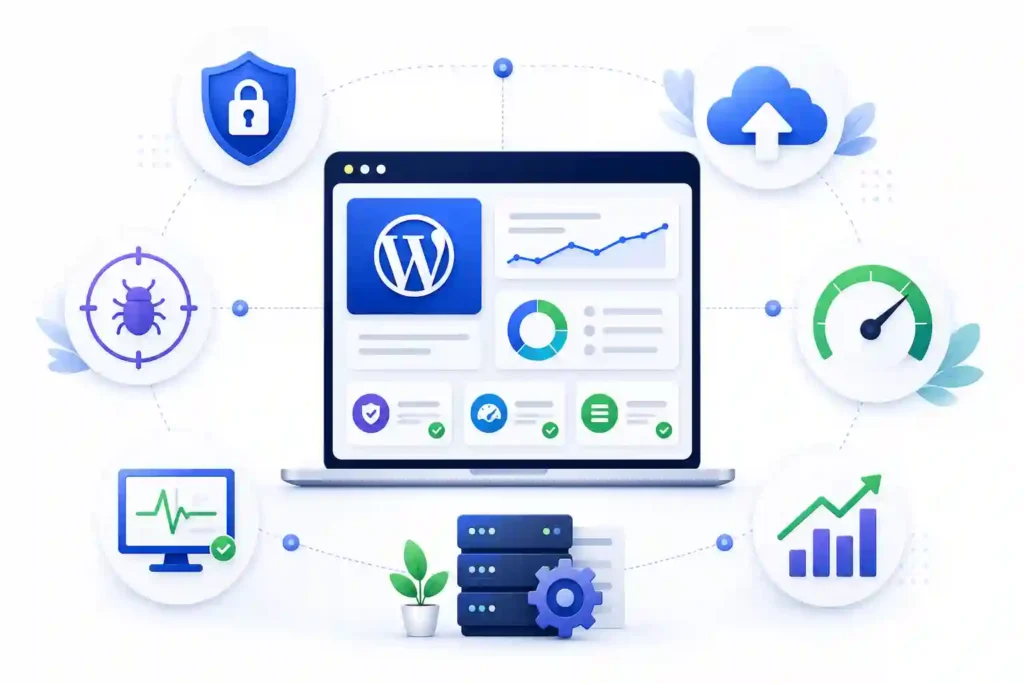
Every Seahawk website care plan is built around the tasks your site needs to stay secure, fast, and online. Here is exactly what gets done on your site every month across all plans.
Staged Plugin, Theme, and Core Updates
Outdated plugins and themes are one of the most common entry points for attacks and compatibility issues. Keeping them updated is not optional, but how you update them matters just as much as doing it at all.
All staged updates are tested on a staging environment before they go live on your site. If anything breaks during testing, it gets caught and fixed before your visitors ever see it. This is not a bulk-click-and-update approach.
Daily Offsite Backups
Losing your site data, whether from a hack, a failed update, or a server issue, can set your business back significantly. A reliable backup system is the difference between a five-minute restore and starting from scratch.
Full site and database snapshots are taken daily and stored in off-site backup storage, completely separate from your server. Every backup is verified and restorable, so you are never relying on a file that has never been tested.
Security Scanning and Malware Removal
WordPress is one of the most targeted platforms on the internet, and threats do not wait for a convenient time to appear. Continuous scanning means vulnerabilities are detected before they become serious problems.
Seahawk uses Sucuri for security monitoring across all plans. If a threat is detected, your site is flagged, and remediation begins immediately. Higher-tier plans include same-day resolution and advanced DDoS protection.
Uptime Monitoring and Instant Alerts
Every minute your site is down is a minute your visitors, leads, and customers are seeing an error page. Most site owners find out their site is down from a customer, not from their hosting provider.
Your site is monitored around the clock under a clear uptime SLA, so you always know what level of availability your plan covers. If it goes down, the Seahawks’ team is alerted before your visitors notice anything is wrong, and work begins immediately to get it back online.
Performance and Core Web Vitals Checks
A slow site does not just frustrate visitors, it directly affects your search rankings and conversion rate. Performance is not a one-time fix; it requires ongoing attention as your content, plugins, and traffic grow.
Speed audits, database cleanup, and caching checks are included on Pro plans and above. Business and VIP plans include full Core Web Vitals monitoring and advanced speed optimization to keep your site performing well in search.
Dedicated Support with Response SLA
Not all support is equal. A generic ticket system with rotating agents who do not know your site is very different from a dedicated team with a defined response time and full context on your setup.
All plans come with dedicated support and defined response windows. Higher-tier plans include weekend coverage, faster resolution times, and a dedicated Slack communication channel so you always have a direct line to your team.
Monthly Activity Reports
Without a clear record of what has been done on your site, it is impossible to know if your maintenance plan is actually delivering value. Transparency is not a bonus; it is a basic expectation.
Every month, you receive a full activity report covering what was updated, scanned, and flagged. You always know exactly what work was done on your site without having to ask.
Developer Hours
Small fixes and edits are a normal part of running a website, but they should not require raising a new project request or paying an hourly rate every single time something minor needs attention.
Pro and Business plans include dedicated developer retainer hours for small fixes, edits, and troubleshooting each month. You do not need to open a new project or pay hourly for minor tasks.
Need a Care Plan That Keeps Your Site Running Right?
Choose expert website care to handle updates, security, backups, and performance so your WordPress site stays stable and ready to grow.
What Happens if Your Site Gets Hacked?
When a site gets hacked, the speed and process of the response determines how much damage actually reaches your visitors, your rankings, and your business.
A hacked WordPress site is not just a technical problem; it affects your search rankings, your visitors, and your brand reputation. Knowing exactly what happens when something goes wrong is one of the most important things to understand before choosing a maintenance provider.
Here is exactly what Seahawk does the moment a security threat is detected on your site.
- Detection: Continuous security scanning flags the threat, and an automated alert is triggered immediately.
- Containment: The site is isolated if needed to prevent further damage from spreading.
- Malware Removal: All infected files and database entries are cleaned completely.
- Restore: Your site is restored from the most recent clean, verified backup.
- Patch: The vulnerability that caused the breach has been identified and fixed, so it cannot happen again.
- Post-Incident Report: A full report is delivered to you covering what happened, what was removed, and what was fixed.
Which plans include a hack fix at no extra cost?
Hack fix and malware removal are included at no extra cost on Seacare Business and Seacare VIP plans. If you are on Essentials or Pro, malware removal is available as a separate service.
Monthly Maintenance Package vs DIY vs In-House Developer
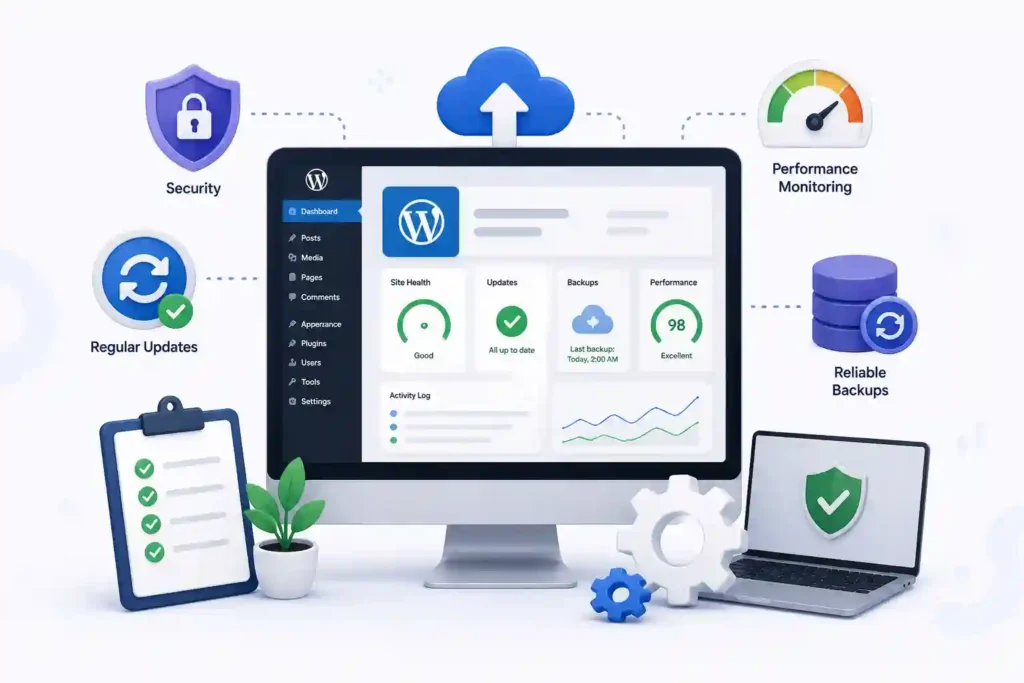
Choosing between a monthly maintenance package, managing your site yourself, or hiring a developer comes down to real cost, not just the monthly price on a plan page.
The Real Cost of DIY
Most site owners who manage their own WordPress maintenance underestimate what it actually costs once everything is added up.
When you factor in hosting at $30 to $100 per month, a CDN at $20 to $50 per month, a security plugin at $10 to $30 per month, and even a single hourly dev fix at $75 to $200, the real DIY total comes to $135 to $380 or more per month.
That is before accounting for your own time spent managing it all. A Seahawk SeaCare plan starts at $49 per month and covers everything on this list for you.
The Real Cost of an In-House Developer
Hiring a full-time developer to manage your WordPress site gives you dedicated expertise, but comes with a significantly higher monthly cost that most small and mid-sized businesses cannot justify for maintenance alone.
Average salaries range from $4,000 to $8,000 per month, with benefits and overhead adding another $1,000 to $2,000. Tools, software, and onboarding time push the real cost even higher before the developer has touched a single plugin update.
An in-house developer makes sense when you have ongoing custom development needs. For maintenance alone, it is one of the most expensive ways to keep your site running.
Why Seahawks Make More Sense?
A dedicated maintenance plan gives you specialist WordPress expertise, defined response times, and full coverage at a predictable monthly cost. There is no hiring, no onboarding, and no overhead.
You get a WordPress-only team handling security, performance, updates, and support under a published SLA, with white-label maintenance options available for agencies and the flexibility to scale between plans as your site and business grow.
Plans start at $49 per month with no lock-in contracts.
WooCommerce Sites: Is Your Store Covered?
WooCommerce maintenance goes well beyond standard WordPress care. A failed update that breaks your checkout, payment gateway, or cart can cost you real revenue within minutes and a generic monthly plan is rarely enough to keep an active store running without problems.
Seahawk’s Business and VIP plans include dedicated WooCommerce maintenance built around the specific demands of running an online store. Here is what is covered.
- Checkout Flow Testing: Your full checkout process is tested after every update cycle to ensure nothing breaks before your customers find out.
- Payment Gateway Compatibility: Payment gateway compatibility is verified after every update, so transactions continue to process without interruption.
- Cart and Inventory Sync: Cart functionality and inventory sync are regularly checked to ensure your store data remains accurate and up to date.
- WooCommerce-Specific Response SLA: Business and VIP plans include a dedicated response SLA for WooCommerce issues, so store-critical problems are never treated as low priority.
What to Ask Before Signing a Monthly Website Maintenance Package
Most providers make their plans sound comprehensive on the sales page. The real test is what happens when you ask specific questions before you sign up. These are the questions you should ask any provider before you commit to a plan.
- Is the SLA Documented in Writing? A response time promise that is not in your contract is not a guarantee. Ask for the SLA in writing and confirm exactly how fast you will hear from a real person when something goes wrong.
- Are Updates Applied on Staging First? Any provider applying updates directly to your live site is taking an unnecessary risk. Updates should always be tested in a staging environment before being deployed to your live visitors.
- What Counts as a Support Request vs a Billable Extra? This is where most surprises happen. Get a clear definition of what is covered under your plan and what is billed separately before you sign anything.
- How Are Unused Developer Hours Handled? Some providers let unused hours roll over. Others simply expire them. Know exactly what happens to the hours you do not use in a given month before you commit.
- Can You See a Sample Monthly Report? A good maintenance provider sends clear monthly reports without you having to ask. Requesting a sample before signing tells you immediately whether the reporting is genuinely transparent or just a line on a sales page.
Why Businesses Choose a Monthly Maintenance Partner?
A monthly maintenance partner provides specialist expertise, defined response times, and full site coverage at a predictable cost, without the overhead of hiring or the risk of managing it yourself.
Seahawk is a WordPress specialist team, not a generalist agency. SeaCare plans are rated 4.9 stars on G2 and 4.8 stars on Trustpilot, with over 1,000 active clients trusting Seahawk to keep their sites running every month.
Businesses switching from DIY or in-house setups typically save 60-70% on monthly maintenance costs. No long-term contracts on any plan.
Seahawk works with businesses across the United States, the United Kingdom, Australia, and globally, providing monthly website maintenance packages backed by transparent pricing, published SLAs, and no lock-in contracts.
What to Expect After You Sign Up?
Knowing exactly what happens after you sign up removes the uncertainty that puts most businesses off committing to a monthly maintenance plan in the first place.
Most maintenance providers start billing before they have even looked at your site. Seahawk’s onboarding process is designed to give you full visibility from day one, with no setup fee and no surprises.
Here is exactly what happens after you sign up.
- Site Audit: A full audit of your site is completed on day one to flag any pre-existing issues before any maintenance work begins.
- Staging Environment: Your staging environment is configured so that all future updates can be tested safely before going live.
- First Backup: A full site and database backup is taken immediately, so you have a clean restore point from the start.
- Security Baseline Scan: A baseline security scan is completed to identify any existing vulnerabilities or threats on your site.
- First Monthly Report: At the end of your first month, you receive your first full activity report covering everything that was done on your site.
There is no setup fee on any SeaCare plan. What you see on the pricing table is what you pay from day one.
Conclusion
Your website needs consistent care to stay secure, fast, and online. Seahawk’s monthly website maintenance packages start at $49 per month and cover everything from staged updates and daily backups to security scanning, uptime monitoring, and monthly reporting, with no lock-in contracts on any plan.
Choose your plan above or contact the Seahawk team to find the right fit for your site.
FAQs
What do monthly website maintenance packages include?
Monthly website maintenance packages cover plugin, theme, and core updates, daily backups, security scanning, uptime monitoring, technical support, and monthly activity reports. Higher-tier plans also include performance optimization, developer hours, WooCommerce support, and faster response times.
Can I cancel my plan at any time?
Yes. There are no lock-in contracts on any SeaCare plan. You can cancel at any time without penalties or hidden fees.
Do you work with existing WordPress sites?
Yes. Seahawk works with existing WordPress sites regardless of who built them. A full site audit is completed on day one to flag any pre-existing issues before maintenance begins.
What if my site goes down?
Seahawk monitors your site around the clock. The moment your site goes down, an alert is triggered, and the team begins working on getting it back online immediately. Business and VIP plans include faster response times and dedicated support channels.
Are hack fixes included?
Hack fix and malware removal are included at no extra cost on Business and VIP plans. If you are on Essentials or Pro, malware removal is available as a separate service.
Is hosting included in the maintenance package?
Hosting is not included in the SeaCare maintenance plans. It is a separate service. If you need hosting alongside your maintenance plan, Seahawk can point you in the right direction.
Can you migrate my site before starting maintenance?
Yes. Seahawk offers WordPress migration services and can migrate your site before onboarding it onto a SeaCare plan. Get in touch with the team to discuss your migration needs.
Do you offer custom maintenance packages?
Yes. If none of the standard SeaCare plans fit your requirements, Seahawk can put together a custom package based on your site’s specific needs. Contact the team for a custom quote.


