
Running a WordPress site gets harder as traffic grows. A single server can only handle so many requests before it buckles under pressure. Load balancing solutions help you spread that traffic across multiple servers, keeping your site fast, stable, and always online.
This guide covers everything from how load balancers work to setting up your own infrastructure, step by step.
TL;DR: Scaling WordPress Without the Downtime
- Load balancers split incoming traffic across multiple servers to prevent any one server from getting overwhelmed.
- NGINX, HAProxy, AWS ELB, Google Cloud, and Cloudflare all offer reliable load balancing for WordPress.
- The biggest challenges are session management, shared file storage, and database scalability.
- Always test your setup under simulated load and monitor performance continuously after launch.
Understanding Load Balancing Solutions for High-Traffic WordPress Sites
Load balancing solutions help distribute incoming traffic across multiple servers to ensure optimal performance, reliability, and scalability for high-traffic WordPress websites.
What Are Load Balancing Solutions in WordPress Hosting?
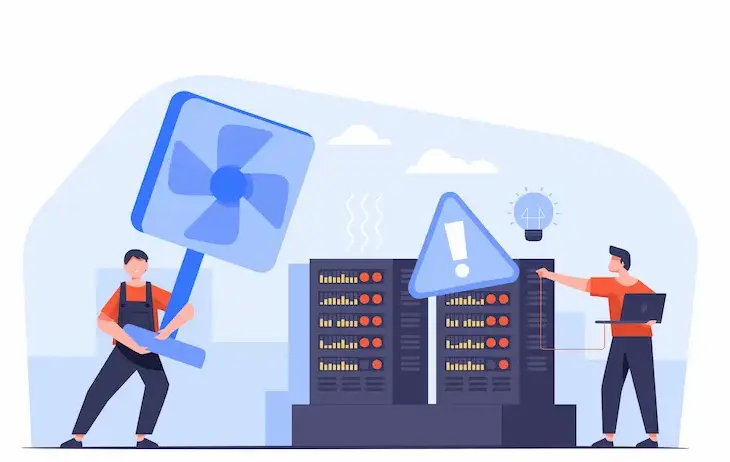
A load balancer sits between your visitors and your web servers. Every time someone visits your site, the load balancer decides which server should handle that request.
Instead of having a single server handle all the work, multiple servers share incoming traffic. This makes your site more responsive and far less likely to crash during high-demand periods.
Before setting up any infrastructure, it’s helpful to thoroughly understand the platform. A thorough WordPress CMS review gives you a solid foundation for making the right infrastructure decisions.
How Load Balancers Distribute Traffic Across Multiple Servers?
Load balancers use different algorithms to determine where each request is routed. The most common approaches are:
- Round Robin sends requests to each server in rotation, one after another.
- Least Connections routes each new request to the server currently handling the fewest active connections.
- IP Hash always sends the same user to the same server, based on their IP address.
- Weighted Distribution sends more traffic to servers with greater processing capacity.
Round-robin and least-connections work well for most WordPress setups. IP hash is particularly useful when session persistence is required, such as for logged-in users or cart sessions.
Why High-Traffic WordPress Sites Need Load Balancing?
Traffic spikes are unpredictable. A viral article, a flash sale, or a media mention can send thousands of users to your site in minutes. Without load balancing, a single server absorbs all that pressure and often fails.
For enterprise-scale WordPress deployments, multi-region WordPress hosting for enterprise pairs directly with load balancing to serve global audiences with minimal latency and maximum uptime.
With load balancing in place, if one server fails, others automatically absorb its traffic. Your site stays online. Your users never notice the disruption.
Key Benefits: Performance, High Availability, and Fault Tolerance
Load balancing delivers three core advantages for any serious WordPress deployment:
- Performance: Distributing traffic prevents bottlenecks. Pages load faster even during peak hours because no single server is overwhelmed.
- High Availability: Multiple servers eliminate a single point of failure. Your site remains accessible at all times, regardless of individual server issues.
- Fault Tolerance: Load balancers continuously monitor server health. They pull failing servers out of rotation automatically and restore them once they recover.
These benefits directly support your Core Web Vitals optimization efforts. Faster server response times directly improve Largest Contentful Paint (LCP) and First Input Delay (FID) scores that Google uses as ranking signals.
Supercharge Site Speed and Handle Traffic Like a Pro
Turn slow load times into lightning-fast performance with Seahawk’s expert WordPress speed optimization services.
Types of Load Balancing Solutions for WordPress Infrastructure
Not all load balancers work the same way. There are four major types to understand before choosing your approach.
- Layer 4 (Transport Layer): Routes traffic based on IP addresses and TCP/UDP ports. It is fast and lightweight, but does not inspect the content of requests. Best for raw throughput.
- Layer 7 (Application Layer): Routes based on HTTP headers, URLs, and cookies. This is the best choice for WordPress because you can route admin traffic, REST API calls, and page requests to different server groups.
- DNS Load Balancing: Distributes traffic at the DNS level by returning different server IPs for the same domain. It is easy to implement, but it lacks real-time health checking.
- CDN-Based Load Balancing: Uses global edge nodes to serve cached static content close to users and routes dynamic requests back to your origin servers.
For WordPress sites using server-side rendering to boost performance, Layer 7 load balancing gives you precise control over how dynamic content requests reach your application servers.
If your site uses a decoupled architecture, headless WordPress CMS support works especially well alongside CDN-based load balancing, distributing API responses efficiently across global edge locations.
Top Load Balancing Solutions for High-Traffic WordPress Sites
Explore the most effective load balancing solutions that ensure scalability, uptime, and optimal performance for high-traffic WordPress websites
NGINX Load Balancing for High-Performance WordPress
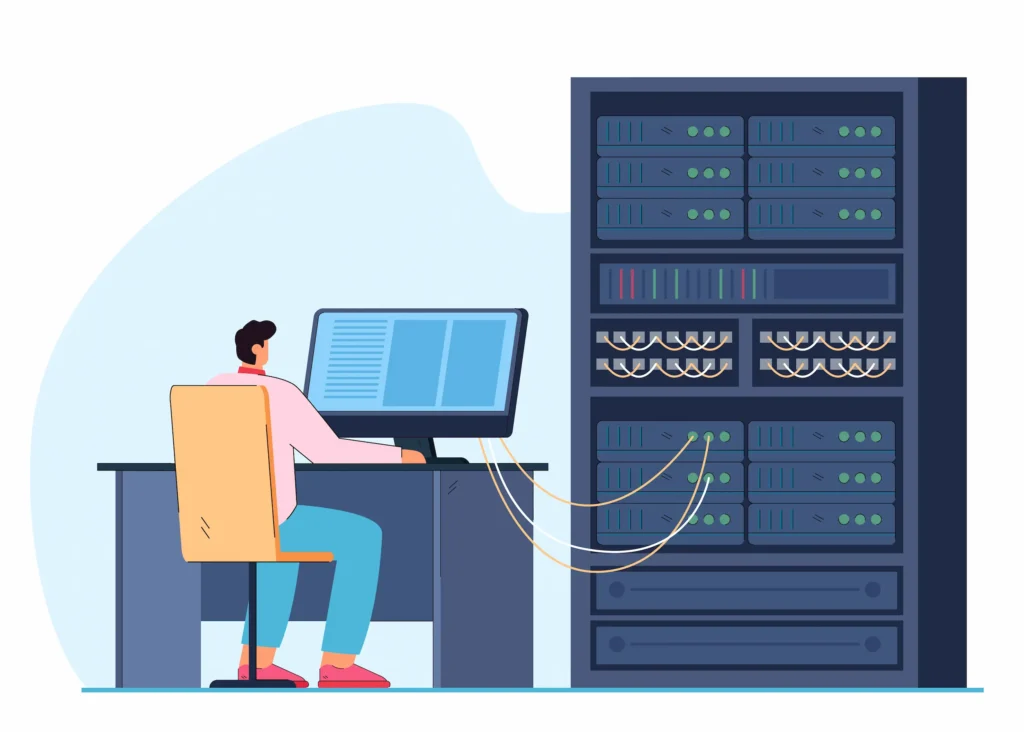
NGINX is one of the most widely used open-source web servers and reverse proxies. It handles load balancing natively; no additional software is needed.
You configure NGINX with a simple upstream block in your nginx.conf file. List your backend server addresses and ports, then reference the upstream in your server block. NGINX supports round-robin, least-connections, and IP hash out of the box.
It is lightweight, handles thousands of concurrent connections efficiently, and pairs naturally with PHP-FPM for WordPress.
Combining NGINX load balancing with proper WordPress page speed optimization can dramatically reduce your time to first byte under heavy traffic.
NGINX is an excellent choice if you manage your own servers or use cloud VPS instances.
HAProxy Load Balancer for Scalability and Reliability
HAProxy (High Availability Proxy) is purpose-built for load balancing and proxying. It is one of the most battle-tested tools in the industry, supporting Layer 4 and Layer 7 balancing and handling millions of concurrent connections with consistent performance.
HAProxy performs granular health checks and automatically removes unhealthy backend servers from rotation. It restores them as soon as they recover, no manual intervention required.
If you are building a SaaS website on WordPress, HAProxy provides the scalability and reliability needed to handle complex, high-concurrency workloads without breaking a sweat.
HAProxy also provides detailed traffic logs and statistics, making it easier to debug routing problems and analyze traffic patterns.
AWS Elastic Load Balancing for Auto-Scaling WordPress
AWS Elastic Load Balancing (ELB) integrates directly with AWS Auto Scaling groups. When traffic increases, new EC2 instances are automatically spun up. When it drops, they terminate, keeping costs under control.
AWS offers three load balancer types: Application Load Balancer (Layer 7), Network Load Balancer (Layer 4), and Gateway Load Balancer.
The Application Load Balancer is the right fit for most WordPress deployments. It supports host-based and path-based routing, making it easy to handle complex WordPress routing rules.
AWS ELB also integrates with AWS Certificate Manager, which simplifies SSL termination across all your backend servers.
Google Cloud Load Balancing for Global Traffic Distribution
Google Cloud Load Balancing is a fully managed, software-defined service that uses Google’s own global network infrastructure.
Unlike regional load balancers, it provides a single global anycast IP address. Traffic is automatically routed to the nearest healthy server worldwide, with no provisioning required.
It supports HTTP/HTTPS, TCP, and UDP, and integrates natively with Cloud CDN for edge caching of static assets.
For WooCommerce stores that need fast global performance, pairing Google Cloud Load Balancing with solid WooCommerce site speed best practices delivers a highly competitive storefront performance profile.
Cloudflare Load Balancing for CDN and Edge Optimization
Cloudflare Load Balancing routes traffic through Cloudflare’s global edge network, which spans over 300 data centers worldwide. It combines load balancing, DDoS protection, a Web Application Firewall (WAF), and CDN caching in a single, unified platform.
Its geo-steering feature directs users to the nearest healthy origin server, cutting latency for international visitors. Health checks run automatically, and failover happens in seconds when a server goes down.
Before enabling Cloudflare Load Balancing, make sure you force HTTPS on your WordPress site to avoid mixed content errors and redirect loops that can occur when Cloudflare proxies your traffic without proper SSL configuration.
Managed WordPress Hosting with Built-In Load Balancing
Many managed WordPress hosting providers handle load balancing at the infrastructure level. You do not need to configure or maintain anything yourself.
Providers like BueHost, WP Engine, Kinsta, and Cloudways use container-based and cluster architectures with built-in auto-scaling and load distribution. They abstract the operational complexity of server management, letting you focus on your site.
For agencies managing multiple client sites, white-label reseller hosting providers often include load-balanced WordPress infrastructure in their managed hosting tiers.
The trade-off is reduced control over specific load balancing rules. But for most site owners, the simplicity of managed hosting outweighs the limitations.
Load Balancing Architecture Best Practices for High-Traffic WordPress
A strong load-balancing setup depends on the architecture that surrounds it.

Follow these best practices to build a reliable, scalable WordPress environment.
- Use a Centralized Database: All application servers must connect to the same database. Separate databases per server lead to data inconsistency, broken sessions, and sync errors that are difficult to debug.
- Implement Shared File Storage: WordPress uploads, themes, and plugins must be accessible from every server in your cluster. Use AWS EFS, NFS, or S3-based object storage with an offload plugin to centralize file access.
- Manage Sessions Centrally: WordPress is mostly stateless, but WooCommerce and many plugins rely on PHP sessions or transients. Store sessions in a centralized Redis or Memcached instance to prevent login failures and cart drops when users hit different servers.
- Terminate SSL at the Load Balancer: Handle HTTPS at the load balancer and pass HTTP traffic internally between the load balancer and your application servers. This reduces SSL overhead on each node and simplifies certificate management.
- Separate Static and Dynamic Traffic: Offload static assets (images, CSS, JavaScript) to a CDN. Reserve your WordPress servers for PHP-generated content only. This single change can dramatically reduce per-server traffic volume.
- Using placeholder images alongside CDN delivery reduces perceived load time while assets are being fetched from edge locations, a technique that visibly improves user experience under high load.
- Eliminate Single Points of Failure: Your load balancer itself can become a bottleneck. Deploy load balancers in active-passive or active-active pairs to ensure the load-balancing layer is also redundant.
AI-powered tools for WordPress maintenance and security can monitor server health, detect anomalies across your cluster in real time, and automate recovery actions before issues affect end users.
Steps to Implement Load Balancing Solutions in WordPress
Set up a scalable WordPress architecture by configuring load balancers, optimizing servers, and ensuring efficient traffic distribution across multiple resources.
Step 1: Choosing the Right Hosting Environment
Start with a hosting environment that supports multiple server instances. Shared hosting does not allow you to run multiple application servers, so it is not suitable for load balancing.

For open-source options like NGINX and HAProxy, a Linux-based reseller hosting environment gives you the flexibility to deploy and configure your preferred stack at a reasonable cost.
If you are still evaluating your WordPress platform, understanding the difference between WordPress.com and WordPress.org is an important first step.
Self-hosted WordPress.org gives you full infrastructure control, which is a requirement for custom load-balancing setups.
For businesses that want a fully managed environment with cPanel-based control, cPanel reseller hosting providers offer pre-configured server environments that can be scaled across multiple nodes.
Step 2: Configuring NGINX or HAProxy Load Balancer
For NGINX, add an upstream block to your nginx.conf file listing all your backend server addresses. Reference that upstream in your server block using proxy_pass to route all incoming requests.
For HAProxy, define your frontend (the public-facing IP and port) and your backend (the list of application servers with health check settings) in hapravo.cfg. Enable active health checks to ensure that HAProxy automatically removes failing nodes.
Always validate your configuration before applying it. Use nginx -t for NGINX and haproxy -c -f haproxy.cfg for HAProxy. Reviewing advanced WordPress developer questions can help your team assess the server-side expertise required for a successful deployment.
Step 3: Setting Up Cloud Load Balancers
On AWS, create an Application Load Balancer from the EC2 console. Define a target group and register your WordPress server instances. Configure HTTP (port 80) and HTTPS (port 443) listeners. Attach an SSL certificate from AWS Certificate Manager.
On Google Cloud, create a backend service linked to instance groups. Set up health checks, a URL map, and an HTTPS proxy in the Cloud Console.
When you integrate third-party APIs into WordPress, consider creating separate routing rules in your load balancer to direct API traffic to dedicated server resources, rather than sending it to the same nodes that handle front-end page traffic.
Step 4: Integrating CDN and DNS Load Balancing
Update your domain’s DNS A record to point to your load balancer’s public IP address. If you use Cloudflare, point your nameservers to Cloudflare’s and enable the orange-cloud proxy for your domain.
Configure your CDN to aggressively cache static files. Exclude dynamic WordPress paths from caching, specifically /wp-admin/, /wp-login.php, and WooCommerce cart and checkout URLs.
After configuring your CDN and load balancer, run through a complete WordPress website launch checklist to catch misconfigured caching rules and broken redirect chains before your site goes live.
Step 5: Testing Load Distribution and Performance
Use load-testing tools such as Apache JMeter, k6, or Locust to simulate concurrent user traffic. Start at a modest load and ramp up gradually. Monitor your load balancer’s access logs to confirm that requests distribute evenly across all nodes.
Watch for 502 Bad Gateway errors, session failures, and database connection limit errors under load. Investigate and fix all issues before launching.
Step 6: Monitoring Uptime, Latency, and Traffic
Monitoring is non-negotiable after deployment. Use tools like Datadog, New Relic, or Grafana to track server latency, error rates, and resource usage across every node in your cluster.
Set up alerts for elevated CPU usage, memory spikes, and increases in the 5xx error rate. Configure your load balancer’s health checks to automatically remove unhealthy servers from rotation.
Pairing your load balancer with a reliable WordPress security service provider adds an essential protection layer against DDoS attacks and brute-force attempts that specifically target origin servers when a CDN is in front.
Common Challenges in Load Balancing WordPress and How to Fix Them
Load balancing introduces some WordPress-specific challenges.

Here is how to solve the most common ones.
- Sticky Sessions and Login Errors: Users lose their sessions when requests are routed to different servers. Store sessions in Redis or Memcached, or use sticky sessions at the load balancer, though it limits traffic distribution.
- File Sync Issues: Uploaded media, plugin files, and theme assets must be identical across all servers. Fix this by using shared file storage: AWS EFS, NFS, or Amazon S3 combined with a media offload plugin.
- Database Bottlenecks: Multiple app servers can strain your database. Set up primary replica replication, use read replicas for SELECT queries, and add Redis object caching to reduce database load.
- Cache Invalidation: Object caches must be centralized, not local. Per-server caches lead to stale data and inconsistent page rendering across nodes. Connect all servers to a single Redis or Memcached instance.
- Misconfigured HTTPS Headers: Ensure WordPress detects HTTPS by passing the X-Forwarded-Proto header and updating the wp-config to prevent redirect loops and broken admin links.
For businesses scaling quickly, offshore WordPress development teams can cost-effectively implement and maintain complex load-balancing environments, providing the technical expertise and ongoing operational support these setups require.
If you encounter persistent infrastructure problems during your setup, a professional WordPress fix-and-repair service can diagnose and resolve complex server-side issues efficiently.
Conclusion
Load balancing is not a luxury for high-traffic WordPress sites; it is a necessity. Without it, a single traffic spike can take down your entire site in minutes. With the right setup, you can scale to serve millions of visitors while maintaining fast performance and high availability.
Whether you choose NGINX, HAProxy, AWS Elastic Load Balancing, Google Cloud, or Cloudflare, the fundamentals remain the same: distribute the load, eliminate single points of failure, and monitor continuously.
Start with the right hosting foundation. Configure your load balancer carefully. Centralize sessions and file storage.
Test under realistic load before launch. Then keep monitoring. These are not one-time tasks; they are ongoing responsibilities for any team running a serious WordPress site.
From small-business WordPress website development to enterprise-grade deployments, load balancing delivers reliability, performance, and user trust. The investment in infrastructure is always smaller than the cost of unplanned downtime.
FAQs About Load Balancing for Websites
Why do high-traffic WordPress sites need load balancing solutions?
High traffic can overload a single server and slow down your site. Load balancing spreads requests across multiple servers. This improves speed, uptime, and user experience.
Why is my WordPress site slow during traffic spikes?
Your server may not handle sudden traffic increases. Without load balancing, all requests are routed to a single server. This causes delays, timeouts, or even crashes.
Why should I use cloud load balancing instead of a single server?
Cloud load balancing scales resources automatically. It distributes traffic globally and ensures high availability. This reduces downtime and improves performance.
Why is session persistence important in load-balanced WordPress sites?
Session persistence keeps users connected to the same server. This ensures consistent login states and smooth browsing. It is important for eCommerce and membership sites.
Why combine load balancing with CDN and caching?
A CDN delivers content from nearby servers. Caching reduces server load by storing static data. Together with load balancing, they significantly boost speed and reliability.


