
HIPAA-compliant WordPress plugins help healthcare websites protect sensitive patient information, improve website security, and reduce compliance risks. Healthcare businesses often handle appointment forms, patient communication, medical records, and personal data, which makes strong website security and privacy protection essential.
The right plugins can help secure forms, encrypt data, improve access control, monitor suspicious activity, and support safer healthcare website management. This guide covers the top HIPAA-compliant WordPress plugins for improved website security, along with what healthcare websites should consider before installing them.
TL;DR
- HIPAA-compliant WordPress plugins help healthcare websites protect patient data and improve website security.
- Secure forms, encrypted communication, access controls, and monitoring are important for compliance.
- Not all WordPress plugins are HIPAA compliant by default.
- Healthcare websites should use trusted plugins with strong security and privacy protections.
- Ongoing monitoring, secure hosting, and regular updates are also important for maintaining compliance.
HIPAA compliance for a WordPress website means protecting protected health information (PHI) and electronic protected health information (ePHI) through encryption, access controls, audit trails, and secure data handling under the HIPAA Security Rule. WordPress is not HIPAA-compliant by default, so healthcare websites must use properly configured plugins and providers that are willing to sign a Business Associate Agreement (BAA).
Why Standard WordPress Security is Not Enough for Healthcare Websites?
Standard WordPress security protects your site from hackers and malware, but it does not protect patient data the way HIPAA requires.

Healthcare websites need encryption, access controls, and audit trails built into how they collect and store protected health information, and none of that comes with a default WordPress setup.
- Default WordPress Forms: Standard forms send submitted data through email in plain text. Patient information travels unencrypted, which immediately violates HIPAA rules.
- No Database Encryption: Most WordPress databases store form data without encryption. If someone gains access to your database, patient data is completely exposed.
- General Security Plugins Fall Short: Basic firewalls and malware scanners protect your site from attacks, but they do not cover how protected health information is collected, stored, or accessed.
- No Audit Logs or Access Controls: A default WordPress setup lacks the ability to track who viewed or interacted with patient data. Without this, you cannot demonstrate compliance if you are ever audited
What to Look for in a HIPAA Compliant WordPress Plugin?
A HIPAA-compliant WordPress plugin must do more than just secure your site. It needs to protect every piece of protected health information your site collects, control who can access it, and keep a full record of every interaction with that data. Here is what every plugin must cover before you use it on a healthcare website.
- Data Encryption: Patient data must be encrypted when stored and when sent. Look for 256-bit SSL and FIPS 140-2 compliant encryption as a minimum standard.
- Business Associate Agreement: The plugin provider must be willing to sign a BAA. Without a signed agreement, using that plugin to handle protected health information puts you out of compliance immediately.
- Access Controls: Only authorized users should be able to view submitted patient data. Role-based access controls ensure the right people see the right information and nothing more.
- Audit Logs: Every time someone accesses, views, or changes patient data, it must be automatically recorded. This audit trail is a core HIPAA requirement and essential for any compliance review.
- Secure Data Storage: Patient data should be stored in a HIPAA-compliant cloud environment that is fully separate from your main hosting setup.
Need a Safer WordPress Site for Healthcare Data?
Protect patient information, strengthen website security, and support HIPAA-focused compliance with expert WordPress solutions for healthcare businesses.
Top HIPAA Compliant WordPress Plugins for Website Security
No single plugin makes your WordPress site fully HIPAA compliant on its own. But the right combination covers secure forms, encrypted data storage, access controls, and activity logging. Here are the best verified options available right now.
HIPAA Vault
HIPAA Vault is a fully managed HIPAA-compliant WordPress hosting platform built specifically for healthcare businesses. It covers the hosting layer that most HIPAA plugins cannot address on their own, including intrusion detection, firewalls, audit logs, and 24/7 infrastructure monitoring. If your site collects or handles any patient data, your hosting environment must meet HIPAA standards before any plugin can perform its job properly.

It also provides a signed Business Associate Agreement with all plans, which is a non-negotiable compliance requirement for any covered entity using a third-party hosting provider.
Complianz
Complianz handles website compliance configuration, including cookie consent, privacy policy generation, and data processing agreements. While it is primarily built for GDPR and similar privacy regulations, it also supports healthcare websites that need to demonstrate broader compliance across multiple frameworks, including HIPAA.
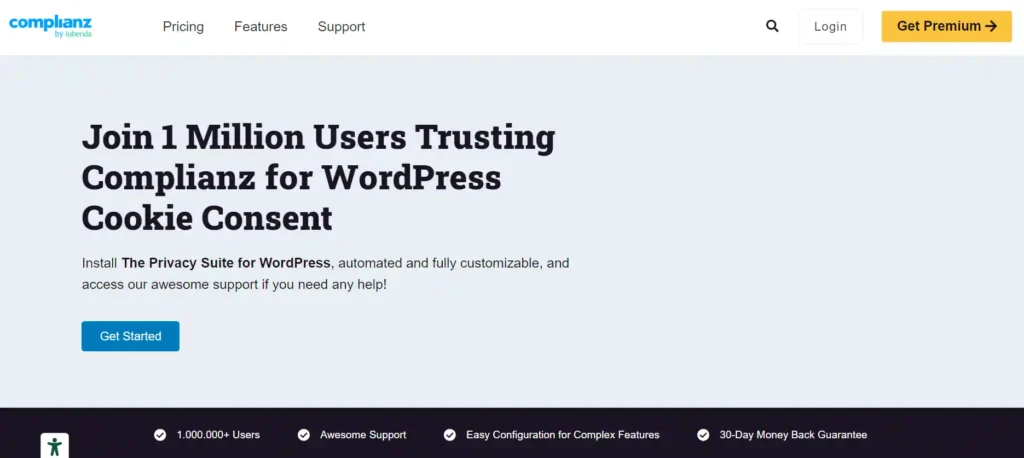
It is not a HIPAA-specific tool, but it fills a compliance gap that pure HIPAA plugins do not cover. For healthcare websites operating across multiple regions, Complianz helps manage the consent and privacy documentation layer that sits alongside your HIPAA setup.
Really Simple SSL
Really Simple SSL handles SSL certificate configuration and HTTPS enforcement across your entire WordPress site. For HIPAA compliance, encrypting data in transit is a core requirement under the HIPAA Security Rule, and Really Simple SSL ensures your site consistently meets that requirement without manual configuration.

It also includes security hardening features that support the broader access control and data integrity requirements of a HIPAA-compliant WordPress environment. Used alongside a HIPAA-compliant hosting setup and a dedicated form plugin, it provides the encryption layer your site needs to safely handle patient data.
Wordfence Security: Best for General WordPress Security
Wordfence protects your site with a web application firewall, malware scanning, brute force protection, and two-factor authentication. It does not handle protected health information directly, but it strengthens the security layer that protects the rest of your healthcare website.

For HIPAA compliance, its login monitoring and two-factor authentication features help you meet the access control requirements of the HIPAA Security Rule without complex configuration.
WP Activity Log: Best for Tracking Who Accesses What
WP Activity Log records every action on your WordPress site, including logins, content changes, plugin activations, and user role updates. For HIPAA compliance, this audit trail is essential, providing a searchable, exportable record of all site activity.

Healthcare websites need to demonstrate audit controls during any compliance review. WP Activity Log makes that straightforward and sends alerts when suspicious activity is detected, so you catch problems before they become compliance issues.
HIPAAtizer: Best for Secure Patient Forms
HIPAAtizer stores all patient data in a secure cloud environment and lets you add compliant forms to any page using Gutenberg, shortcode, or embedded code. It includes a drag-and-drop form builder, conditional logic, and free conversion of existing Contact Form 7 and HTML forms.
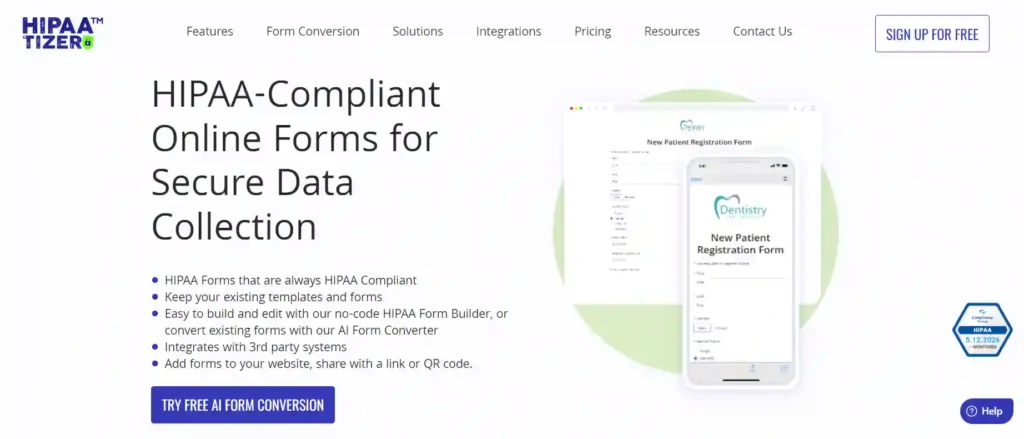
Paid plans include a signed BAA, which is a core HIPAA requirement. It is one of the most straightforward ways to add genuinely compliant forms to a WordPress site without rebuilding your existing setup.
Jotform: Best for Full-Featured HIPAA-Friendly Forms
Jotform offers HIPAA compliance features on its Gold and Enterprise plans, including 256-bit SSL encryption and a signed Business Associate Agreement available upon request. You get hundreds of ready-made healthcare form templates covering intake, consent, and appointment requests that embed directly into WordPress.

It works well for healthcare websites that need both compliance and flexibility in how forms are built, customized, and managed across a larger site.
Common HIPAA Mistakes Healthcare Websites Make on WordPress
Many healthcare websites unknowingly create HIPAA compliance risks because WordPress is not secure by default for handling patient data and protected health information.
- Using Standard Contact Forms: Regular forms often send patient data through plain-text email, which can violate HIPAA requirements.
- No BAA With Plugin Providers: Using plugins that process patient data without a signed Business Associate Agreement (BAA) can create compliance issues.
- Wrong Hosting Setup: Even secure plugins cannot fully protect patient data if the hosting environment is not HIPAA compliant.
- No Audit Logs: Without activity tracking and audit trails, healthcare organizations may struggle to prove compliance during audits.
- Mixing Patient and General Data: Storing patient information alongside general website data increases security risks and complicates compliance management.
Conclusion
Choosing the right HIPAA-compliant WP plugins is important for protecting patient data, improving website security, and reducing compliance risks for healthcare websites. Secure forms, encrypted communication, audit logs, access controls, and secure hosting all play an important role in maintaining HIPAA compliance on WordPress.
Healthcare organizations should remember that WordPress is not HIPAA-compliant by default. Proper plugin selection, secure configuration, ongoing monitoring, and trusted providers with signed Business Associate Agreements (BAAs) are all necessary to protect protected health information and maintain long-term compliance.
FAQs
Is WordPress HIPAA compliant by default?
No, WordPress is not HIPAA compliant by default. Healthcare websites need secure plugins, HIPAA-compliant hosting, encryption, access controls, and proper security configurations.
What makes a plugin HIPAA compliant?
HIPAA-compliant plugins support secure data handling, encryption, access controls, audit logs, and providers willing to sign a Business Associate Agreement (BAA).
Do healthcare websites need HIPAA-compliant hosting?
Yes, hosting is a major part of HIPAA compliance because patient data must be stored and protected inside a secure server environment.
Can standard WordPress forms violate HIPAA rules?
Yes, regular contact forms may send patient information through unsecured email systems, which can violate HIPAA requirements.
Why are audit logs important for healthcare websites?
Audit logs help track user activity, system access, and data changes, which support compliance monitoring and security reporting.
Which types of healthcare websites require HIPAA compliance?
Any healthcare website that collects, stores, or processes protected health information (PHI) or electronic protected health information (ePHI) may need to comply with HIPAA.


