

Artificial Intelligence is no longer just a cloud service you rent. It is something you run, control, and own. OpenClaw VPS hosting makes that shift possible by providing your AI agents with a stable, always-available home.
OpenClaw is built for self-hosted automation, but it needs real power behind it. Shared hosting will not work. A VPS gives you speed, isolation, and full control.
In this guide, we break down the top OpenClaw VPS hosting options to help you choose the right setup for reliable and scalable AI automation.
TL;DR: Best OpenClaw VPS Hosting Picks
- OpenClaw is a self-hosted, always-on AI assistant that requires VPS hosting for stability, root access, and 24/7 availability.
- We evaluate the top OpenClaw hosting providers based on their performance, Docker support, scalability, and price-to-value ratio.
- BoostedHost leads for performance, Hostinger stands out for budget users, and DigitalOcean is ideal for developers.
- Choosing the right VPS depends on your workload size, technical skill level, and long term AI automation goals.
What is OpenClaw and Why VPS Hosting Matters?
OpenClaw (formerly known as Moltbot and Clawdbot) is a powerful, open-source personal AI assistant platform that runs on your own infrastructure.
Unlike standard chatbots that live on a provider’s server, OpenClaw operates as a self-hosted control plane. It connects to the messaging platforms you use daily, such as WhatsApp, Telegram, Slack, Discord, and Google Chat, providing a unified interface for AI interactions.
Because OpenClaw is designed to be “always-on” and maintains persistent memory of your projects and conversations, it requires a stable hosting environment.
A VPS provides the necessary isolation, root access, and dedicated resources to ensure your AI assistant remains responsive 24/7.
Overview of OpenClaw as a Container-Based AI Automation Tool
OpenClaw is built with a modern architecture that relies heavily on containerization. It typically runs inside Docker containers to isolate the agent’s execution from the host system.
This ensures that if an agent crashes or encounters an error, it does not affect the underlying server. The platform uses a Gateway WebSocket architecture as a unified control plane for sessions and channels.
This allows it to handle complex workflows, such as automated code reviews, documentation generation, and proactive task management, without relying on third-party cloud uptime.
Role of VPS Hosting in Running OpenClaw Bots Smoothly
Running OpenClaw on a local laptop is suitable for testing, but it is not viable for a production-grade assistant that needs to be accessible at all times.
A VPS allows you to deploy OpenClaw in a cloud environment with a static IP address and predictable networking. This enables the assistant to reliably receive webhooks from messaging platforms (like Slack or Discord).
Furthermore, a VPS allows for background task execution, ensuring that your AI agent can perform long-running jobs even when you are not actively logged in.
Key Requirements for OpenClaw VPS Hosting
When selecting a hosting provider for OpenClaw, specific technical requirements must be met to ensure optimal performance. The software is resource-intensive regarding memory and input/output (I/O) operations.
Docker and Container Support for OpenClaw
The primary method for deploying OpenClaw is via Docker. This means your VPS provider must support containerization natively.
You need a kernel that supports Docker (virtually all KVM-based VPS solutions do) and the ability to install and manage Docker Compose.
Container support allows for the “baking” of required binaries, such as tools for Gmail access or Google Places, directly into the image, ensuring they persist through restarts.
CPU and RAM Requirements for AI and Automation Workloads
AI workloads are computationally heavy. While OpenClaw itself is efficient, the processes it manages, such as handling concurrent WebSocket connections or running local inference models, require dedicated CPU power.
A minimum of 2-4GB of RAM is generally recommended for production environments to prevent Out-Of-Memory (OOM) errors during heavy task processing.
High-clock CPUs are beneficial because they reduce latency when the AI is processing logic or generating responses.
NVMe SSD Storage and Disk I/O Performance
OpenClaw relies on persistent storage to keep track of workspaces, configurations, and conversation history (“memory”). Modern NVMe (Non-Volatile Memory Express) SSDs are essential for this.
NVMe drives significantly cut down database wait times compared to older SATA SSDs. High disk I/O performance ensures that when your AI assistant needs to read or write to its long-term memory, the operation happens instantly, maintaining the illusion of a real-time conversation.
Network Speed and Low Latency for Real-Time Tasks
Since OpenClaw acts as a gateway between various messaging services (such as WhatsApp) and AI models (such as Anthropic or OpenAI), network latency is a critical factor.
The VPS acts as a middleman; it receives a message, processes it, sends it to an LLM, receives the answer, and forwards it back to the user.
A high-speed network (1 Gbps to 100 Gbps) ensures that this round-trip time remains under 50ms, providing a snappy user experience.
Linux OS Compatibility and Root Access
To install the necessary dependencies, configure firewalls, and manage Docker services, full root access (SSH) to the server is mandatory.
OpenClaw is optimized for Linux environments, specifically distributions like Ubuntu and Debian. The ability to modify system files and install specific packages (like socat, git, and curl) is required for a successful installation.
Scalability and Resource Upgrades Without Downtime
As your reliance on OpenClaw grows, you may add more “skills” or connect more channels. This increases the server’s load.
The best VPS providers offer seamless scalability, allowing you to upgrade your RAM or CPU cores instantly, sometimes even automatically via “auto-burst” features, without requiring a full server migration or extended downtime.
How We Evaluated the Best OpenClaw VPS Hosting Providers?
To compile the top 10 list, we evaluated providers against specific criteria relevant to self-hosted AI agents. We looked for providers that offer full root access, KVM virtualization (for Docker compatibility), high-performance storage (NVMe), and reliable global networking.
We also considered the ease of deployment for developers, the availability of pre-configured templates, and the price-to-performance ratio for long-running, 24/7 processes.
Top OpenClaw VPS Hosting Providers Compared
Below is a detailed breakdown of the best hosting providers for running OpenClaw in 2026.
BoostedHost: Best Performance Choice
BoostedHost positions itself as a premium choice for high-demand workflows. They offer a specialized “Secure AI-assistant with OpenClaw VPS” service.
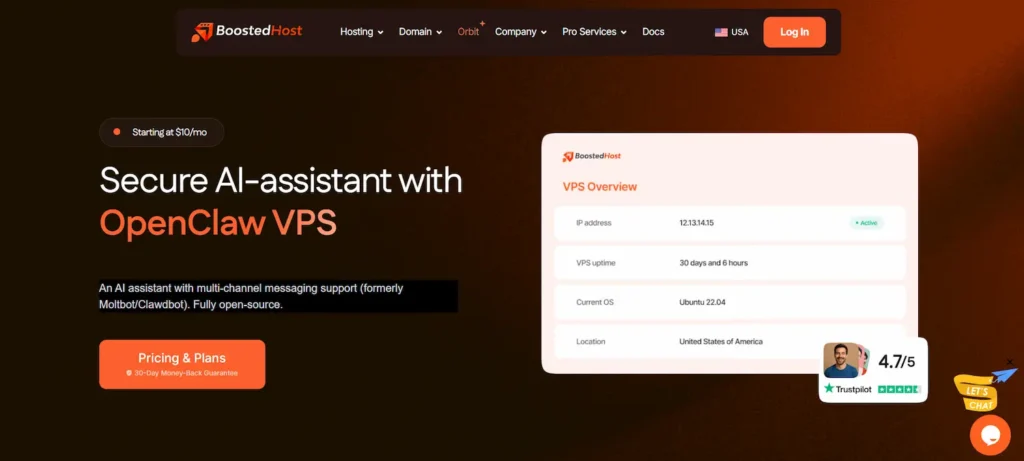
Their infrastructure is built for speed, featuring modern NVMe SSD storage that cuts database wait times and high-clock CPUs that operate at desktop-class speeds.
Key Features:
- Auto-Burst Scaling: This unique feature allows your OpenClaw instance to borrow extra power automatically during temporary traffic spikes without rebooting.
- Global Edge Locations: With datacenters across 18+ countries, visitors and webhooks are served locally, keeping latency low.
- Network Capacity: They boast up to 100 Gbps of network capacity, ensuring virtually zero data traffic delay.
- Fixed Resources: CPU, RAM, and disk are reserved, meaning “noisy neighbors” on the server cannot slow down your AI agent.
The plans range from “Claw 1” (1 vCPU, 1GB RAM) for small CLI operations to “Claw 4” (4 vCPU, 8GB RAM) for high-demand workflows. All plans include free SSL, migration, and cPanel.
Hostinger: Best Budget and Ease of Use
Hostinger is a favorite among developers for its balance of affordability and performance. For OpenClaw users, Hostinger provides a robust environment that supports the platform’s multi-channel capabilities.
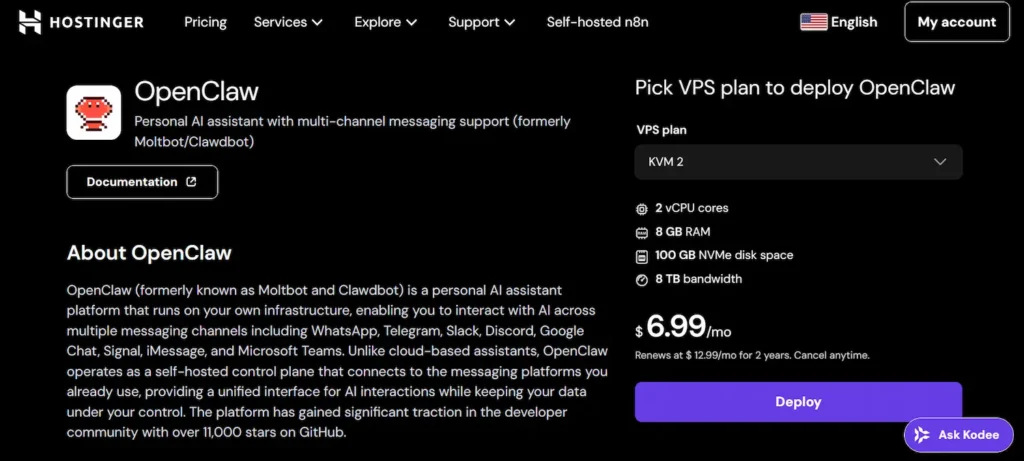
They highlight the ease of deploying OpenClaw to create custom AI assistants that integrate with tools like Slack and Discord.
Key Features:
- Full Root Access: You get complete control over the server to install Docker and manage dependencies.
- Guaranteed Resources: The VPS offers guaranteed CPU and memory allocation, ensuring the WebSocket gateway operates without contention.
- AI Assistant Focus: Hostinger specifically markets this for running OpenClaw (formerly Moltbot) for tasks such as automated code reviews and documentation generation.
- Network Stability: Reliable networking ensures secure channel integrations with external messaging platforms.
Hostinger’s infrastructure is optimized for users who prioritize data privacy and customization, making it a strong contender for personal users and small teams.
xCloud: Best Managed and Secure Environment
xCloud simplifies managed hosting while giving you full control over your server. It is ideal for OpenClaw users who want strong security, performance tuning, and automation without managing everything from scratch.
xCloud excels in security-first and performance-optimized environments. Its managed stacks, automated updates, and real-time monitoring make it well-suited for always-on OpenClaw agents that rely on Docker, background tasks, and persistent memory.
Key Features:
- Server Integration Freedom: Connect and manage VPS servers from major cloud providers in one unified dashboard.
- Advanced Security Stack: Includes automated firewalls, Fail2Ban, 7G and 8G web application firewalls, SSL management, and enforced SSH and SFTP access.
- Isolated Site Architecture: Each site runs under a separate system user, preventing cross-site security issues.
- Optimized Performance Stacks: Pre-configured NGINX LEMP and OpenLiteSpeed stacks with full page and object caching support.
- Full Root and Sudo Access: Retain complete control over your VPS while benefiting from managed automation.
- Monitoring and Alerts: Track CPU, RAM, disk usage, and receive real-time alerts via Slack, WhatsApp, or Telegram.
- Automation and Scaling Tools: Cron jobs, instant command runner, server cloning, and auto-healing reduce manual workload.
xCloud is a strong choice for teams, agencies, and advanced users who want a managed yet flexible VPS environment for running OpenClaw securely and at scale.
DigitalOcean: Best for Developers
DigitalOcean has taken a proactive approach by offering a 1-Click Deploy for OpenClaw on their Droplet servers. This simplifies the transition from local experimentation to a production-ready cloud environment.
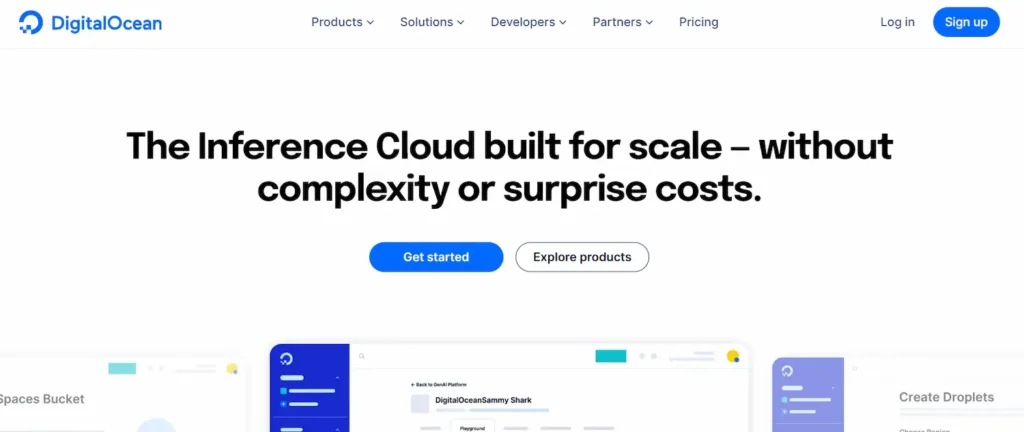
They focus on “Agentic AI,” addressing the challenges of securing agent access and isolating execution.
Key Features:
- One-Click Provisioning: Deploys a security-hardened Droplet with OpenClaw installed and configured automatically.
- Container Isolation: OpenClaw runs inside a dedicated Docker container, isolating agent execution from the host system for enhanced security.
- Secure Defaults: Features like authentication by default, firewall rules, and Fail2Ban are configured out of the box.
- Private Access Controls: Device pairing is enabled by default, ensuring only approved users can interact with the agent.
DigitalOcean is ideal for developers who want a “production-ready” baseline without manually assembling the security and runtime configuration.
LumaDock: Specialized and Lightweight
LumaDock offers a highly specialized hosting service tailored specifically for OpenClaw. They emphasize the “always-on” nature of the tool, ensuring persistent memory and complete control over data and models.
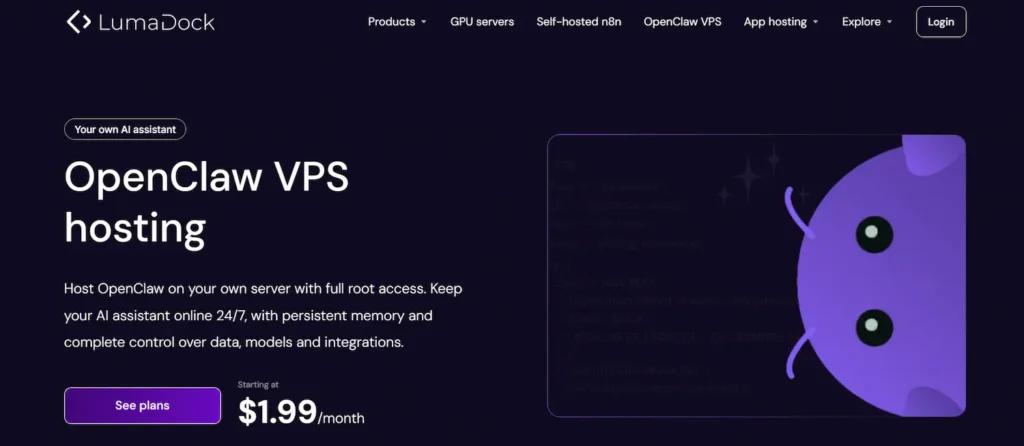
Their messaging centers on avoiding vendor lock-in and platform limitations.
Key Features:
- Cost-Effective: Plans start at $1.99/month, making it one of the most affordable entry points.
- NVMe SSDs + AMD EPYC: They utilize fast storage and modern CPUs to keep memory files and background tasks responsive.
- IPv4 + IPv6: Both protocols are included by default, which is crucial for broad compatibility with various webhooks and callbacks.
- DDoS Protection: Firewall controls and protection are included to safeguard exposed endpoints.
LumaDock is perfect for users who want a no-nonsense, lightweight VPS specifically tuned for keeping an AI assistant online 24/7.
Kamatera: Best Customization
Kamatera stands out for its extreme flexibility. They offer a 30-day free trial and allow users to customize every aspect of the server.
For users who want to combine the ease of a control panel with the power of a VPS, Kamatera offers Plesk pre-installed on its high-performance cloud servers.
Key Features:
- Granular Scalability: You can scale CPU, RAM, and storage independently to match your exact OpenClaw needs.
- Plesk Integration: Simplifies web hosting management while retaining full root access for installing custom software.
- Global Data Centers: A wide range of locations, including New York, Texas, California, and international hubs.
- Reliability: Their infrastructure is powered by fast CPUs and NVMe SSD storage, ensuring optimal performance for web applications.
Kamatera is the choice for professionals who want the freedom to build a bespoke environment with the exact resources required.
Hetzner: Best Price to Performance Ratio
Hetzner is legendary in the hosting world for providing immense power at a low cost. For OpenClaw, Hetzner is often the go-to for experienced operators who are comfortable with manual configuration.
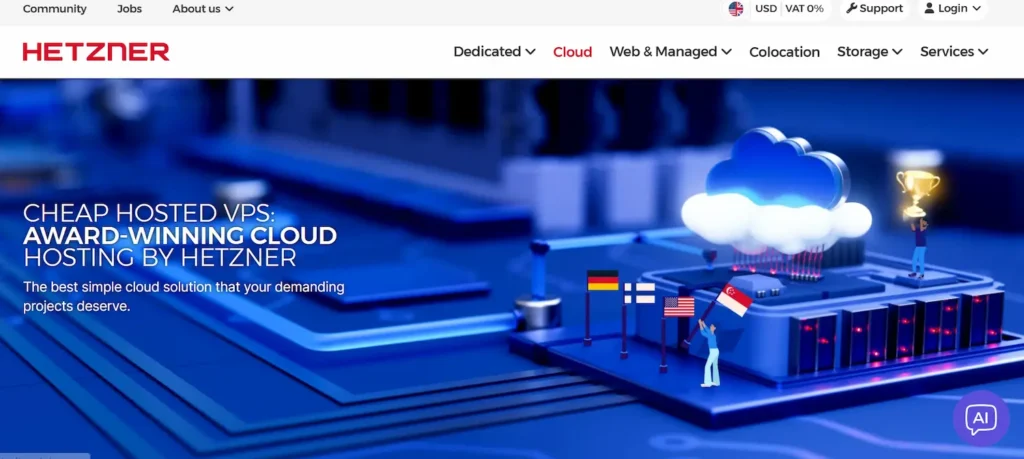
A standard setup involves renting a small Linux server (Ubuntu/Debian) and manually configuring Docker and persistence volumes.
Key Features:
- Unbeatable Value: Known for offering high RAM and CPU core counts for a fraction of the cost of major hyperscalers.
- Persistence Control: Allows for precise management of persistent host directories (like
~/.openclaw) to ensure data survives restarts.
- Root Access: Complete control to bake required binaries (like
gogorwacli) directly into your Docker images.
- Reliability: High-quality hardware and stable networking make it a solid foundation for a persistent gateway.
Hetzner is best suited for power users who want “OpenClaw 24/7” for a low monthly fee and are willing to handle the initial Docker setup.
Vultr: Best Global Coverage
Vultr positions itself as an “AI-first Global Cloud Platform.” They offer a massive array of infrastructure options, from standard cloud compute to powerful NVIDIA and AMD GPUs.
While OpenClaw can run on CPUs, having access to Vultr’s ecosystem is beneficial if you plan to expand into local model inference.
Key Features:
- 32 Global Regions: Allows you to deploy your agent incredibly close to your physical location for minimal latency.
- Vultr Agent: An AI-powered assistant that helps you compose infrastructure and get instant pricing.
- Marketplace: Offers plug-and-play applications to streamline development.
- High-Performance VMs: “Optimized Cloud Compute” plans eliminate noisy neighbors, providing dedicated resources for consistent performance.
Vultr is a strong choice for users who need global reach and potential access to GPU resources for future AI projects.
Linode by Akamai: Reliable Performance
Now part of Akamai, Linode offers a “Distributed Cloud” platform that excels in reliability and ease of use. They focus on flat, predictable pricing and low-latency edge applications.
This is critical for an AI assistant that needs to respond quickly to user inputs.
Key Features:
- Flat Pricing: Bundled CPU, transfer, storage, and RAM into one price, avoiding billing surprises.
- Edge Native: Built to deliver low-latency applications, which benefits the real-time nature of chat interfaces.
- Linux Heritage: Linode has a long history of supporting the Linux community, ensuring excellent compatibility with OpenClaw’s requirements.
- Cloud Firewall: easy-to-configure security to protect your OpenClaw instance.
Linode is ideal for users who value stability, predictable costs, and a developer-friendly ecosystem.
Alibaba Cloud: Best for Global Reach
Alibaba Cloud is a powerhouse for users who need extensive reach, particularly in Asia, or who want to leverage a vast ecosystem of AI tools.
They offer a generous free trial that includes millions of AI tokens and long-term ECS (Elastic Compute Service) usage.
Key Features:
- Generous Free Trial: Offers extensive resources for building an AI MVP, including computing and storage.
- Qwen Integration: Users can access the Qwen model family, which can be integrated into AI workflows.
- ECS Instances: Their “t5” instances are burstable, making them cost-effective for applications with variable usage patterns, such as chatbots.
- Global Infrastructure: Massive scale and reliability backed by one of the world’s largest cloud providers.
Alibaba Cloud is excellent for startups or users looking to experiment with OpenClaw with minimal initial financial risk.
InterServer: Low-Cost Managed Option
InterServer offers a “Cloud Virtual Private Server” solution that balances cost and functionality.
They use a “slice” system, allowing you to purchase bundles of cores, memory, and storage. They are particularly notable for their self-healing hardware and support options.
Key Features:
- Slice-Based Pricing: A Simple pricing structure (e.g., 1 Slice = 1 Core, 2GB RAM) allows for easy budget management.
- Self-Healing Hardware: AI systems automatically detect hardware glitches and redirect the VPS to another node, ensuring high uptime.
- Bread Basket Scripts: Integrated with the Webuzo control panel for easy deployment of development scripts.
- Geographic Diversity: Data centers in New Jersey, Texas, and California provide strong coverage across the US.
InterServer is a great option for users who want an economical platform with the safety net of self-healing infrastructure.
Note: Only BoostedHost, Hostinger, and LumaDock offer dedicated OpenClaw-specific VPS hosting pages or plans, while the others provide general-purpose VPS platforms suitable for OpenClaw via manual Docker deployment and community guides.
How to Choose the Right OpenClaw VPS Hosting for Your Needs?
Selecting the ideal hosting environment for OpenClaw depends largely on your technical proficiency and the specific demands of your AI workflows.
- For Complete Beginners: If you prefer to avoid complex server administration, DigitalOcean is a notable option. Their “1-Click Deploy” feature simplifies the process by pre-configuring security and container settings, allowing you to focus on the agent rather than the infrastructure.
- For Maximum Performance: Workflows that involve heavy data processing or require high availability may benefit from BoostedHost. Their infrastructure is designed with high-clock CPUs and auto-burst scaling, making them well-suited for demanding, always-on AI tasks.
- For Budget-Conscious Users: If minimizing costs is your priority and you are comfortable with manual configuration, LumaDock and Hetzner offer competitive price-to-performance ratios. These providers are ideal for users who do not mind managing their own Docker stacks.
- For Developers Needing Flexibility: For those who require precise control over server specifications, Kamatera and Vultr offer granular resource customization. This allows experienced developers to fine-tune CPU, RAM, and storage allocations to match the exact requirements of their OpenClaw instance.
Final Verdict: Best OpenClaw VPS Hosting
The landscape for OpenClaw hosting is diverse, offering capable solutions for every level of technical expertise. There is no single “best” provider; the optimal choice depends entirely on whether you prioritize ease of use, raw performance, or cost efficiency.
Users seeking a turnkey experience may find the most value in DigitalOcean’s automated deployment, while those running intensive workloads might prefer the specialized architecture of BoostedHost.
Conversely, experienced developers looking to maximize value often gravitate towards Hetzner or LumaDock. Ultimately, the right VPS is one that provides the stability and uptime needed to keep your AI assistant persistent and responsive 24/7.
Assess your specific needs regarding root access, scaling, and budget to make the most informed decision for your automation infrastructure.
FAQs About OpenClaw VPS Hosting
Why run OpenClaw on a VPS instead of a local computer?
A VPS ensures your AI assistant remains online 24/7. Unlike a personal laptop, a VPS does not sleep or lose internet connection. This allows your agent to process webhooks, run background tasks, and reply to messages instantly.
What are the minimum server requirements for OpenClaw?
Most setups require a Virtual Private Server with at least 2GB of RAM and 1 vCPU to run smoothly. However, 4GB of RAM is recommended for production environments to prevent crashes. You also need a Linux operating system (like Ubuntu) that supports Docker.
Do I need advanced coding skills to manage the server?
You need basic familiarity with SSH and command-line interfaces. While you don’t need to be a developer, you must be able to connect to the server and run Docker commands. Some hosting environments simplify this, but basic Linux knowledge is highly beneficial.
Is self-hosting OpenClaw on a VPS secure?
Yes, self-hosting gives you complete ownership of your data. Your conversation history and API keys stay on your server, not on a third-party cloud service. To maximize security, always disable password logins in favor of SSH keys and configure a firewall.
Can I scale my resources if my AI workload increases?
Yes, VPS hosting allows for vertical scaling. If your agent manages more channels or performs complex tasks, you can upgrade CPU and RAM instantly. This flexibility ensures your bot maintains low latency as your project grows.


