
A WordPress support provider is a company or individual that delivers technical assistance for WordPress sites, including troubleshooting, bug fixes, security, updates, and emergency response, either on a retainer, per-incident, or subscription basis.
Choosing the right WordPress support provider is one of the most important decisions a site owner makes. With hundreds of options available in 2026, asking the right questions upfront is the difference between reliable protection and costly downtime.
Not all support teams are equal. Some offer reactive fixes. Others provide proactive maintenance. This guide helps you identify what matters most before you commit.
TL;DR: Picking the Right WP Support Partner
- Response time and 24/7 availability are non-negotiable for business-critical sites
- Look for WordPress specialists, not generalist developers
- Always verify what is included in the plan versus what costs extra
- Real reviews on G2, Clutch, and Trustpilot reveal the truth about any provider
What Does a WordPress Support Provider Actually Do?
A WordPress support provider manages, maintains, and fixes your site. Their job is to keep it running fast, secure, and error-free.

Support providers vary widely. Some focus only on break/fix tasks. Others cover everything from daily backups to custom development.
WordPress Maintenance vs WordPress Technical Support
These two terms are often confused, but they serve different purposes.
WordPress maintenance covers recurring tasks. Think updates, backups, uptime monitoring, and performance checks. These happen on a schedule, whether or not something breaks.
Technical support is reactive. It kicks in when something goes wrong, a plugin conflict, a broken checkout page, or a hacked website.
The best WordPress support providers offer both. You should not have to juggle two separate vendors.
What Services Should Be Included in Professional WordPress Support?
A professional support plan typically covers core, plugin, and theme updates; daily or real-time backups with tested restores; uptime and performance monitoring; malware scanning and removal; security patching; and developer access for bug fixes and small tasks.
Some providers also include SEO monitoring, staging environments, and database optimization. Always ask for a written scope before signing.
Key Tasks of a WordPress Maintenance Service
Maintenance goes beyond pressing the update button. A quality WordPress maintenance agency handles:
- Testing updates on a staging environment before applying to live
- Reviewing error logs after each update cycle
- Monitoring Core Web Vitals for any performance regressions
- Running regular database cleanups
- Verifying backup integrity through restore tests
These tasks protect your site from the silent risks that build up over time.
Need Reliable 24/7 WordPress Support Backed by Real SLAs?
See how Seahawk delivers fast emergency response, global engineer coverage, WooCommerce expertise, and trusted WordPress support with a 4.9★ G2 rating.
Why Choosing the Best WordPress Support Provider Matters?
A bad support provider costs more than no support at all. When problems escalate, the financial impact is significant.
The True Cost of Poor WordPress Support
Downtime costs vary, but even a few hours offline can translate into thousands of dollars in lost revenue. A hacked site can result in Google blacklisting and permanent SEO damage.
Poor support creates compounding problems. An unresolved plugin conflict can cause a checkout page to crash. An unpatched vulnerability can invite a full site takeover.
Every hour of delay raises the cost of recovery. Understanding why your WordPress site is slow before it becomes a crisis can prevent escalating damage.
Signs You Have Outgrown Basic Hosting Support
Hosting support is for hosting-related issues. It handles server errors, DNS issues, and account-level problems. That is where its scope ends.
You have outgrown basic hosting support when your plugins or theme are causing issues the host cannot help with, you need a developer to make code-level changes, you are running WooCommerce and need eCommerce-specific expertise, or your site speed is declining, and you need optimization beyond uptime checks.
Knowing what to do when your website is down and who to call is a critical part of being prepared.
What Makes the Best WordPress Support Provider in 2026?
In 2026, the best providers combine speed, specialization, and transparency. Look for emergency response under 60 minutes, engineers who specialize exclusively in WordPress, 24/7 availability across time zones, clear SLAs with documented guarantees, white-label options for agencies, and a proven client history with verifiable reviews.
Understanding the future of WordPress also helps you gauge whether your provider is keeping up with platform changes.
12 Questions to Ask Before Choosing a WordPress Support Service
Now let’s look at the twelve questions to ask every provider before you commit.

Question 1: What Is Your Actual Response Time SLA?
Response time SLAs define how fast a provider commits to acknowledging and resolving your ticket. This is not the same as resolution time.
Ask for both. “We respond quickly” is marketing language. What you need is a documented commitment, such as: critical issues acknowledged within 15 minutes and resolved within 60 minutes.
Providers without documented SLAs are a risk. If something goes wrong, you have no ground to stand on.
Question 2: Is Support Available 24/7 or Only During Business Hours?
WordPress emergencies do not respect business hours. A site crash at 2 a.m. on a Saturday is just as damaging as one during office hours.
Ask whether 24/7 means engineers are actively on call or whether a chatbot handles the first response. There is a significant difference.
The best providers maintain engineering teams across multiple time zones so a human is always available.
Question 3: Do You Have an In-House Team or Outsourced Freelancers?
This question reveals how consistent your support experience will be. An in-house team versus a WordPress development company structure affects the continuity of your site’s knowledge. A freelancer pool means a different person handles every ticket.
Knowledge continuity matters for complex sites. When a new person diagnoses your site cold, resolution takes longer, and errors are more likely.
Ask specifically whether the same engineers handle escalations or whether tickets rotate through a general queue.
Question 4: What Exactly Is Included and What Costs Extra?
Many low-cost plans include minimal work and charge extra for anything substantive. Common upsell triggers include custom code changes, plugin compatibility fixes, malware removal, emergency response, and developer tasks beyond a set time cap.
Request a full list of what is inside the plan and what triggers an additional charge. Understanding how WordPress service pricing works helps you avoid billing surprises.
Question 5: Do You Specialize in WordPress Only?
Generalist agencies handle dozens of platforms. That means their engineers know a little about everything and master nothing.
A WordPress-only team has deeper knowledge of the core codebase, plugin ecosystem, and common failure patterns. They solve WordPress development mistakes faster because they have seen them before.
If a provider lists WordPress alongside Shopify, Squarespace, and custom builds, ask what percentage of their active clients use WordPress. The answer is telling.
Question 6: Can You Handle My Website Stack?
Every WordPress site runs on a stack. That includes the hosting environment, page builder, caching plugin, CDN, and payment processor.
A support provider who cannot work with your specific hosting provider or lacks experience with your page builder will struggle with complex tickets.
Mention your stack explicitly and ask whether they have active clients on the same setup. If they hesitate, that is a signal. This is especially important if you are managing a high-performance WordPress setup with strict performance requirements.
Question 7: How Do You Handle Website Security?
Website security is not a one-time action. It requires ongoing scanning, patching, and monitoring.
Ask for specifics: What malware scanner do you use? How often do you run security scans? What happens if my site is hacked while under your plan? Do you apply security patches outside of the normal update cycle?
Understanding how providers approach protecting WordPress sites from cyberattacks reveals the maturity of their security process.
Providers with no clear security protocol leave your site exposed between maintenance windows.
Question 8: What Backup and Recovery System Do You Use?
Backups are only as useful as the ability to restore from them. Ask specifically: How often are backups taken? Where are backups stored and for how long? How fast can you restore from a clean backup? Do you test restores or only take them?
Off-site backup storage is critical. A backup stored on the same server it protects offers minimal value.
Question 9: What Happens If You Cannot fix the Problem?
Not every provider has the depth to handle every problem. A good provider is transparent about this.
Ask whether they have an escalation path for issues beyond their standard team. Do they bring in senior developers? Do they escalate to plugin authors? Running a proper WordPress site audit before onboarding helps a provider understand your setup and reduces escalation risk.
Question 10: How Do You Communicate During Emergencies?
During an active site emergency, communication cadence matters as much as the fix itself. You need to know what is happening and how long it will take.
Ask whether they use a ticketing system, a shared Slack channel, or direct phone contact during emergencies. Ask how often they send status updates on open critical issues.
Poor communication during an outage compounds the damage. Clients, stakeholders, and your team all need updates.
Question 11: What Do Real Customers Say on G2, Clutch, and Trustpilot?
A provider’s own testimonials are curated. Third-party platforms like G2, Clutch, and Trustpilot give you unfiltered feedback.
Look for patterns in reviews. Consistent complaints about slow response time or billing disputes signal systemic problems. A handful of negative reviews among hundreds of positive ones is normal. A pattern of the same complaint is not.
Ask the provider directly for their Clutch or G2 profile link. If they deflect, that tells you something.
Question 12: Do you offer white-label WordPress Support for Agencies?
If you are a web design or development agency, white-label support lets you resell professional maintenance under your own brand. Your clients never know you outsource the work.
Ask whether the provider can use your branded email and ticketing interface, avoid mentioning their company name in all client communication, and provide agency-level reporting under your brand.
White-label WordPress maintenance for agencies‘ programs varies widely. Some offer complete brand separation. Others simply remove their logo from reports.
Best WordPress Support Provider in 2026
These providers have demonstrated consistent quality, response speed, and specialization in WordPress in 2026.
Seahawk Media
Seahawk Media is one of the most trusted WordPress support agencies operating today. Their team has powered white-label support for some of the largest hosting companies in the industry, including DreamHost, GoDaddy Pro, and Pressable.
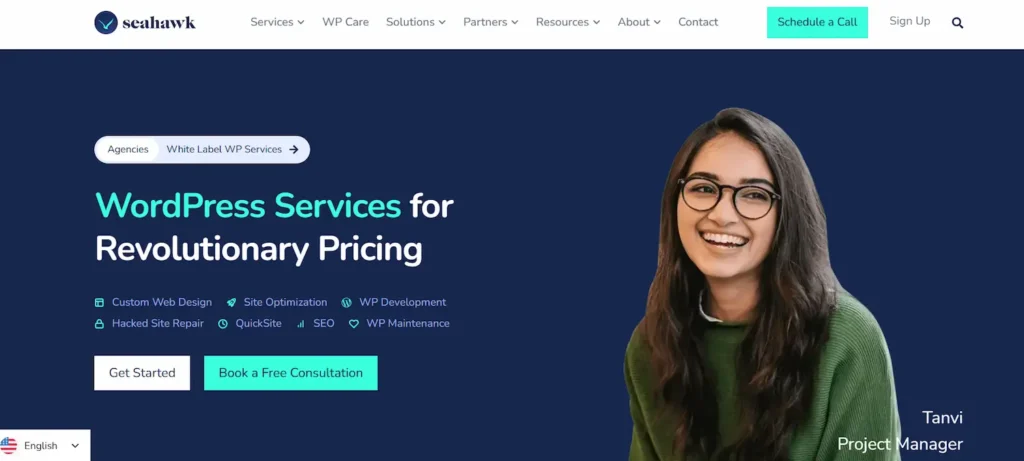
Plans start at $39 per hour and include 24/7 emergency response, daily backups, malware scanning, and uptime monitoring. Emergency response time for critical issues is under 60 minutes.
Seahawk offers three support tiers: one-time support for isolated fixes, monthly care plans for ongoing maintenance, and dedicated engineer plans for high-traffic or agency clients. There are no long-term contracts or hidden fees.
Their white-label support program is designed specifically for agencies. Agencies get full brand separation, named engineers, and unlimited support under their own brand. Seahawk also provides plugin development services for teams that need custom-built functionality alongside maintenance.
WPServices
WPServices offers on-demand WordPress emergency support with 24/7 availability. With over 16 years of WordPress experience, their team handles theme conflicts, plugin errors, malware infections, and site downtime.
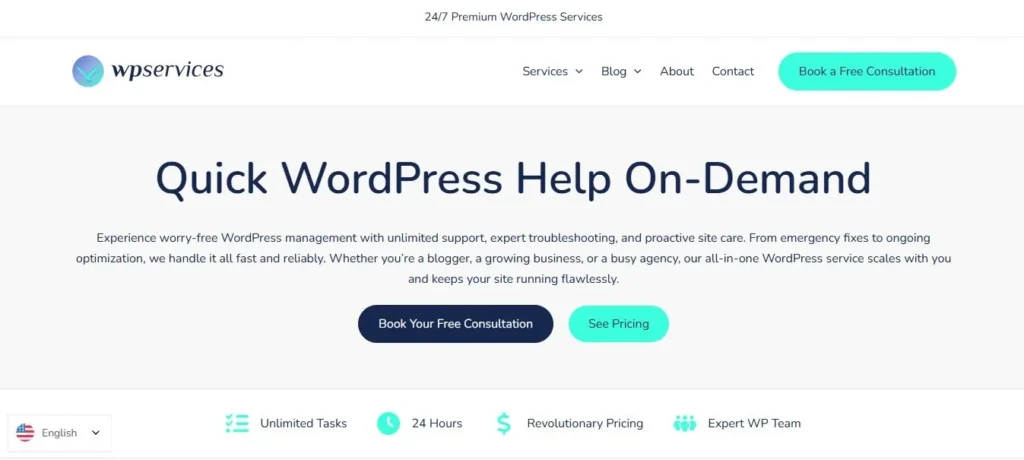
Their support model is flexible. Clients pay only when they need help, with no recurring contracts required. WPServices is well-suited for site owners who need occasional expert access without committing to a monthly plan.
WP Buffs
WP Buffs focuses on ongoing WordPress care plans. They offer 24/7 support, with a strong emphasis on site speed, security, and regular maintenance.
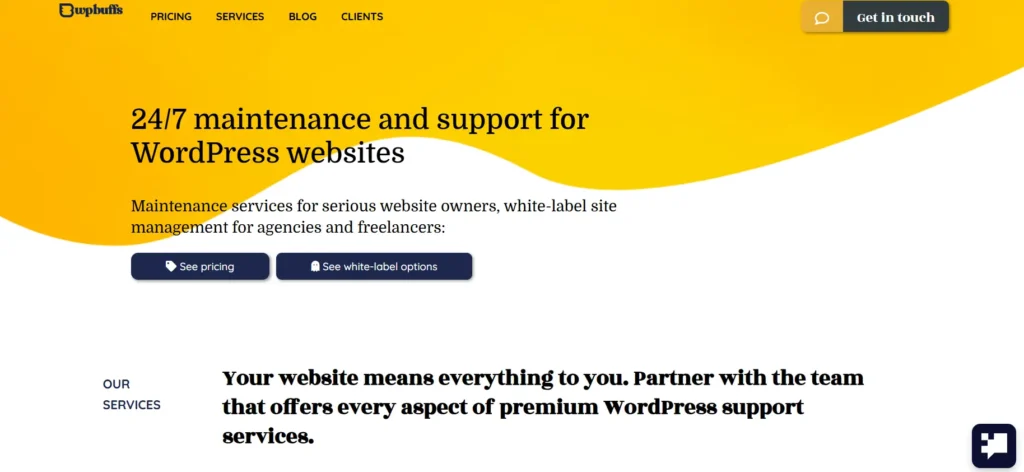
Their plans are structured by site type, making it easier to select the right tier for a blog, business site, or eCommerce store.
Know More: Best WP Buffs Alternatives for WordPress Maintenance
FixRunner
FixRunner specializes in WordPress bug fix services and technical support.
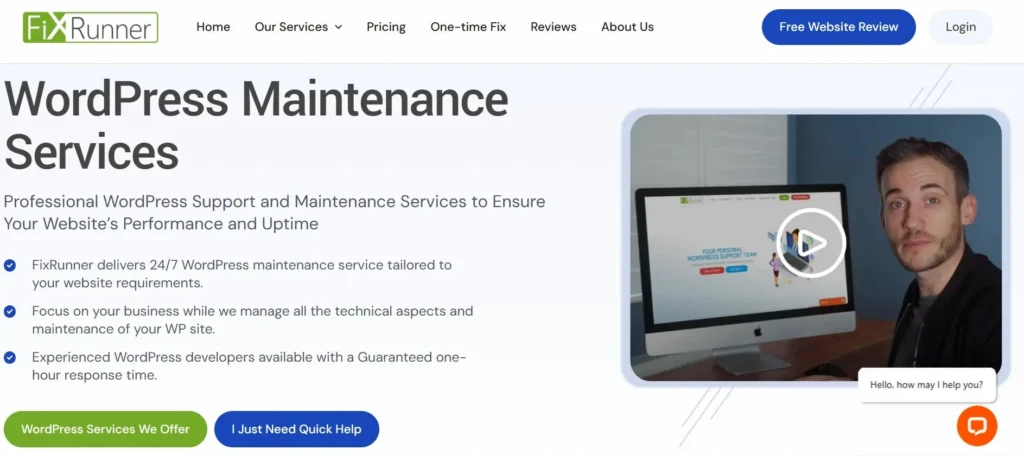
They offer same-day service for many common WordPress issues. Their team handles plugin errors, white screen issues, admin access problems, and theme conflicts.
GoWP
GoWP is built for WordPress agencies.
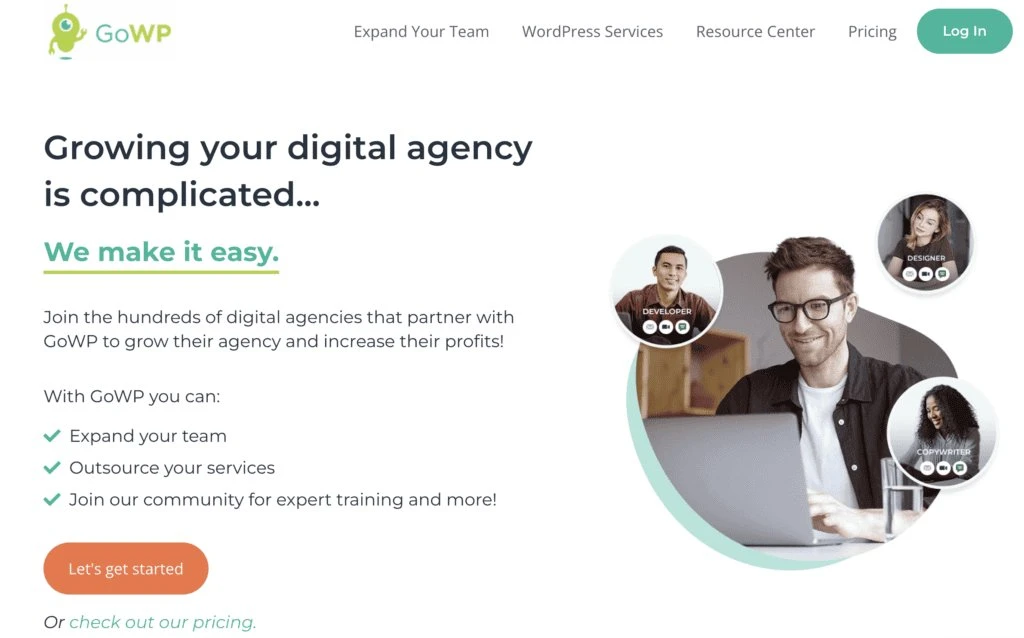
They provide white-label maintenance and support that agencies can resell to clients. GoWP includes page builder support, content edits, and developer task management in its agency-focused plans.
Read Further: Best GoWP Alternatives for WordPress Maintenance
Quick Provider Comparison Table
| Provider | 24/7 Support | White Label | Plans Start At | Specialization |
|---|---|---|---|---|
| Seahawk Media | Yes | Yes | $39 | WordPress only |
| WPServices | Yes | No | Pay-as-you-go | WordPress only |
| WP Buffs | Yes | Limited | $67 | WordPress only |
| FixRunner | Yes | No | $59 | WordPress only |
| GoWP | Yes | Yes | Custom pricing | WordPress agencies |
Red Flags to Avoid When Choosing a WordPress Support Provider
Not every provider delivers what they promise. Watch for these warning signs.
- No documented SLA: Any provider that cannot give you a written response time commitment is operating on goodwill, not process.
- Vague scope: If the plan description uses language like “general maintenance” without specifics, you will discover the limits at the worst possible time.
- No staging environment workflow: Applying updates directly to a live site without testing is a sign of an immature process.
- Outsourced-only team: A fully outsourced rotating freelancer pool means zero continuity. Every ticket starts from scratch.
- No third-party reviews: If a provider has no verifiable presence on Clutch, G2, or Trustpilot, their claimed track record cannot be validated.
- Lock-in contracts: Quality providers do not need to lock clients in. Monthly rolling agreements are standard among confident teams.
- No WordPress-specific expertise: Providers who list improving user experience alongside generic web design work without deep WordPress knowledge typically underdeliver on technical tickets.
Choosing Professional WordPress Help by Business Type
Different site types have different support requirements.
- Small business sites: These need reliability and affordability. A monthly care plan covering updates, backups, and uptime monitoring is typically sufficient. Small business WordPress development agencies often bundle support into their initial build packages, which is worth exploring.
- WooCommerce stores: eCommerce sites require faster response times and expertise in payment gateway integrations, inventory plugins, and checkout flows. Downtime in a store is immediate lost revenue. Providers should also understand how to protect eCommerce sites from hacking.
- On high-traffic content sites, performance optimization, CDN configuration, and database management become critical at scale. Look for a provider with experience in caching and server-side performance tuning.
- Agencies managing client sites: White-label support is the logical choice. Agencies need a partner who operates invisibly, delivers consistently, and helps them scale without hiring in-house. Dedicated multisite support providers can also manage networks of client sites under a single agreement.
- Local businesses: WordPress is a strong platform, and local business WordPress support specialists understand the specific requirements for local SEO, Google Business integration, and neighborhood-specific content needs.
- Enterprise WordPress installations: Enterprise sites need dedicated engineers, documented escalation processes, and SLAs with financial penalties for breaches.
How Much Does WordPress Support Cost in 2026?
WordPress support pricing varies based on scope and response guarantees.

- Hourly support: Typically $39 to $75 per hour, billed after task completion. Suitable for one-time or infrequent needs.
- Monthly care plans: Range from $49 to $299 per month for most business sites. Higher tiers include faster response times, more developer hours, and priority queuing.
- Dedicated engineer plans: Priced at $300 to $800 per month or more, depending on the provider and scope. These are designed for high-traffic sites and agencies.
- One-time emergency support: Usually billed at an hourly rate or as a flat fee per incident. Rates range from $99 to $499, depending on complexity.
A WordPress security consultant may cost separately if your current plan does not include in-depth vulnerability assessments. Factor this into the total cost of ownership.
The cheapest plan is not always the best value. A $49 monthly plan that covers updates, backups, security scanning, and emergency response delivers more value than a $99 plan that charges separately for each task.
Final Thoughts on Choosing the Best WordPress Support Provider
Choosing the right WordPress support partner requires asking hard questions before you need help, not after.
The twelve questions in this guide reveal how a provider actually operates, not just how they market themselves. Response time SLAs, team structure, security protocols, and white-label capabilities all separate serious providers from those who underdeliver.
In 2026, the best WordPress support providers respond fast, specialize deeply, and communicate clearly. Seahawk Media, WPServices, WP Buffs, FixRunner, and GoWP all demonstrate these qualities in different ways for different clients.
Understanding how to pick a WordPress agency is the foundation of this process. Start with your site’s specific needs, match them to a provider’s verified capabilities, and insist on a clear scope before signing anything.
How to Choose a WordPress Support Provider: FAQs
How do I choose the best WordPress support provider?
Choose a provider with real WordPress expertise, fast response SLAs, security support, verified reviews, and experience handling your website stack, including WooCommerce, LMS, or Multisite setups.
What is included in WordPress maintenance and support services?
Most WordPress maintenance plans include updates, backups, uptime monitoring, malware scans, performance optimization, security checks, and technical support for plugin or theme-related issues.
How much does WordPress support cost in 2026?
WordPress support pricing usually ranges from basic monthly maintenance plans to premium 24/7 support packages, depending on site complexity, traffic, emergency coverage, and development requirements.
Is 24/7 WordPress support really necessary?
Yes. Websites can break at any time due to plugin conflicts, malware, or server issues. True 24/7 WordPress support helps reduce downtime and prevents revenue or SEO losses.
What questions should I ask a WordPress support agency?
Ask about response time SLAs, security practices, backup systems, emergency handling, support hours, pricing transparency, and experience with your specific WordPress setup or plugins.
What is the difference between WordPress maintenance and technical support?
WordPress maintenance focuses on proactive tasks like updates and backups, while technical support handles troubleshooting, bug fixes, malware cleanup, and emergency website recovery.
Can a WordPress support provider improve website speed?
Yes. Many WordPress speed optimization services include caching setup, image optimization, database cleanup, CDN configuration, and performance tuning to improve Core Web Vitals.
Do WordPress development agencies also provide support services?
Many WordPress development agencies offer ongoing maintenance and support plans that include updates, security monitoring, technical fixes, and website performance management.
What are the signs of a poor WordPress support service?
Slow responses, hidden fees, no SLA, poor communication, outsourced freelancers, and a lack of WordPress specialization often indicate unreliable WordPress support providers.
Which businesses need managed WordPress support the most?
Ecommerce stores, membership sites, LMS platforms, agencies, and high-traffic business websites benefit most from managed WordPress support and ongoing technical monitoring.
Are WordPress redesign services included in support plans?
Most support plans do not include full redesigns. However, some providers offer website redesign services, landing page edits, or development hours as add-on services.
What should a good WordPress maintenance plan include?
A strong WordPress maintenance plan should include backups, plugin updates, uptime monitoring, security scans, performance optimization, emergency support, and monthly reporting.


