
Gutenberg, the popular website content creation tool for WordPress, has released an update to its editor with version 14.8. This update includes several improvements to the user interface of the site editor and the addition of a new feature called the style book.
The Gutenberg editor, named after Johannes Gutenberg, the printing press inventor, is known for its block-based interface. This makes it easy for users to create and customize the content and layout of their website. The latest update aims to make the editor even more user-friendly by overhauling the interface and adding new features.
One of the major updates in version 14.8 is the addition of the style book, which allows users to create and manage styles for various elements on their website, such as headings, paragraphs, and lists. These styles can then be reused throughout the site, making it easier for users to maintain a consistent look and feel across their website.
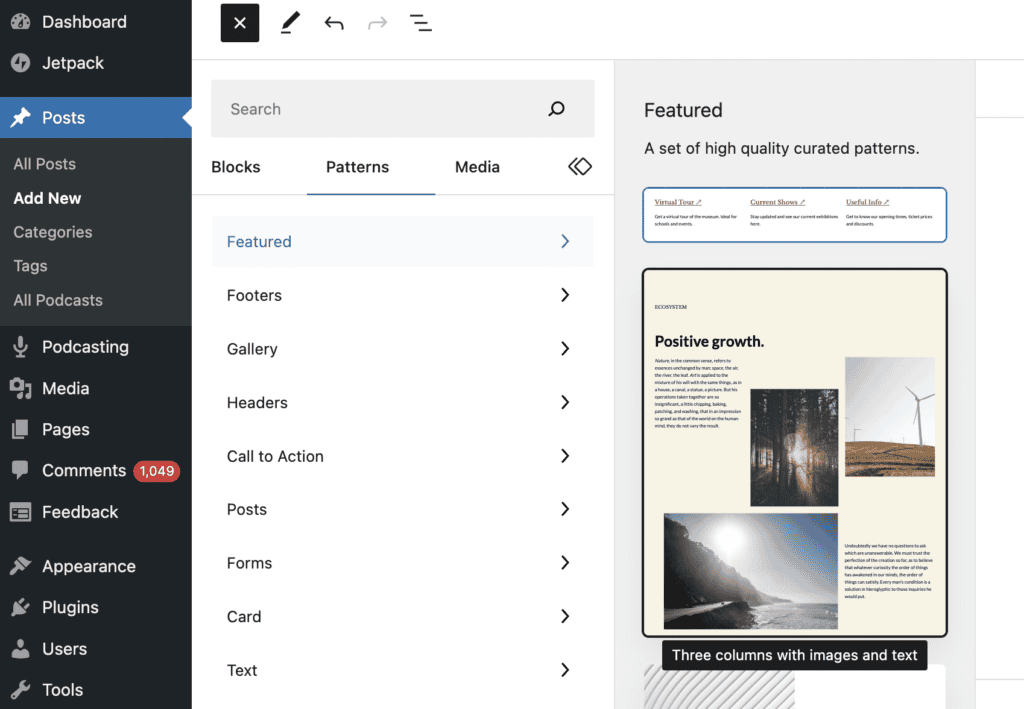
Other improvements to the user interface include a new block inserter panel, which makes it easier for users to add blocks to their content. This also includes a new block navigator, allowing users to navigate and rearrange blocks within their content quickly.
Overall, the updates in Gutenberg 14.8 are designed to make the editor more efficient and user-friendly for WordPress users. With the improved interface and the addition of the style book, users will have more control over the appearance and layout of their website.
For more updated WordPress news, check out here.


